After years in Early Access, 7 Days to Die reaches its 1.0 version with a deep graphical overhaul. The update not only polishes gameplay but replaces legacy systems with dynamic global illumination, models sculpted in ZBrush, and a weather system that affects visibility and performance. For developers, this case demonstrates how to modernize a Unity engine without losing the voxel essence.
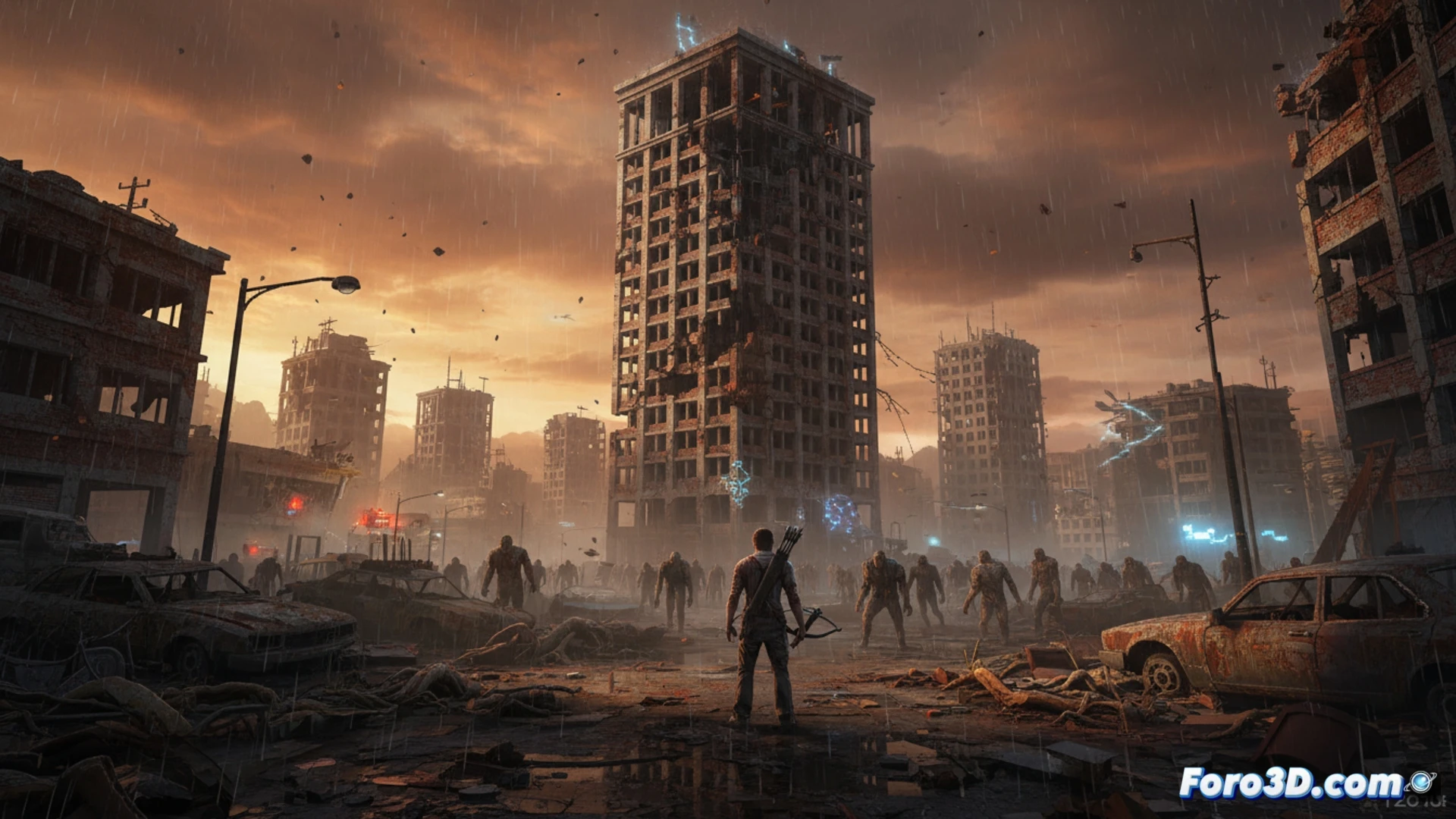
Modeling pipeline and asset rescaling in ZBrush 🎨
The team has replaced the base models of characters and zombies with versions sculpted in ZBrush, applying normal maps and ambient occlusion to simulate high-polygon details without sacrificing frames. The technical key lies in automated retopology and direct export to Unity via FBX, optimizing LOD (Level of Detail) to maintain 60 FPS on mid-range hardware. Additionally, global illumination has been implemented with Light Probes and Reflection Probes, eliminating flat shadows and adding depth to biomes. The weather system now uses GPU particles for rain and snow, adjusting density according to the time of day to enhance immersion without collapsing the draw call.
Lessons for indie studios on legacy engines 🧠
The case of 7 Days to Die is a roadmap for voxel titles seeking to compete visually. The transition to ZBrush and global illumination in Unity demonstrates that an AAA engine is not necessary to achieve dense atmospheres. The key lies in prioritizing asset efficiency and using probe systems instead of real-time shadows. For an indie developer, investing in a good sculpting and retopology pipeline can double a project's lifespan.
What specific technical challenges in Unity did the team face to optimize the lighting and shaders of the voxel engine in 7 Days to Die 1.0 without sacrificing performance on mid-range hardware?
(PS: optimizing for mobile is like trying to fit an elephant into a Mini Cooper)