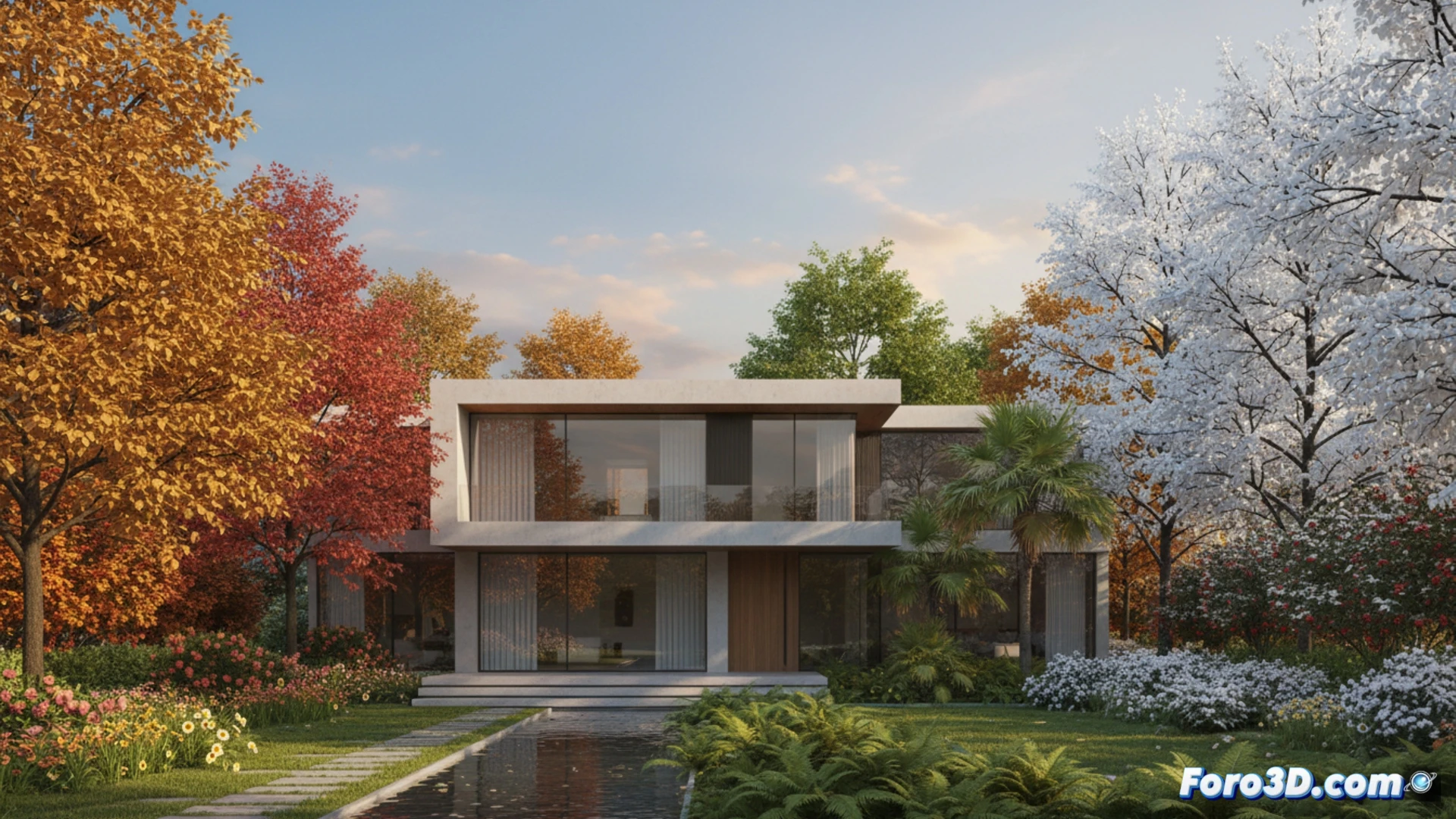
The Vegetation asset library for Blender presents its biggest update with version 6, establishing itself as an essential tool for architects and designers. This add-on introduces 129 new models, reaching nearly 400 assets, and two key innovations: a complete seasonal system and realistic wind animation. Maintaining its hallmark of high quality with HD PBR textures, it enables the creation of photorealistic and dynamic environments that elevate the impact of renders, presentations, and virtual tours in architectural projects.
Technical Features and Optimized Workflow 🌿
Vegetation V6 organizes its extensive catalog into two new main categories. The first is the seasonal change, offering detailed variants for spring, summer, autumn, and winter with snow cover, allowing the scene to be adapted to the project's climatic context. The second is wind animation, which brings organic and believable movement to trees and plants. Advanced options such as adding moss to trunks or controlling snow accumulation provide fine control over the final result. Fully compatible with Blender 5.0 and recent versions, the library is designed to integrate efficiently, speeding up the creation of complex environments without sacrificing performance or the visual quality demanded in architectural visualization.
The Value of the Dynamic Environment in Project Presentations 🍃
Beyond the simple addition of vegetation, this update underscores the importance of a narrative and living environment. The ability to show the same project in different seasons or with the subtle realism of wind movement adds a layer of depth and contextualization that resonates with clients and stakeholders. For the architect, it becomes a strategic asset to communicate not only the built form, but its integration and behavior in the environment, enriching decision-making and the final perception of the design.
How can Vegetation V6 for Blender optimize the BIM workflow by integrating realistic and dynamic vegetation into architectural renders without compromising performance?
(PD: BIM is like having a building in Excel, but with pretty windows.)