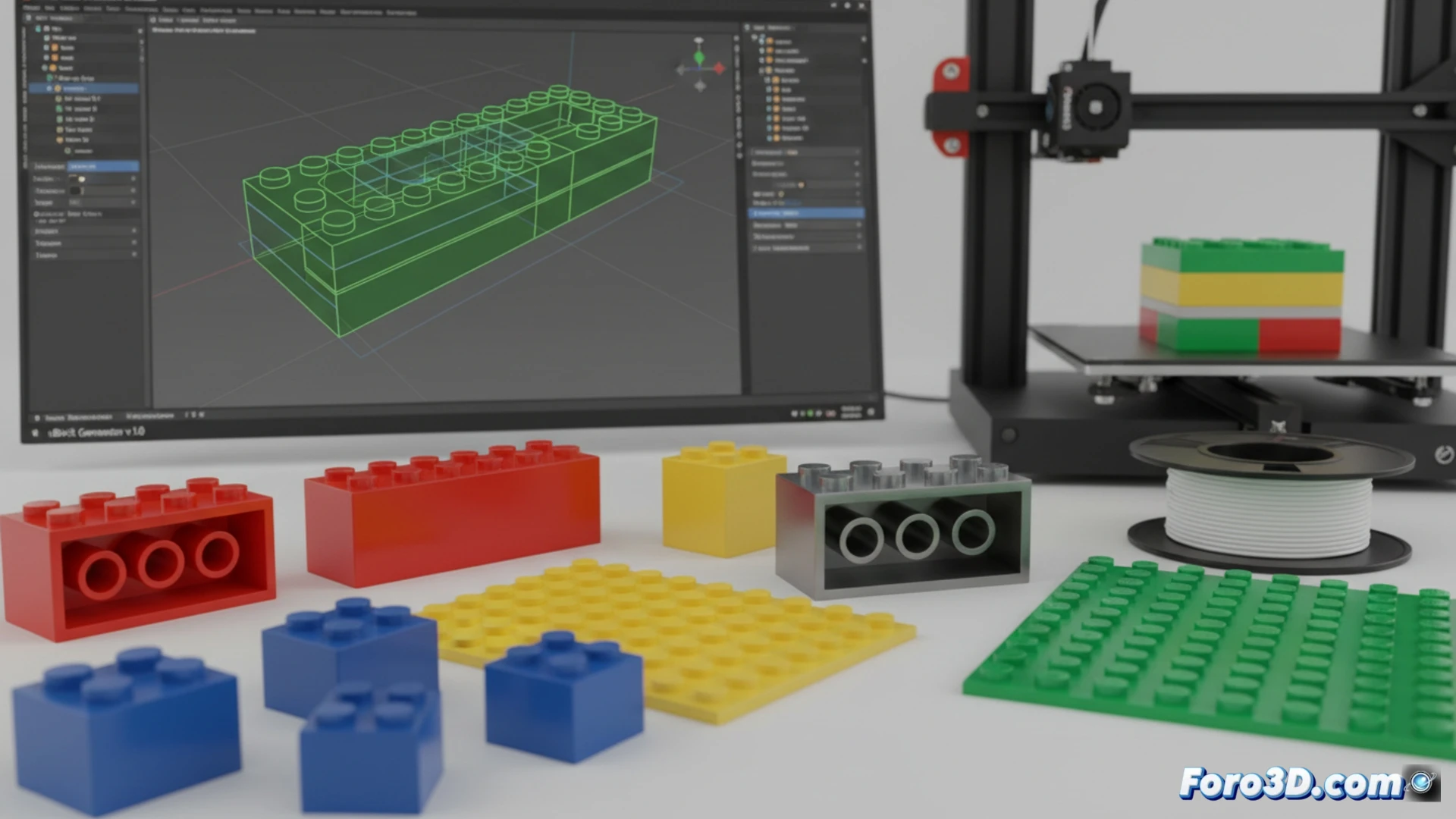
The 3D printing design community has a new specialized tool: uBrick Generator. It is a free and open-source add-on for Blender that automatically generates 3D models of modular bricks compatible with the LEGO system. Its main advantage is that it produces closed meshes ready for slicing, eliminating issues with non-manifold geometries and the need for manual boolean operations. It allows creating pieces from 1x1 to 32x32, with a clear focus on final printability.
Technical precision and adjustments for reliable 3D printing 🛠️
uBrick Generator not only models the shape, but also incorporates critical technical parameters for printing success. By default, it generates pieces with a wall thickness of 1.2 mm, ideal for consistent extrusion. It includes a fully solid top plate, internal anti-brick tubes for connection, and reinforcement ribs that prevent deformation. Its most valuable feature is tolerance control, allowing adjustment of the space between pins and tubes to compensate for filament expansion or your printer's precision. This solves the common problem of interlocking pieces being too loose or too tight.
A step toward accessible customization in 3D printing 🚀
This tool democratizes the creation of custom building pieces, shifting the challenge of precise technical modeling to the realm of intuitive parametric design. By ensuring print-ready meshes, it allows users to focus on their creations without dealing with complex repair workflows. Although the project clarifies it has no affiliation with LEGO, its open-source development fosters innovation and adaptation within the digital manufacturing ecosystem, offering a robust technical base for prototypes and custom projects.
How does uBrick Generator optimize the creation of custom and functional LEGO pieces for 3D printing within Blender?
(P.S.: A good printable model is like a good friend: it doesn't need supports.)