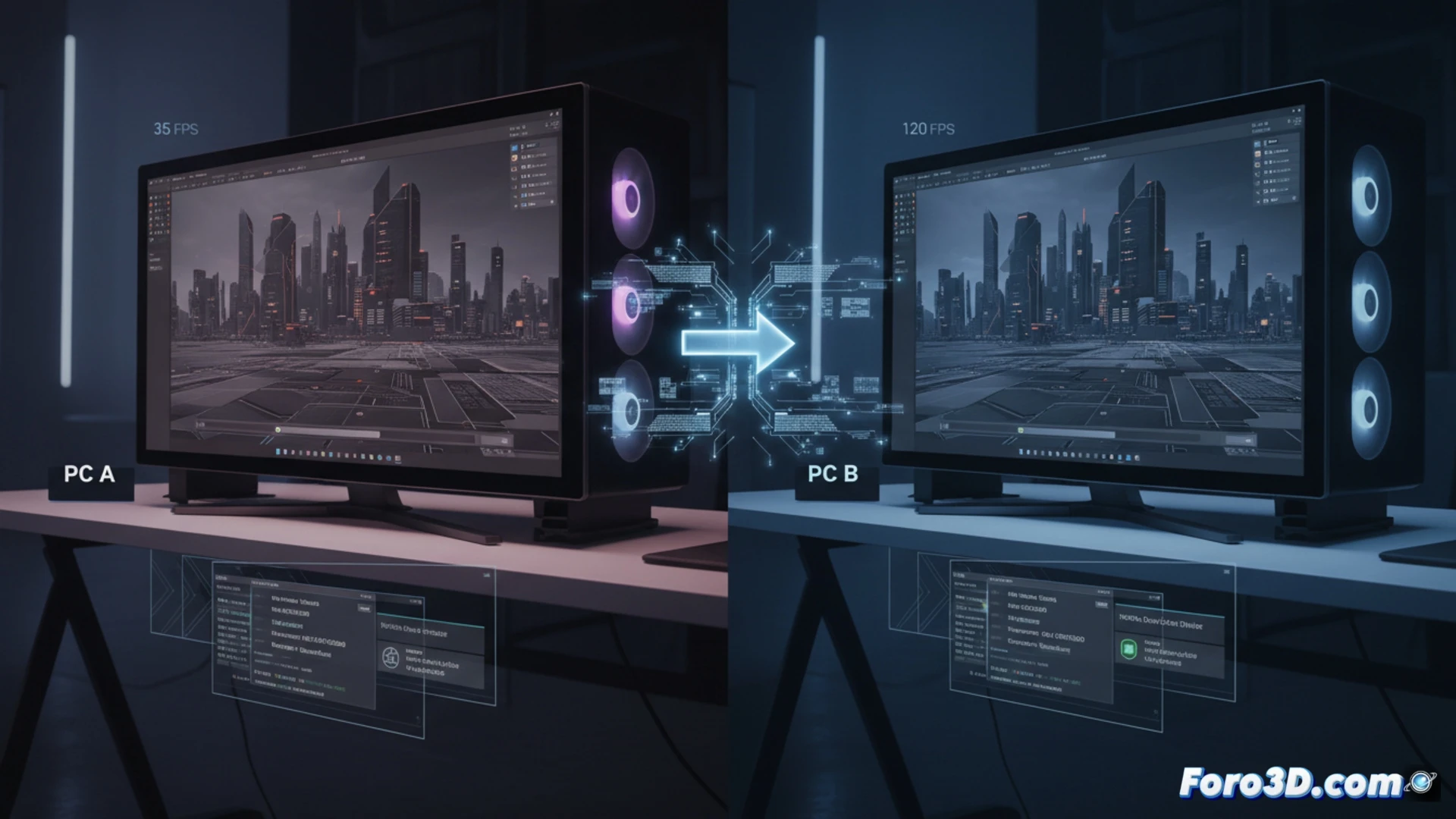
It's a common situation: you assemble two systems with identical components and, when testing them, their results in rendering or in the viewport are different. It's not a hardware failure, but rather the software ecosystem and configuration that governs it. For the 3D professional, where every second of rendering counts and smoothness in modeling is vital, understanding and optimizing these settings is as crucial as choosing the CPU or GPU. The performance you paid for is achieved after proper tuning.
The three pillars of configuration: Firmware, RAM, and Drivers 🔧
The first pillar is the motherboard firmware (BIOS/UEFI). An outdated version can manage CPU voltages and frequencies worse, limiting its power. The second is RAM memory: if you don't activate the XMP (Intel) or EXPO (AMD) profile in the BIOS, high-speed modules will run at the base frequency, often 2400 or 4800 MHz, strangling the critical bandwidth for complex scenes. The third pillar is the drivers. Using the generic Windows driver for your GPU or chipset is a serious mistake. The official drivers from NVIDIA, AMD, or Intel, and those specific to your motherboard's chipset, contain ongoing optimizations for applications like Blender, Maya, or Unreal Engine that directly impact rendering performance and viewport stability.
Beyond hardware: optimization as a mandatory step ⚙️
In the world of 3D hardware, buying the component is only the first step. Its configuration is the second, and it's essential. A properly tuned system not only delivers the full performance you invested in, but also guarantees the stability needed for long-duration work. Dedicate time to updating the BIOS, activating XMP/EXPO, and installing the optimal drivers. This tuning guide is what separates a simply assembled system from an efficient and reliable professional workstation.
Why do two computers with identical components offer different performance in 3D rendering and how to optimize the configuration to match it? 🤔
(P.S.: Your CPU heats up more than the debate between Blender and Maya)