Technical artist Binbun has published a guide to implement a blur effect in Godot. The tutorial demonstrates that creating a shader for this purpose can be a straightforward process. The key lies in the efficient use of mipmaps, an engine feature that helps maintain performance even when applying intense blurs. This resource is useful for those looking to add post-processing effects or stylize the visual appearance of their 2D projects.
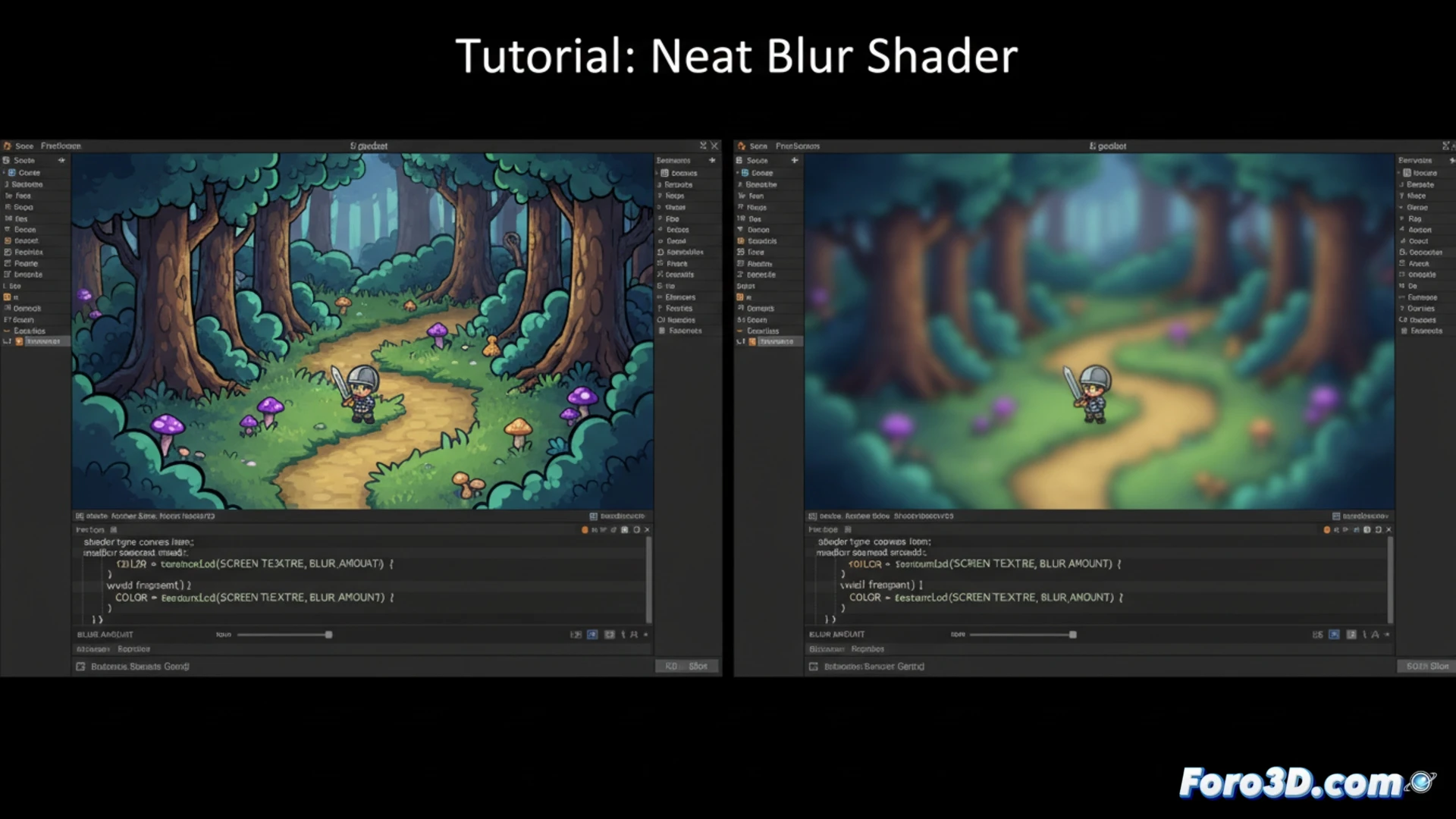
Leveraging Mipmaps for Optimal Performance Blur 🎯
Normally, increasing the blur intensity implies a higher processing cost. However, the method presented uses the textureLod function along with the filter_linear_mipmap sampler to sample textures at their mipmap levels. Mipmaps are precalculated and reduced versions of a texture. By sampling a higher mipmap level (controlled by the blur_amount uniform), a naturally lower resolution image is obtained, simulating blur efficiently, as the engine accesses smaller textures stored in memory.
Your Game Can Look Blurry, But Your Performance Logic Won't Be 😎
It's a relief to know that you can leave your player's view as blurry as if they had spent the night at the tavern, without the FPS suffering similarly. While you rack your brain adjusting parameters, Godot quietly resorts to its mipmaps, those foresightful little helpers that already had everything prepared. This way, you can focus on what's important: deciding if that blur is artistic or you're simply trying to camouflage the sprites you haven't finished drawing yet.