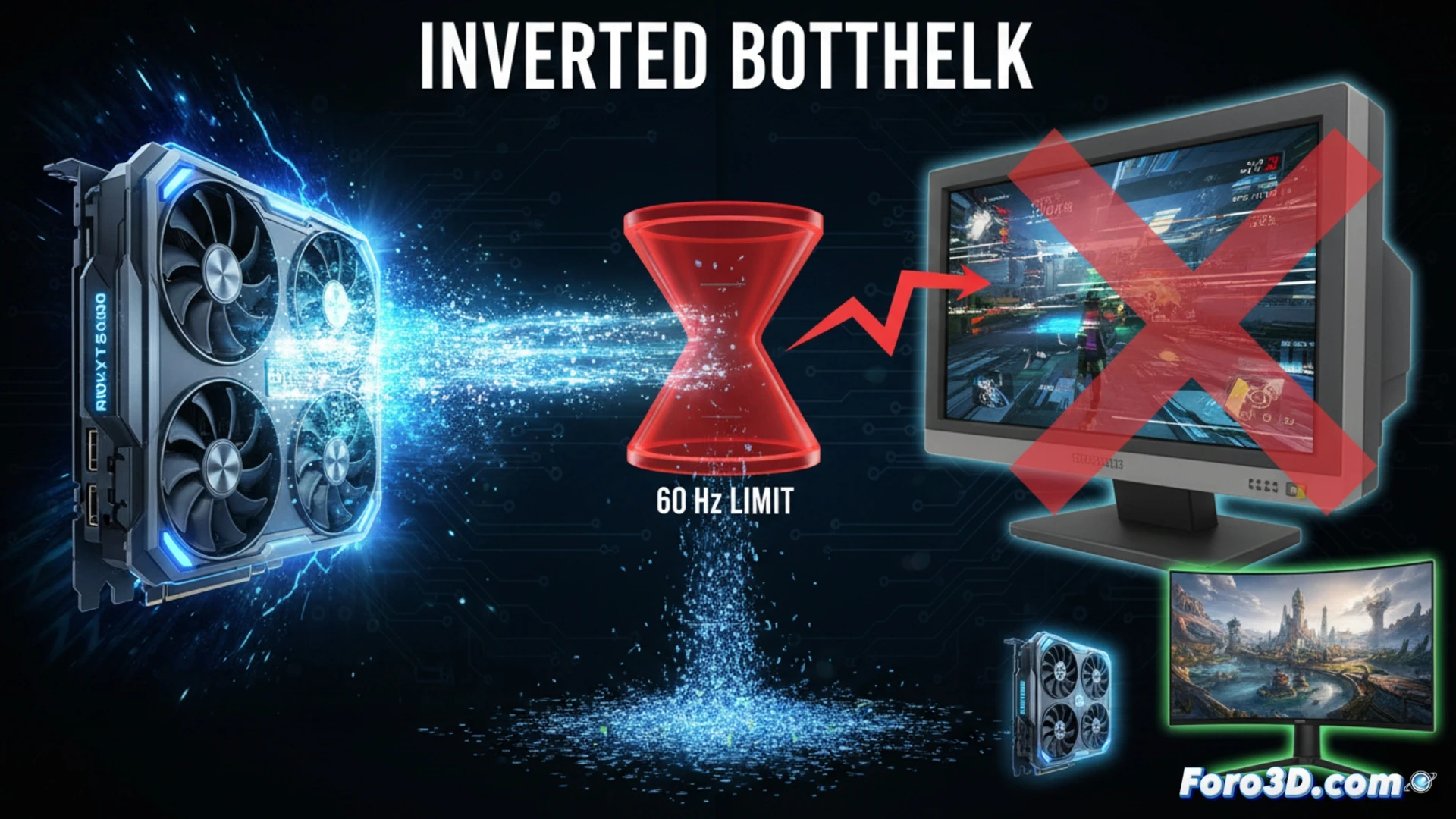
In the world of 3D hardware and gaming, there's always talk of the traditional bottleneck: a slow CPU that limits a powerful GPU. However, there exists a lesser-known but equally detrimental phenomenon: the inverted bottleneck. This occurs when pairing a latest-generation graphics card, like a hypothetical RTX 5090, with a low refresh rate monitor, such as one at 60 Hz. The consequence is clear: you waste the rendering potential of your expensive investment, as the monitor sets a maximum FPS limit that the GPU far exceeds, generating operational issues. 🖥️
Technical impact on workflow: input lag and tearing ⚠️
This imbalance has a direct and negative impact on the experience. The main problem is the increase in input lag, as the GPU, working well above 60 FPS, generates frames that the monitor cannot display immediately, causing a slow response from peripherals and blur in fast movements. If vertical synchronization is disabled to try to free up performance, tearing or image tearing appears, where parts of multiple frames are shown at once. Enabling V-Sync solves the tearing, but introduces additional delay and artificially limits the GPU's performance, defeating its purpose. In 3D environments, this translates to less fluid navigation in complex viewports and inaccurate visual evaluation of animations.
Conclusion and recommended configurations ✅
For 3D studios and render farms, where every GPU cycle is valuable, this combination makes no sense. The power should be directed toward reducing final render times, not being throttled by the screen. The only justification for a 60 Hz monitor with such a powerful GPU would be handling extremely high resolutions, like 5K or 6K, where the rendering load is immense even with upscaling. The recommendation is clear: equip your workstation with a high refresh rate monitor, at least 120 Hz or higher, that can keep up with your GPU in real time, ensuring smoothness, lower latency, and an efficient workflow.
Are you sure that your high-resolution and refresh rate monitor is not throttling the real performance of your powerful graphics card in 3D applications?
(PS: If the computer starts smoking when opening Blender, you might need more than a fan and faith)