In the 3D workflow, where project files, high-resolution textures, and render sequences can take up hundreds of gigabytes, fast and accessible storage is crucial. Instead of letting an old SSD gather dust after an upgrade, you can give it a second life by turning it into a high-performance external drive. This practical solution is ideal for backups, porting asset libraries, or working on projects directly from the drive, offering speeds far superior to those of a conventional pendrive and at a reduced cost.
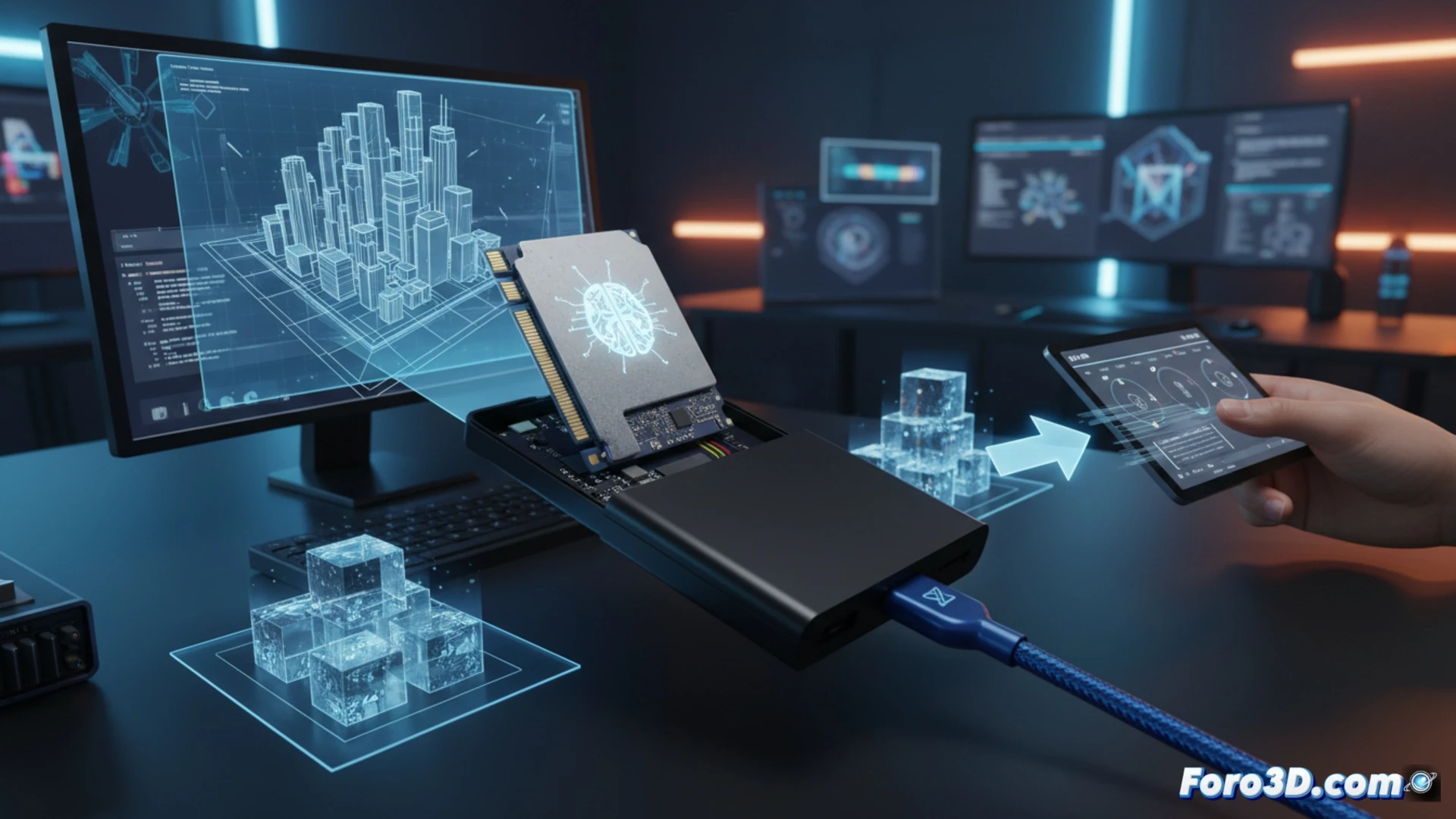
Key technical aspects: compatibility, heat dissipation, and sustained performance 🛠️
The fundamental step is choosing the right external case, as there are two incompatible types: for SATA SSDs and for NVMe PCIe SSDs. For our 3D use, where long and heavy transfers are common, prioritize cases with aluminum construction that acts as a passive heatsink. This avoids thermal throttling and maintains maximum speeds. Brands like Ugreen or Fideco offer models that support different form factors (M.2 2280, etc.) and protocols like USB 3.2 Gen 2, reaching speeds of up to 10 Gbps. This allows moving complex scenes or texture packages in significantly less time.
An investment in efficiency for your workflow pipeline ⚡
More than a simple recycling trick, this conversion is a smart optimization of your hardware. You get a portable, durable, and extremely fast drive, perfect for studio collaborations, storing your most valuable assets, or as a secondary working disk. In a field where time is render, reducing transfer times and having reliable storage directly impacts your productivity. Reusing your old SSD this way is not only economical but also a professional decision for any 3D artist or technician.
How can you turn an old SSD into a high-speed external storage drive to accelerate your 3D workflow and manage heavy files? 💡
(P.S.: If the computer starts smoking when you open Blender, you might need more than a fan and faith)