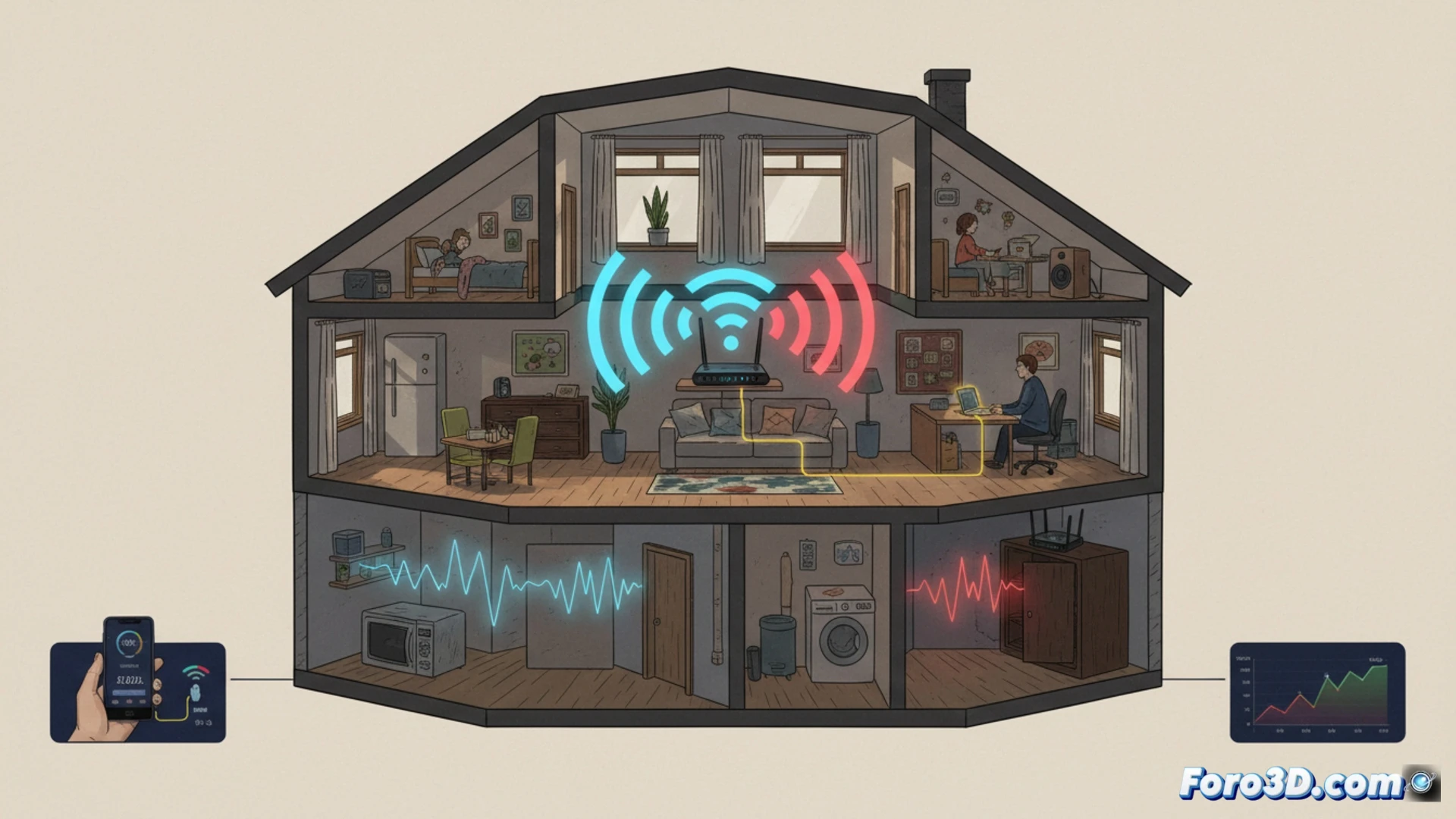
In a 3D studio, a poor WiFi network is more than a nuisance; it is a bottleneck that paralyzes productivity. Downloading high-resolution textures, synchronizing projects in the cloud, network rendering, or real-time collaboration with heavy files demand a stable and fast connection. Before blaming your ISP, it is crucial to diagnose if the problem is the internal signal. Connecting a device directly to the router via cable and running a speed test is the first step to identify if the weakness is in the WiFi signal distribution in your workspace.
Technical diagnosis and optimization for professional environments 🛠️
Once confirmed that the router provides good speed via cable, WiFi optimization is essential. The router's location must be strategic: centered in the work area, elevated, and free of obstacles like metal-studded plasterboard walls or large furniture. Don't hide it. Understanding frequency bands is vital for 3D work. Use the 2.4 GHz band for management devices or in distant areas, although it is slower and more prone to interference. For transferring heavy files, farm rendering, or accessing online assets, prioritize the 5 GHz band, which offers higher speed and less congestion, although with slightly less range. This segmentation ensures stability in critical tasks.
Zero investment, maximum productivity: your network as a work tool 📈
Implementing these measures requires no spending, only applied technical knowledge. For a 3D artist or small studio, an optimized network means less waiting time on downloads, more efficient backups, and uninterrupted collaborations. Connection stability prevents file corruption during long transfers and reduces team stress. Consider your network infrastructure as a fundamental part of your production hardware, as important as a good graphics card. A robust WiFi is the invisible foundation that supports and accelerates your entire digital workflow.
How to set up a professional WiFi network that supports massive 3D file transfers and network rendering without bottlenecks?
(PS: If the computer starts smoking when opening Blender, you might need more than a fan and faith)