Retopology is a crucial but tedious phase in creating assets for video games, where every second counts. A slow workflow can delay the entire pipeline. This article reveals little-known Blender techniques to drastically reduce the number of clicks and repetitive actions, allowing you to generate clean, optimized meshes ready for rigging in real time much more efficiently. Learn to integrate these tools into your process and speed up the production of your characters and objects.
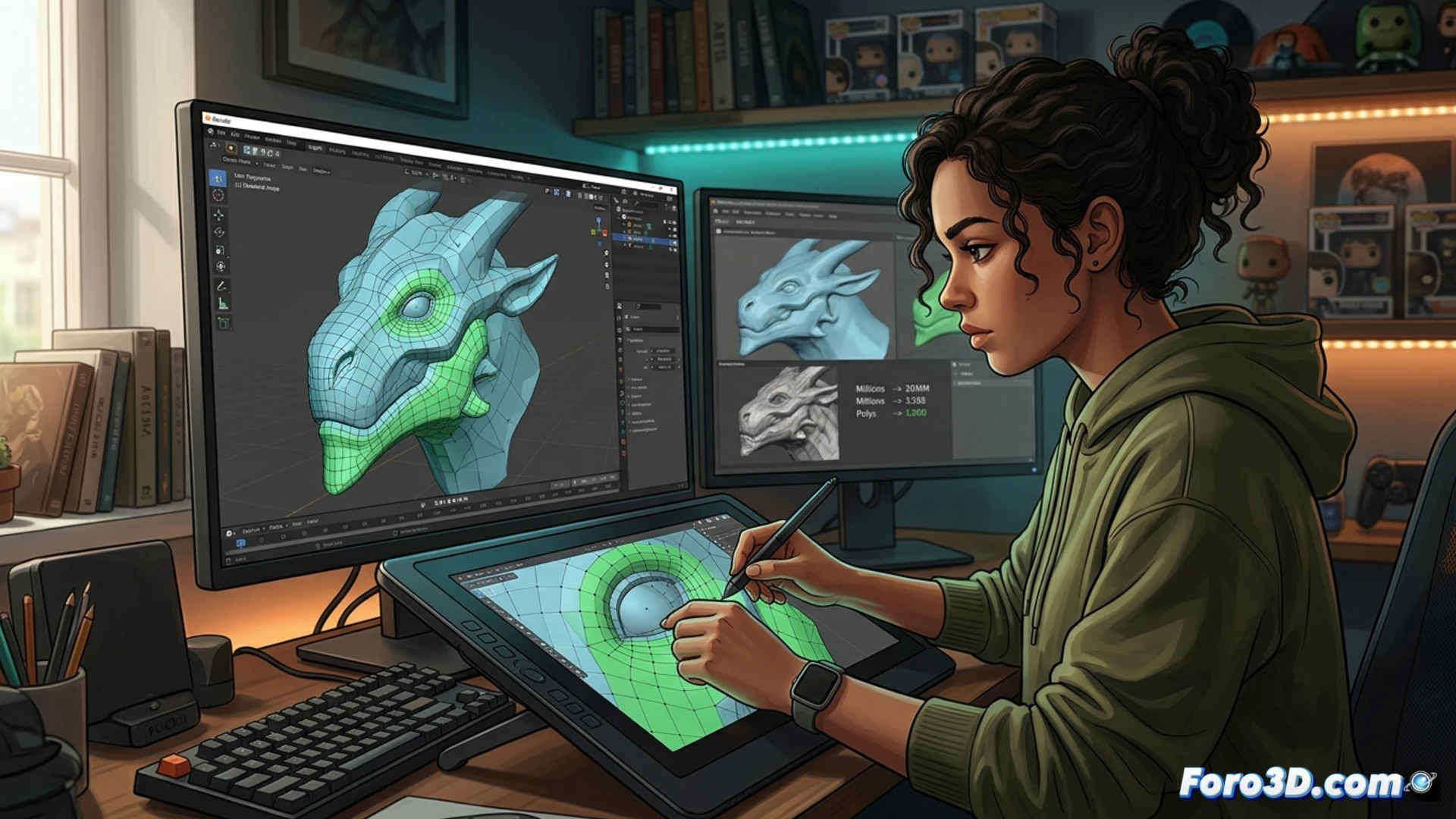
Key tools: Polystrips, Slide Relax, and strategic Shrinkwrap 🛠️
Start by mastering the Polystrips tool, accessible in Sculpt mode. Instead of creating edges one by one, Polystrips lets you draw continuous lines over your high-poly, automatically generating complete edge loops with a single stroke. This saves countless clicks. Then, use Slide Relax non-destructively: hold down the Alt key while moving a vertex or edge so it slides over the mesh and relaxes simultaneously, adjusting the distribution without collapsing the shape. Finally, apply the Shrinkwrap modifier intelligently. Don't use it only at the end; add it from the start of your low-poly mesh, set it to Project and adjust the distance. This way, your retopology will constantly project onto the sculpture, maintaining fidelity while you work, without losing the clean structure.
Final workflow: accelerated precision and consistency ⚡
To close the workflow, combine these tools with snapping set to Face and enable Project individual elements. This allows you to snap vertices precisely onto the complex surface. Additionally, don't underestimate the use of topology guides or templates as reference in a secondary view; they will maintain consistency in edge loop flow and polygon density in key areas like joints. Integrating these methods is not just a trick, but a restructuring of your approach that prioritizes the speed and technical quality required for a game engine, delivering lightweight and animatable assets in record time.
How can I optimize my retopology workflow in Blender to create lightweight meshes ready for video games without sacrificing visual quality? 🎮
(P.S.: optimizing for mobile is like trying to fit an elephant into a Mini Cooper)