The 3D industry is about to take a new leap with NVIDIA's next-generation GPUs, the RTX 60 based on the Rubin architecture. This article analyzes these cards from a professional perspective, evaluating their real impact on 3D creation workflows. We focus on the promised performance gains, especially in ray tracing, and how they could translate into time savings and greater productivity in applications like Blender, Maya, or 3ds Max.
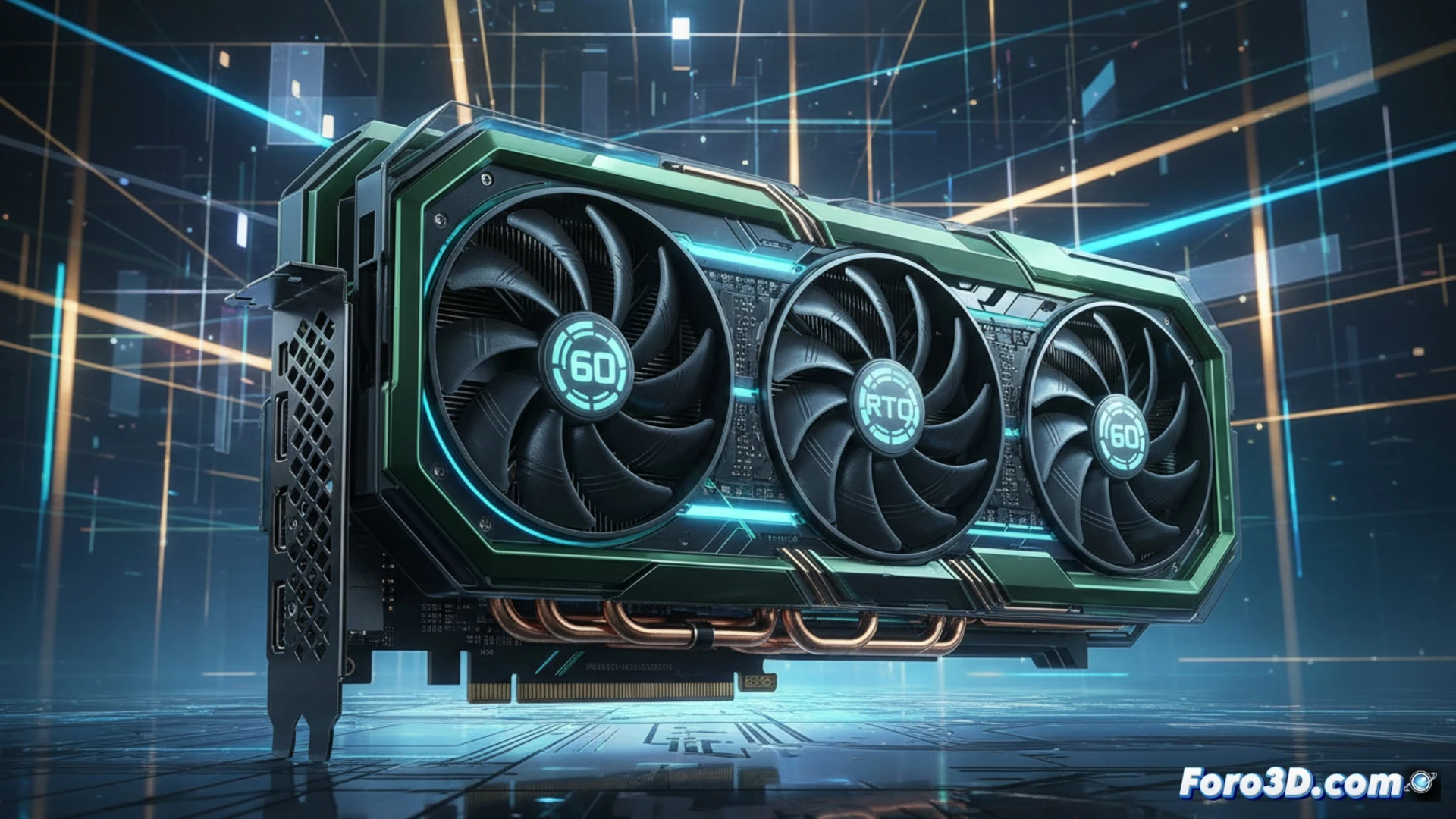
Rubin Architecture and Performance in Key Applications 🚀
The Rubin architecture promises substantial improvements in ray tracing (RT) cores and tensor cores, key for rendering. For professionals, this translates into shorter render times in Cycles or V-Ray with RTX enabled. Additionally, advances in real-time modeling and sculpting are expected thanks to greater raw power, allowing for handling denser scenes without FPS drops. In dynamics, fluids, and particles simulation, improvements in parallel computing and memory could significantly speed up previews and final calculations, optimizing iterations.
Necessary Upgrade or Evolutionary Increment? ⚖️
The decision to upgrade will depend on the starting point. For users of RTX 30 generations or earlier, the productivity leap in ray tracing rendering could be justification enough. However, for those who already own an RTX 40, it must be assessed whether the gain in their specific applications justifies the investment. The key will be in real benchmarks in software like Unreal Engine, Cinema 4D, or simulation engines, where Rubin must demonstrate that its advancement is not just theoretical, but a tangible tool to create faster and with greater complexity.
Will the Rubin architecture and RTX 60 represent a revolutionary improvement in ray tracing rendering performance and denoising for complex scenes, or will they focus more on efficiency and AI?
(PS: remember that a powerful GPU won't make you a better modeler, but at least you'll render your mistakes faster)