The veteran NVIDIA Inspector tool, essential for advanced control of GeForce graphics cards, has just released a version with a completely renewed interface. This development confirms that the project remains active and compatible with the latest drivers. For professionals and 3D enthusiasts, this portable Windows application is a master key: it allows monitoring GPU telemetry in real time and adjusting critical parameters to optimize performance in rendering, simulation, and modeling applications, thereby maximizing the investment in graphics hardware.
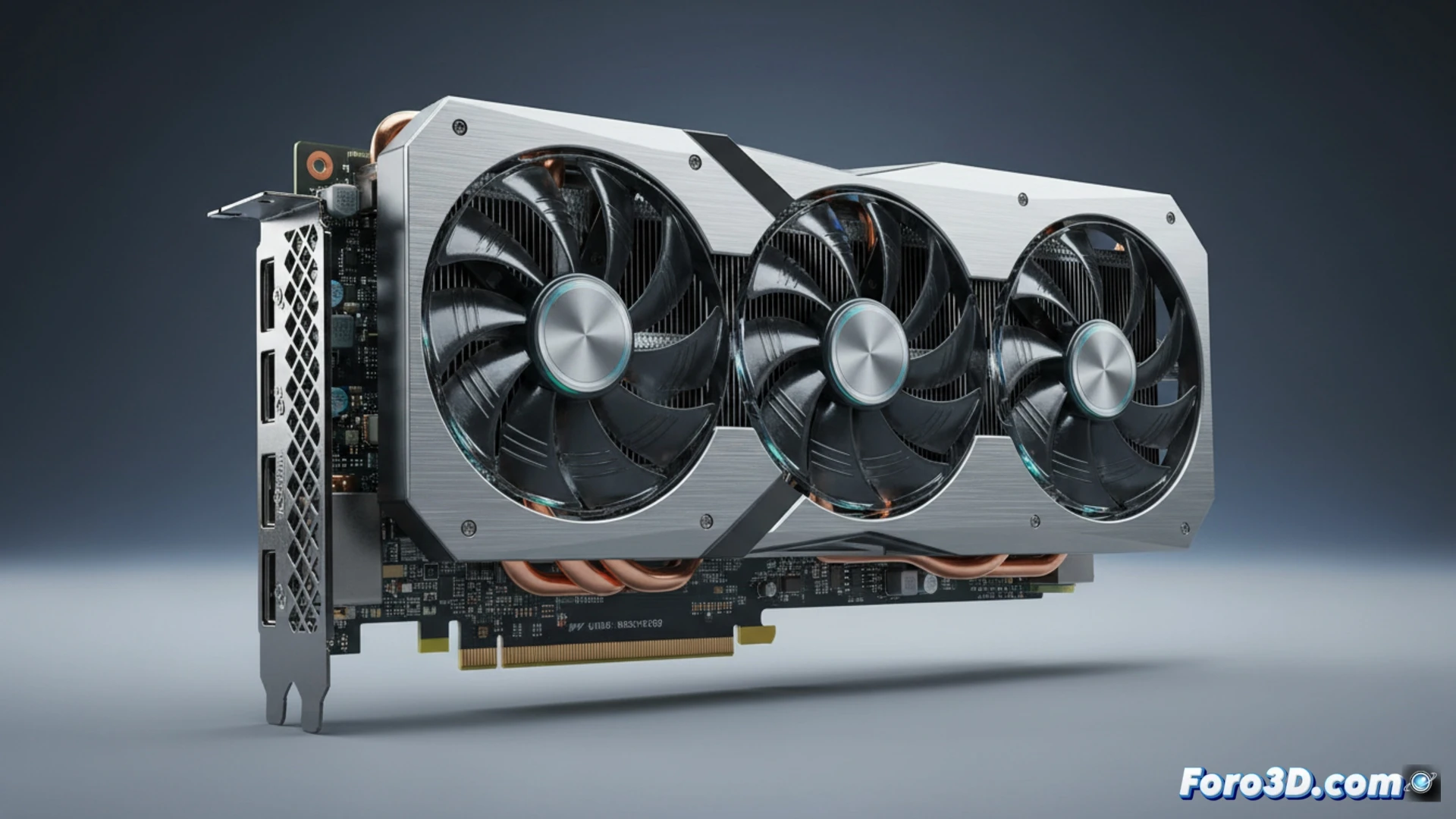
Beyond Overclocking: Monitoring and Advanced Adjustments 🛠️
NVIDIA Inspector communicates directly with the GPU via the official NVAPI interface, without requiring additional services. Its utility goes beyond traditional overclocking. It allows querying detailed hardware information, precisely managing clock speeds and fan curves, and controlling driver profiles. A standout component is the NVIDIA Profile Inspector, which enables modification of driver profiles to improve compatibility in 3D applications and adjust features like DLSS. This is crucial for resolving instabilities or forcing options that benefit professional workflows, ensuring stability in prolonged workloads.
An Essential Tool in the 3D Utilities Toolbox ⚙️
In a niche where performance and stability are paramount, NVIDIA Inspector maintains its value as a deep control and portable tool. Its reliance on official NVIDIA drivers ensures compatibility and stable operation. For the 3D artist, technician, or enthusiast, it represents an indispensable resource to fully exploit their GPU's capabilities, diagnose bottlenecks, and customize hardware behavior, becoming a silent but powerful ally for any 3D workstation.
How do you leverage the new NVIDIA Inspector interface to optimize your GPU's performance and stability in professional 3D applications?
(P.S.: RAM is never enough, just like coffees on a Monday morning)