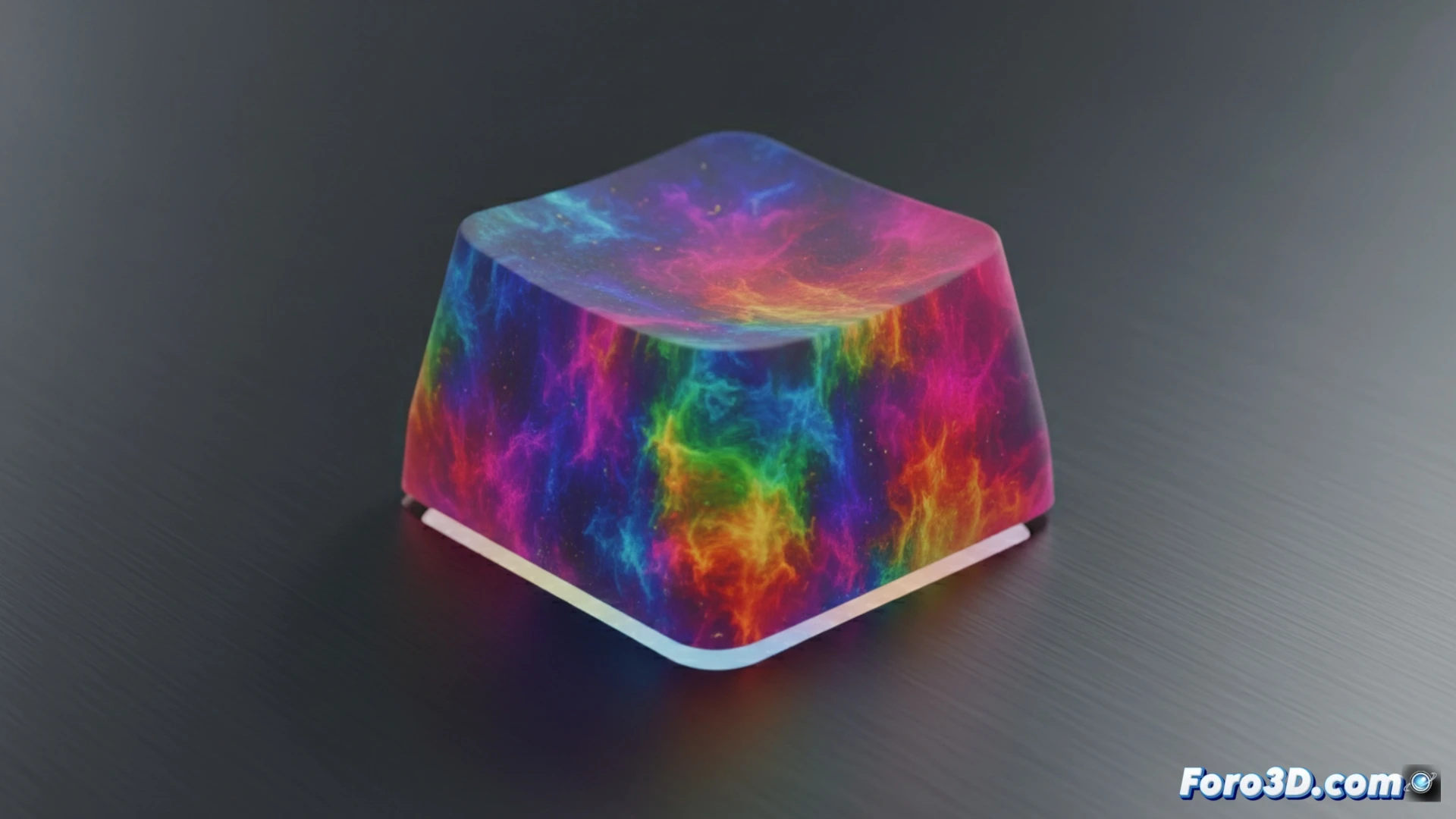
This tutorial shows the process for creating a visual animation of a key with dynamic colors. We start from the basic modeling of a key, apply subdivisions and bevels to define its shape. Then, we build a procedural material with nodes, using a noise texture as a base to generate a color pattern that changes over time. The goal is to achieve a cyclic and fluid effect, ending with the camera and render setup to export the animation.
Node setup and drivers for animated displacement 🔧
The core of the effect lies in the Shading node editor. A Noise texture is connected to a ColorRamp node to define the palette. The mapping coordinate of this texture is linked to a Value node via a driver. This driver takes the current frame as a variable and multiplies it by a factor to control the displacement in the Z-axis of the coordinate. This constant movement over the 3D texture generates the illusion that the colors flow over the key's surface automatically and endlessly.
When your key has more social life than you 😅
It's a fact: this key will spend more time changing its look and traveling through texture space than you going out of the house this month. While you repeat the same t-shirt, it cycles harmoniously between cyan, magenta, and yellow. The irony is that its complex colorful personality boils down to a couple of nodes and a mathematical operation. One almost expects it to start posting stories on Instagram before you finish rendering the animation.