Sometimes, it is necessary to simulate an environment with limited resources to test software, diagnose errors, or run legacy applications. Limiting the physical RAM memory that Windows can use is a direct method for these situations. This article explains the process, valid for Windows 10 and 11, using the built-in system configuration tool. It is a useful option for developers and advanced users.
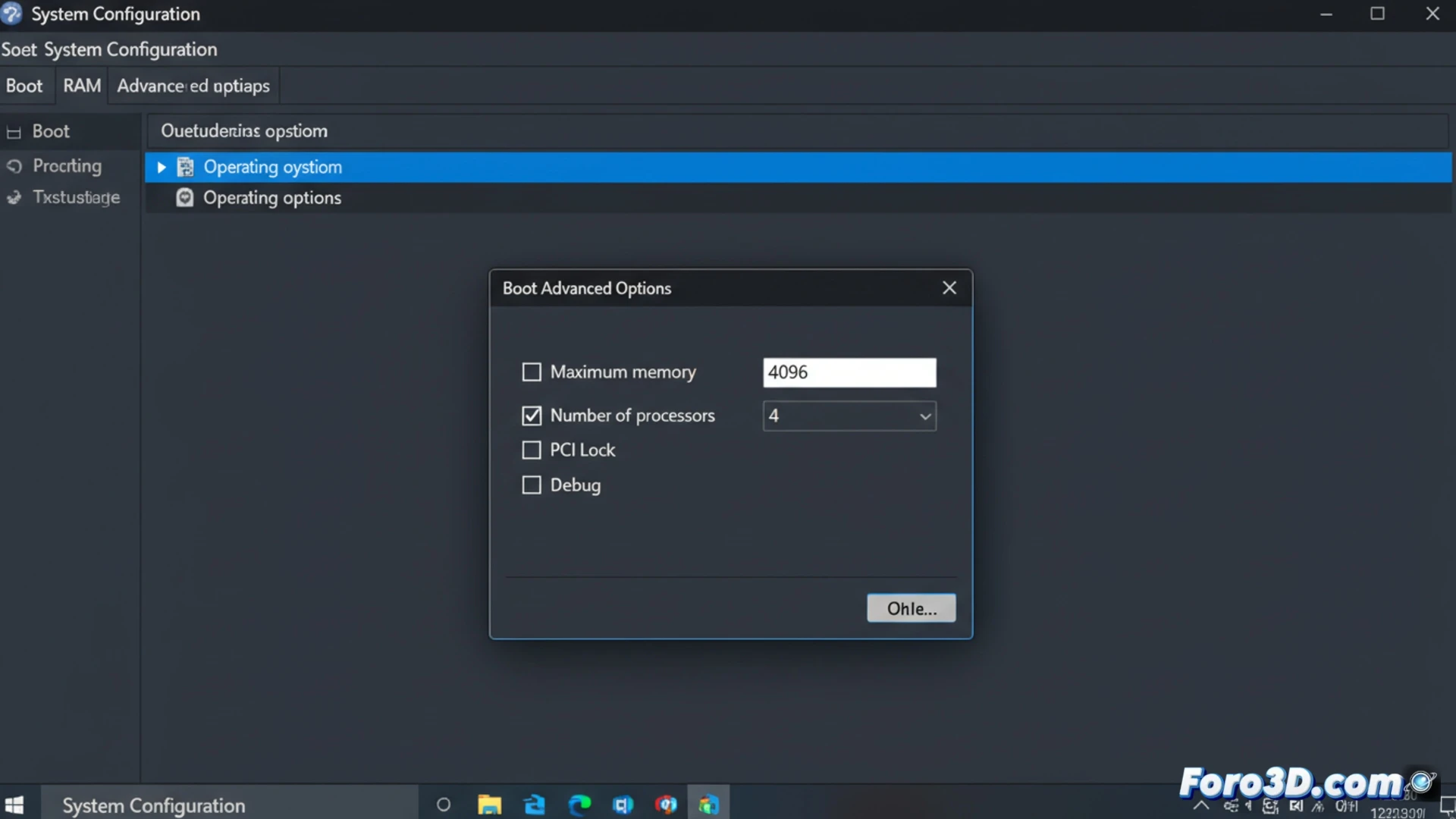
Technical configuration via the boot manager 🛠️
The procedure is executed from the msconfig utility. Access it with the Win+R command or via Windows search. In the window, navigate to the Boot tab, select your operating system, and click Advanced options. Check the Maximum memory box and enter the value in megabytes. Remember that 1 GB is 1024 MB. A minimum of 2 GB is suggested for Windows 10 and 4 GB for Windows 11 to maintain operating system stability.
Revive the nostalgia of low-resource machines 😅
This is your chance to experience the authentic thrill of old-school computing. Watch how your powerful 16 GB machine turns into one that ponders deeply before opening Notepad. You'll enjoy those suspenseful seconds while the file explorer decides whether to load the icons or not. A safe way to appreciate every megabyte like a treasure and remember that, sometimes, less is... definitely less.