Creating detailed and believable landscapes can be a manual and repetitive process. An automatic terrain shader for Unreal Engine 5 offers an alternative, automating tasks such as placing rocks on slopes or varying textures with distance. This approach seeks to optimize the workflow and increase the level of visual detail with less manual intervention from the artist.
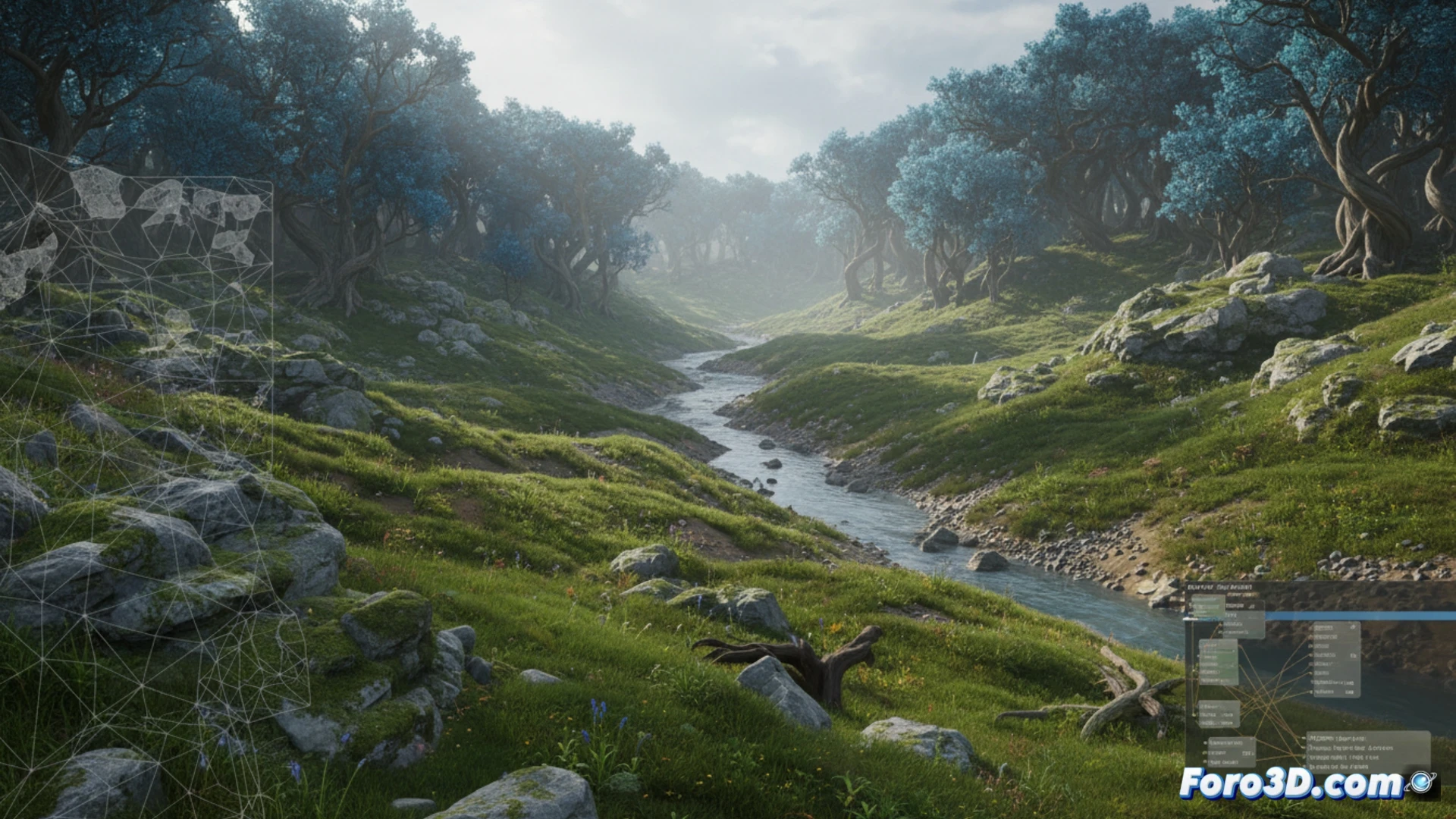
Automation and Optimization with Runtime Virtual Texture 🧠
The technical foundation of this system lies in material functions that control the texture layer based on the terrain slope and camera distance. Parallax Occlusion Mapping is used to simulate depth without tessellation, and masks to scatter vegetation organically. A key step is optimization through Runtime Virtual Texture (RVT), which bakes all layers and attributes into a single texture, reducing rendering cost.
Goodbye to painting rocks one by one (your wrist will thank you) 🎨
With this setup, you can say goodbye to those days spent manually painting each stone on a slope, like a pixelated shepherd guiding his flock of rocks. The shader takes care of that, leaving you free time to worry about other things, like why that floating tree, despite all the automation, keeps appearing in the middle of the path. The machine does the heavy lifting, but the final surreal touch still belongs to you.