For any 3D artist or technician, upgrading the workstation is a key investment to improve performance in rendering, simulation, and modeling. However, when changing the motherboard or the entire system, a software detail can generate an unexpected expense: the Windows license. Managing it correctly not only avoids additional costs but also ensures a legal and uninterrupted transition to your new hardware, protecting your investment and guaranteeing a stable workflow from the very first moment.
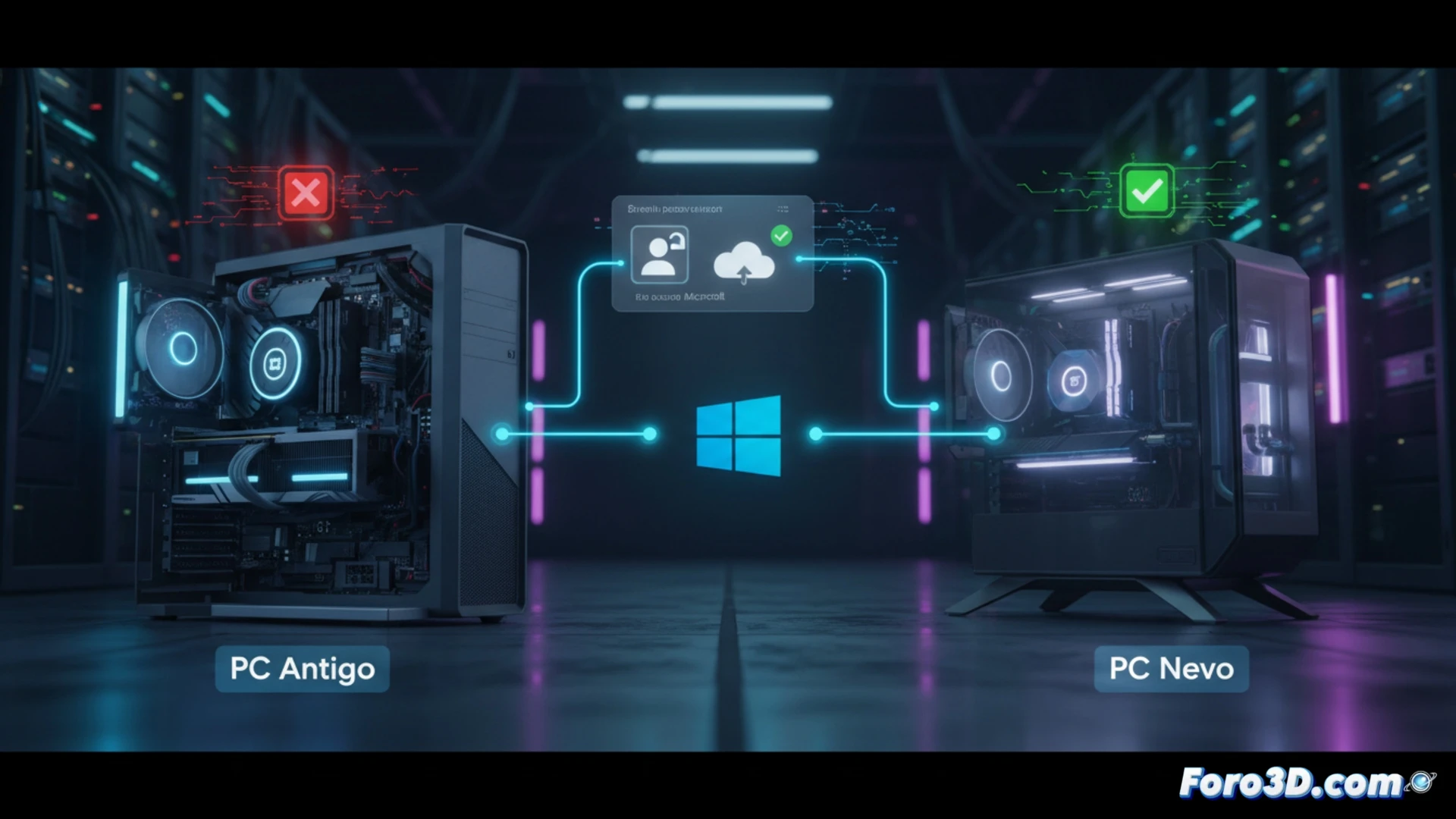
License Identification and Unbinding: Essential Commands 🛠️
The first step is to identify the type of license installed, as not all are transferable. OEM licenses, which are more economical, are tied for life to the original hardware (usually the motherboard) and cannot be moved. Retail licenses, purchased officially, do allow transfer. To verify, run the command slmgr.vbs /dli from the Run dialog (Win + R). If it confirms it's Retail, you can proceed to unbind it. Open Command Prompt as administrator and enter sequentially slmgr /upk, which uninstalls the product key, followed by slmgr /cpky, which removes it from the system registry. With this, the license is ready for its new activation.
Keep Your Hardware Investment Legal and Optimized ⚙️
This process, although technical, is basic maintenance for the 3D professional. It equates to preserving a valuable part of your setup when migrating to a new system. Failing to manage the license can result in an unactivated system, error messages, and the temptation to use unofficial activators that compromise security, an unacceptable risk on a workstation with critical projects. Planning this step ensures that the full potential of your new CPU or GPU is leveraged on a legal, stable, and hassle-free software foundation.
How to correctly transfer your Windows license when upgrading your 3D workstation without affecting the activation of critical software like renderers and modeling suites?
(PS: RAM is never enough, just like coffee on a Monday morning)