High-performance graphics cards, essential for 3D rendering and simulation, are becoming increasingly larger and heavier. This weight poses a constant risk of PCB bending and damage to the motherboard's PCIe slot, potentially compromising a very expensive investment. The solution is simple but crucial: a specific support. Beyond protection, these accessories improve aesthetics and airflow organization inside the case. In this guide, we analyze the main types and standout models for your setup.
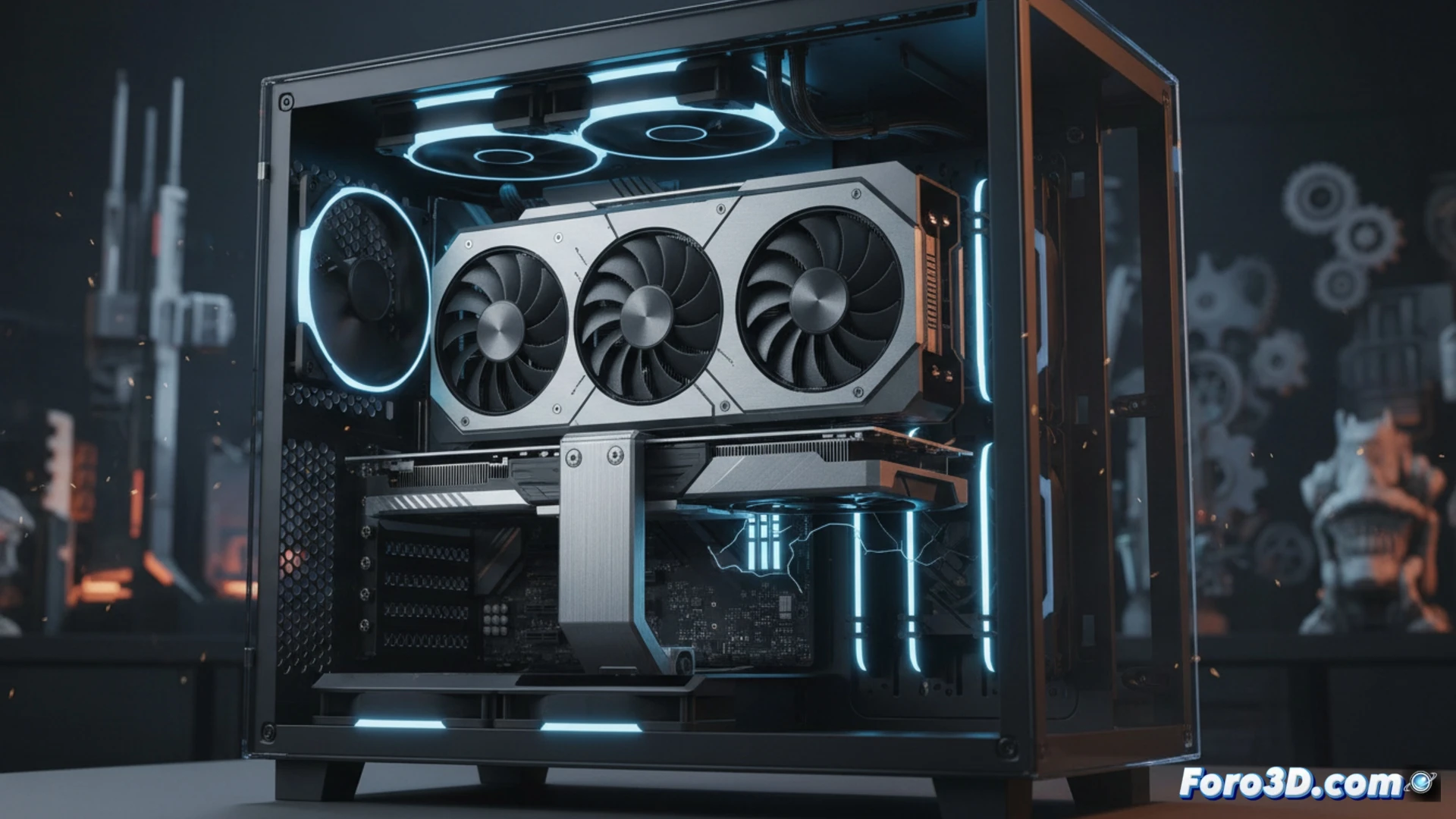
Types and Models: From Adjustable Columns to Integrated Displays 🛠️
There are two main designs. Vertical column supports anchor to the base of the case or the side panel, offering firm and height-adjustable support. Standouts include the ASUS ROG Herculx, with a bubble level for precise installation and RGB lighting, and the innovative LLMsmDesign option, which incorporates an LCD screen to monitor the GPU temperature in real time. For those who prefer direct side support, horizontal supports screw into the expansion slots. The EZDIY-FAB model, with a sliding structure for fine adjustment and also with RGB, is a robust and well-rated alternative in this category.
Investment in Stability for an Uninterrupted Workflow ⚙️
For a 3D professional, system stability is paramount. A GPU support is not merely an aesthetic accessory, but an active protection component. Avoiding mechanical stress on the motherboard prevents intermittent failures and extends the lifespan of your most critical hardware. Investing in a model with features like temperature monitoring adds another layer of control over your workstation, ensuring optimal and reliable performance during long rendering sessions. Protect your investment and work with peace of mind.
How to choose the ideal GPU support that prevents sag and ensures optimal cooling in a 3D workstation subjected to prolonged rendering loads?
(P.S.: remember that a powerful GPU won't make you a better modeler, but at least you'll render your mistakes faster) 😉