The trend toward slimmer designs has reduced the number of connections on our devices. A dock or docking station solves this limitation, transforming a single port, usually USB-C or Thunderbolt, into a complete connectivity hub. It allows connecting monitors, peripherals, storage, and network simultaneously, improving ergonomics and productivity both at home and in the office.
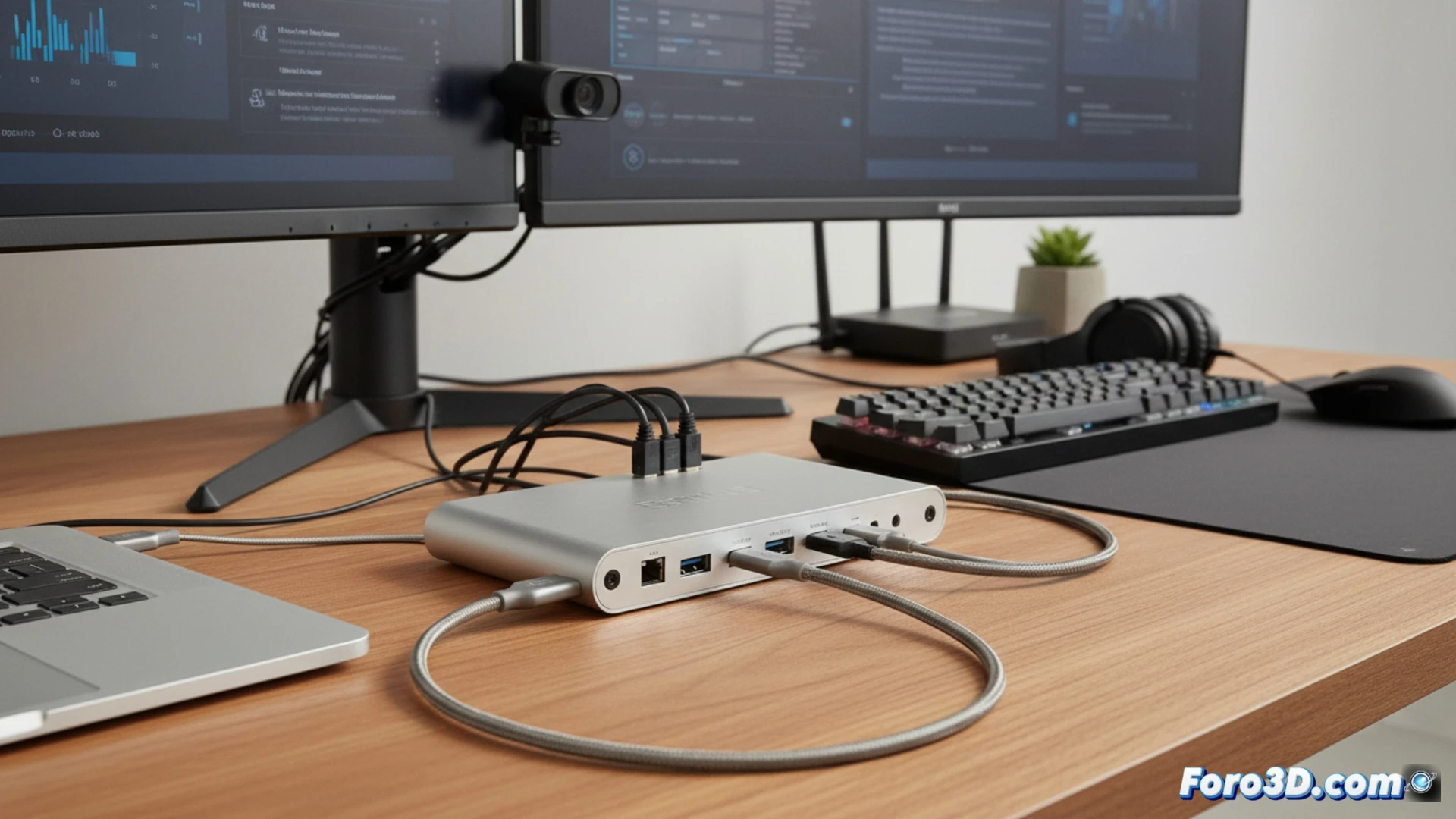
Thunderbolt and USB-C: the core of modern expansion ⚡
The effectiveness of a dock depends on its underlying technology. Thunderbolt 3/4 offers a bandwidth of 40 Gbps, allowing handling multiple 4K monitors, NVMe drives, and peripherals through a single connection. USB4 and USB-C with Alternate DisplayPort also offer similar capabilities, although with variations in bandwidth and power management. The choice depends on the user's specific video and data transfer needs.
From having it all to needing it all... again 🔄
It's curious how progress has taken us from having dedicated ports for each function to returning to a single connector... only to need a device that gives us back all those separate ports. The technology cycle: first they remove the plug from the laptop, then they sell you the charger separately, and now they offer you a dock to recover what you already had. In the end, your desk looks like the control panel of a spaceship, but with more cables.