Choosing a keyboard for working with Blender or design suites requires considering specific factors. Writing long texts is not the same as executing shortcuts repetitively. This article reviews market options, focusing on features that streamline the creative workflow, from programmable keys to tactile feel.
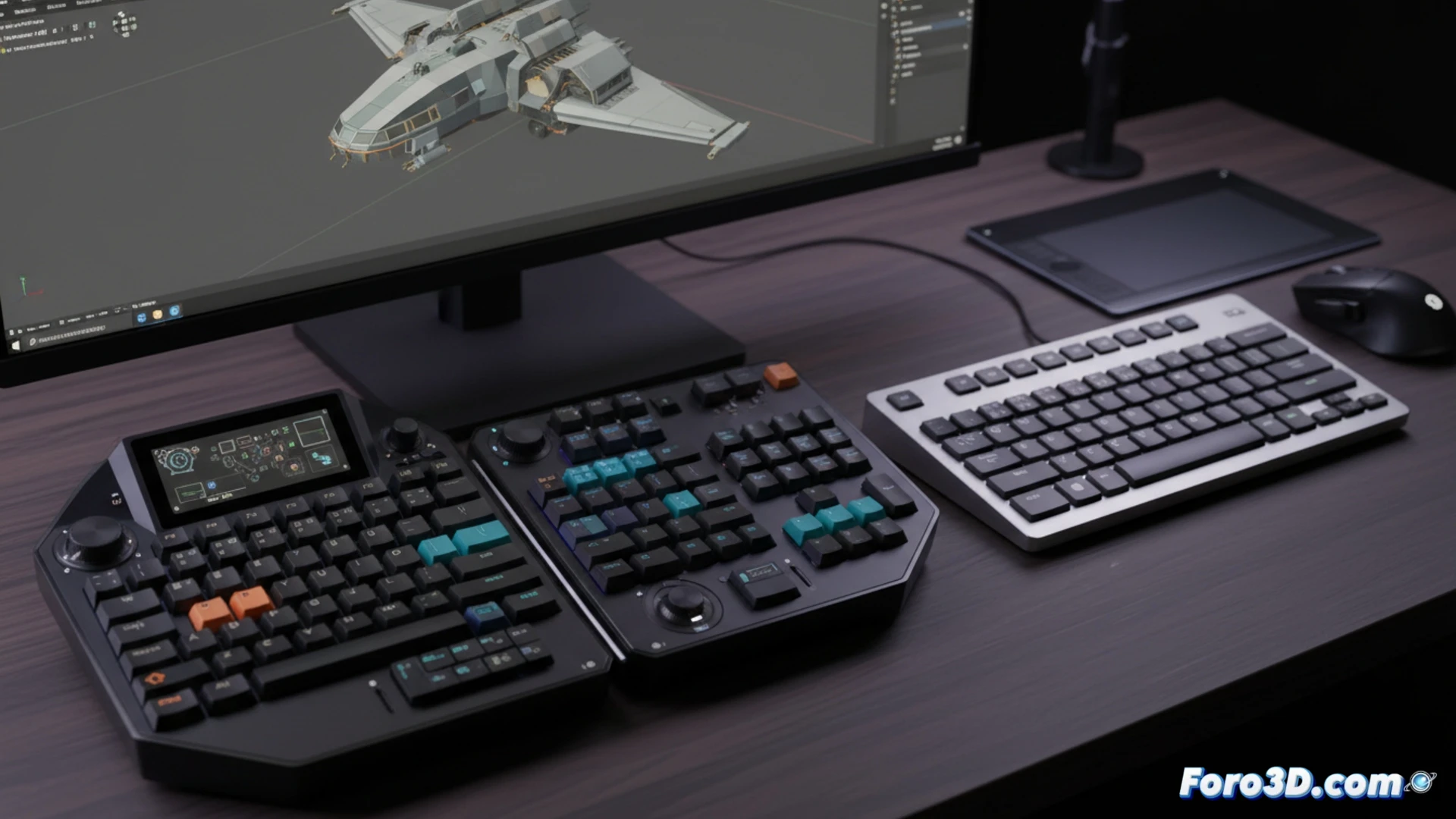
Switches and customization: beyond the key ⌨️
The choice of switches (mechanical, membrane, or hybrid) defines the response. Linear mechanical switches, with smooth actuation, allow fast keypresses for editing cycles. The ability to reprogram keys or macros is useful for complex 3D software commands. A TKL or compact format frees up desk space for graphics tablets, without sacrificing an accessible layer of functions.
When your keyboard knows more shortcuts than you do 😅
There comes a moment when, after configuring dozens of macros, you press a key and your model in Blender does something completely unexpected. It's the peripheral's way of suggesting that maybe that shortcut for subdividing the mesh five times in a row wasn't so necessary. You learn to live with the feeling that if it disconnects, your productivity drops to moving the view with the trackpad.