The presentation of the M5 Pro and M5 Max chips completes the new generation Apple Silicon ecosystem. For the 3D professional, the key question is whether these SoCs offer the necessary power for complex modeling, rendering, and simulation. While the base M5 in the MacBook Air is a valid entry-level option, the Pro and Max models, available in the MacBook Pro, are designed for demanding workloads. This analysis breaks down their real value in 3D creation applications and helps choose the optimal configuration based on workload intensity.
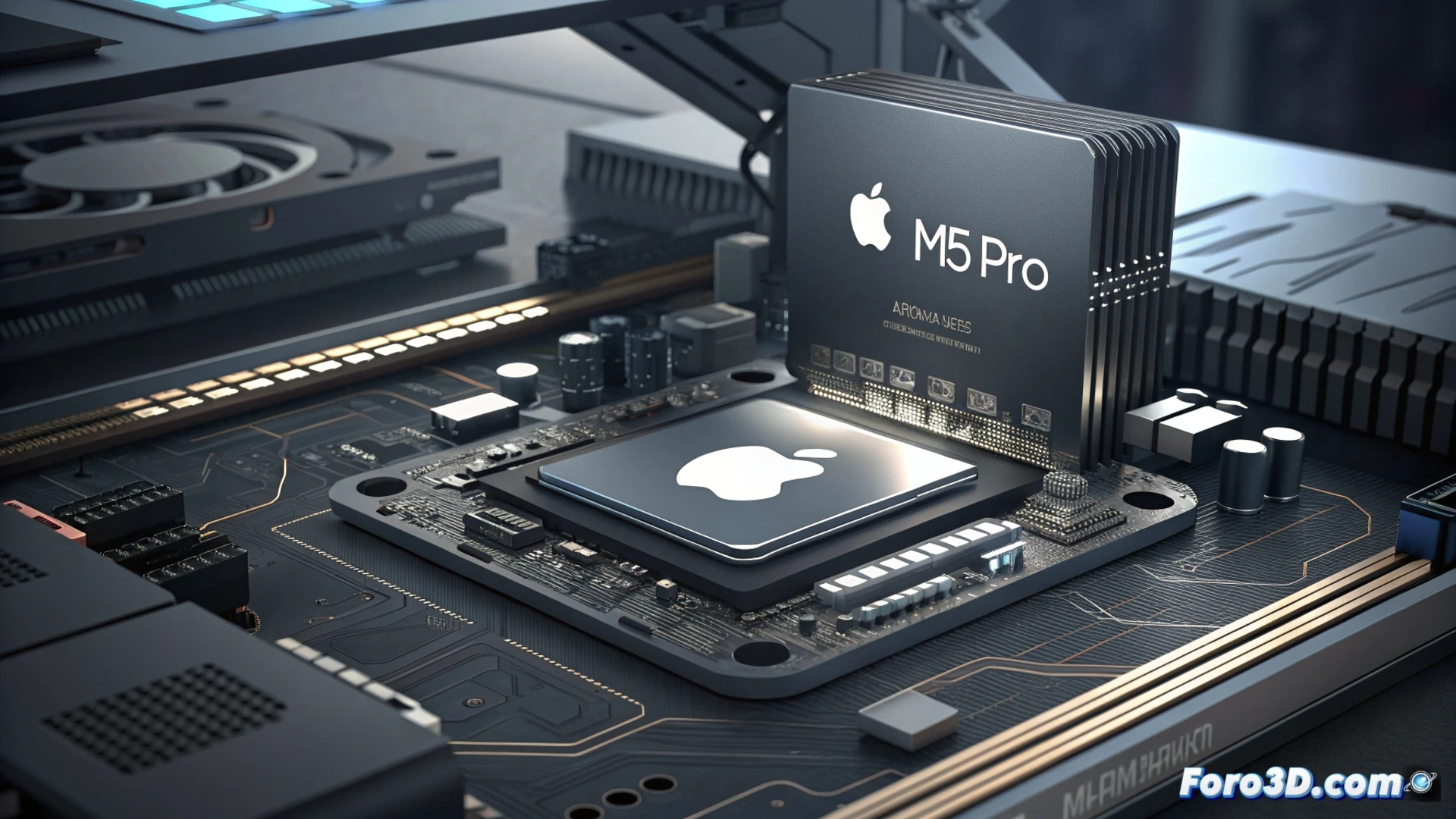
Performance in 3D Applications: Unified GPU and Performance Cores 🚀
The leap for 3D lies in the unified GPU with more cores in the M5 Pro and Max. In modeling (Blender, Maya), fluidity with dense geometry and complex viewports improves notably compared to the base M5. For GPU rendering (Cycles, Octane, Redshift), the increase in cores and memory bandwidth is crucial. The M5 Max, with its maximum GPU, will compete with high-end dedicated GPUs in scenes optimized for Apple Silicon. In simulation and VFX, high-performance CPU cores and the NPU accelerate specific tasks. However, native software compatibility and unified memory management are decisive factors compared to a PC with an upgradable discrete GPU.
Mac or PC for 3D? Rational Choice According to Your Profile ⚖️
The choice boils down to workflow and budget. For the hobbyist or student, a MacBook Air M5 is a capable tool. The independent professional or freelancer will find in a MacBook Pro with M5 Pro the perfect balance between portability and power for most projects. Only studios with intensive rendering or extremely heavy scenes justify the investment in the M5 Max. For those who prioritize maximum GPU rendering performance, component upgrades, and a sometimes broader software ecosystem, a Windows PC remains the most versatile and raw powerful option at a lower cost.
Do the Apple M5 Pro and M5 Max really close the performance gap in 3D rendering compared to high-power dedicated GPU workstations?
(PS: If the computer starts smoking when opening Blender, you might need more than a fan and faith)