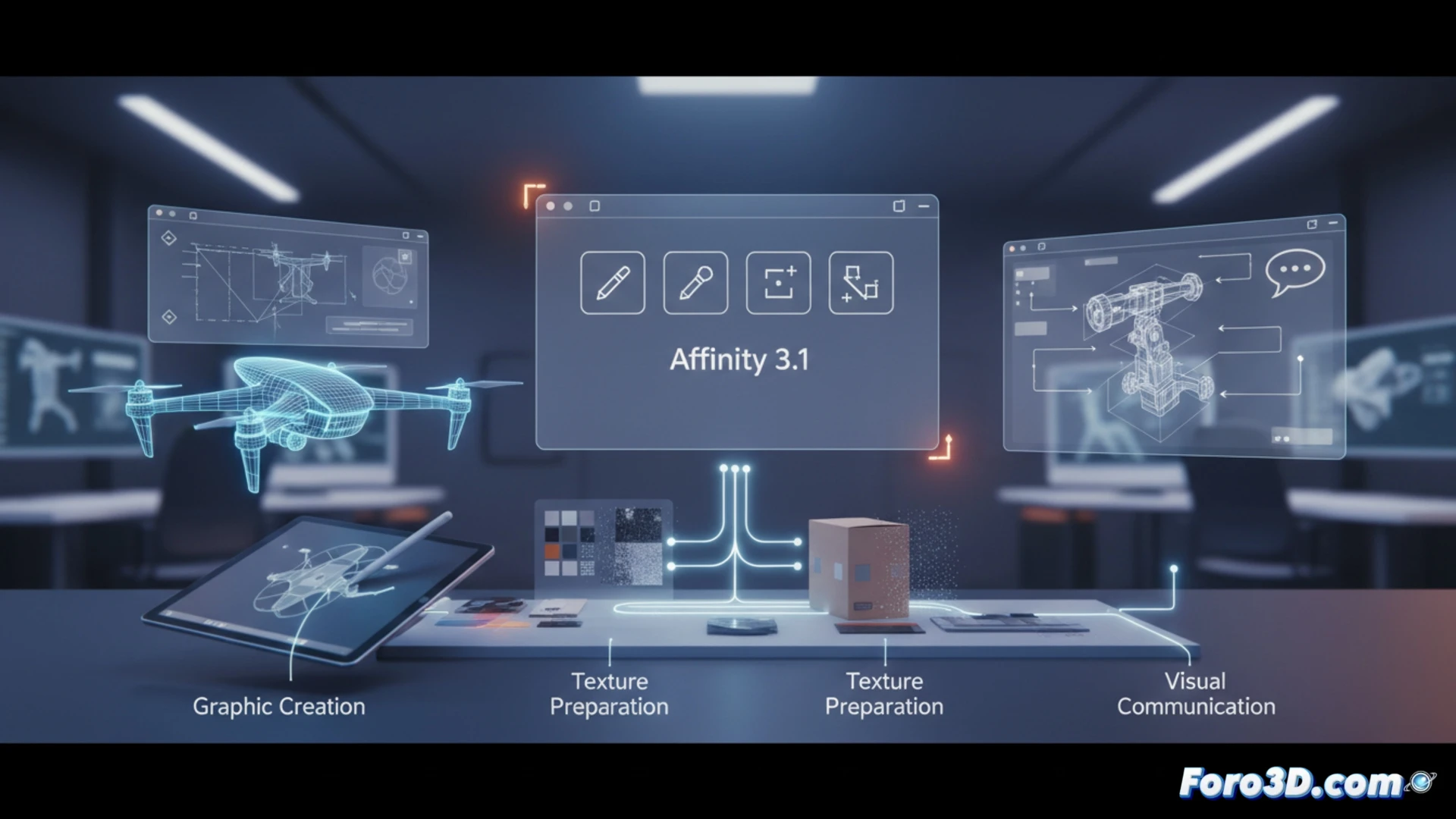
Canva has released the major Affinity 3.1 update, unifying its 2D graphics tools into a single free application. For the product designer, this is not just a graphic design suite, but an essential complement in the 3D pipeline. It facilitates the creation of concept presentations, marketing graphics, and, crucially, the preparation and adjustment of textures and reference images that will then be applied to three-dimensional models, improving visual communication in all phases of the project.
Live Tone Blend and Tone Brush: visual integration and non-destructive textures 🎨
The technical novelties have a direct application. The Live Tone Blend Group automates the chromatic harmonization of composite elements, ideal for unifying renders, prototype photos, and graphics in coherent presentation panels. The Tone Brush is perhaps the most powerful tool for our field: it allows painting brightness and color adjustments non-destructively over images. This is perfect for locally modifying texture maps (roughness, metallicity) or adjusting lighting in flat renders before passing them to the 3D engine, speeding up iterations without leaving a professional 2D application.
A 2D ally in a 3D world 🤝
Affinity 3.1 consolidates a high-level tool in the product design workflow. Its free and unified core eliminates barriers, allowing resources to be focused on specialized 3D software while covering advanced graphic needs. These improvements, especially in non-destructive tonal adjustment, close the cycle between modeling and final communication, demonstrating that a good pipeline depends on the integration of specific tools, whether 3D or 2D.
How can the new vectorization and perspective adjustment tools in Affinity 3.1 optimize the creation of technical drawings and presentation graphics for 3D product design?
(P.S.: Designing a product in 3D is like being an architect, but without having to worry about the bricks.)