The Acer Chromebook Spin 311 presents itself as a rugged and affordable convertible, ideal for basic tasks. Its robust and versatile design catches the eye, but a common question arises: is its hardware capable of handling 3D modeling or rendering software? We analyze whether this device, designed for students and secondary use, can make the leap to more demanding creative environments.
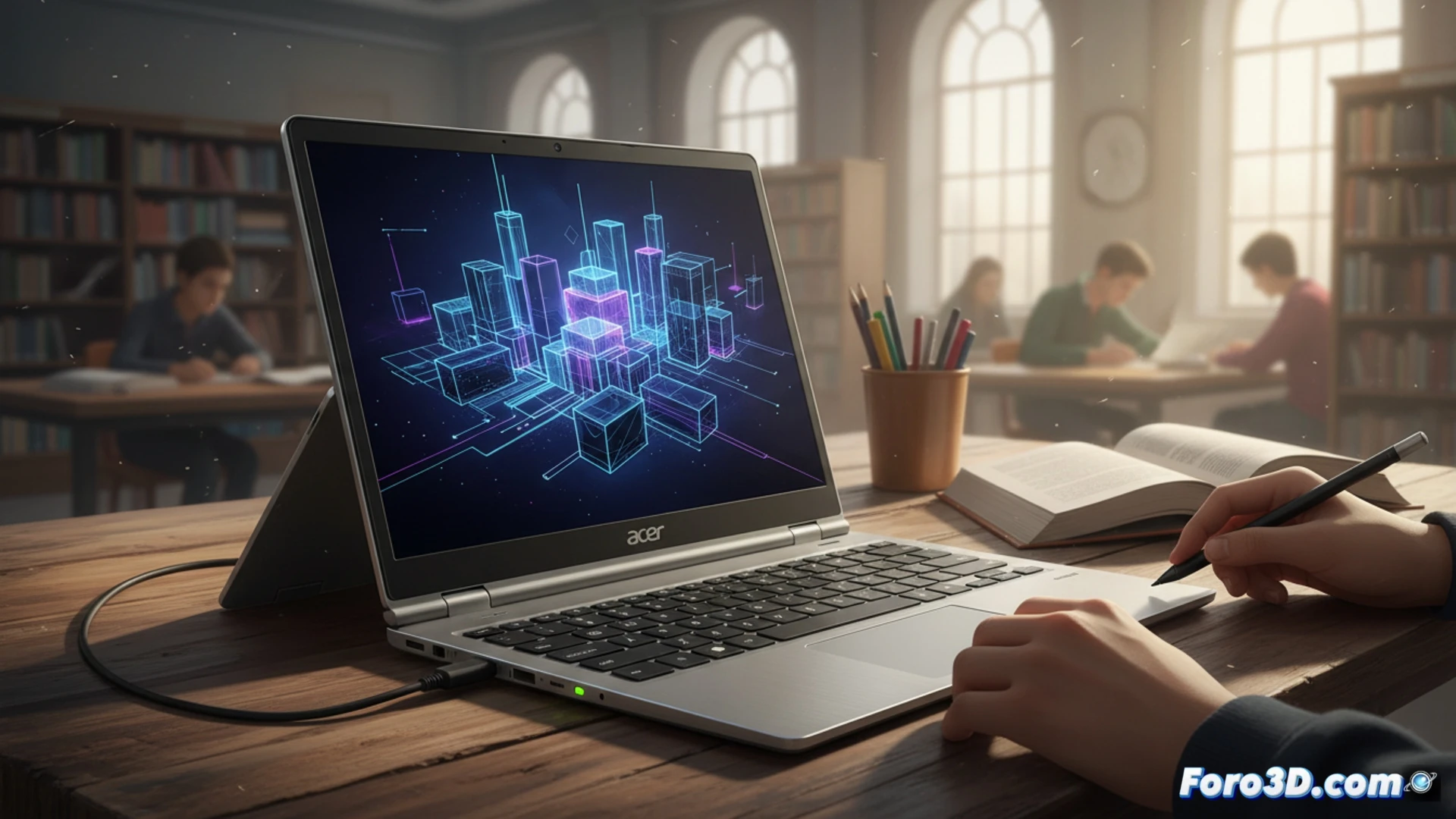
Technical analysis: ARM architecture and Chrome OS limitations 🤔
The heart of the device is a MediaTek Kompanio 540, an ARM SoC with 8 cores and integrated Mali-G57 graphics. On Chrome OS, 3D options are mainly limited to web applications or Android tools, like Blender via Crostini (Linux). The combination of modest CPU power, basic integrated GPU, and only 4 or 8 GB of RAM does not handle complex workloads well. Simple renders might work, but long wait times and models with many polygons would crash the system.
Plan B: Render with infinite patience and a fan? 😅
You could try it. Open Blender, load a cube, and dream of smoothed spheres. While the Kompanio 540 struggles, the battery holds up and the military-grade chassis resists the urge to throw it out the window. It's a practical lesson in rendering: every minute of waiting is an opportunity to appreciate the art of the neighboring pixel. For serious projects, it becomes an expensive hourglass with a keyboard.