Integrating 3D objects into real video footage requires the software to understand the original camera movement. Blender includes a motion tracking system that analyzes the video to recreate a virtual camera. This process allows inserting digital elements that move in sync with the footage, maintaining the correct perspective and proportions. It is a fundamental technique for visual effects and motion graphics.
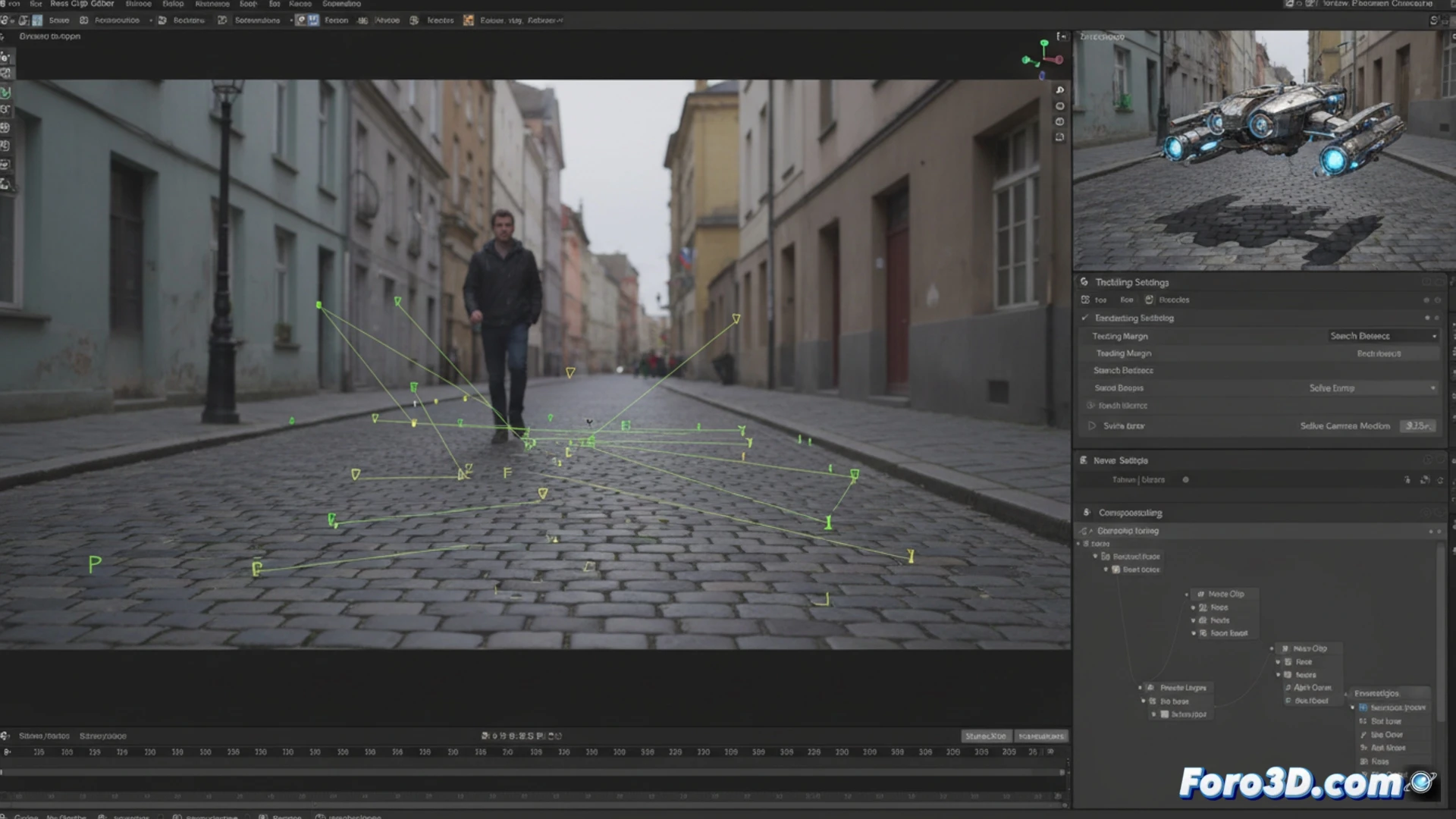
From 2D Plane to 3D Scene: Camera Solve 🎥
The technical process begins in the Movie Clip editor. After importing the sequence, parameters such as motion type and track length are adjusted. The user places tracking markers on high-contrast points with good tracking. Blender calculates the trajectory of each marker across the frames. With enough stable tracks, the Camera Solve is executed. This calculation generates a 3D camera and a background plane with the exact movement, allowing the addition of geometry, lighting, and shadows that respond to the real scene.
When your tracking points decide to go on vacation 😫
The fun part comes when, after carefully marking your points, you press the track button. Some markers slide faithfully like well-trained dogs. Others, however, decide to escape the plane on the keyframe, leaving a trail of frustration. It's as if those pixels had their own agenda and a train to catch. Then it's time to interpret the confidence color map, where red doesn't mean passion, but that your point has fled to another dimension.