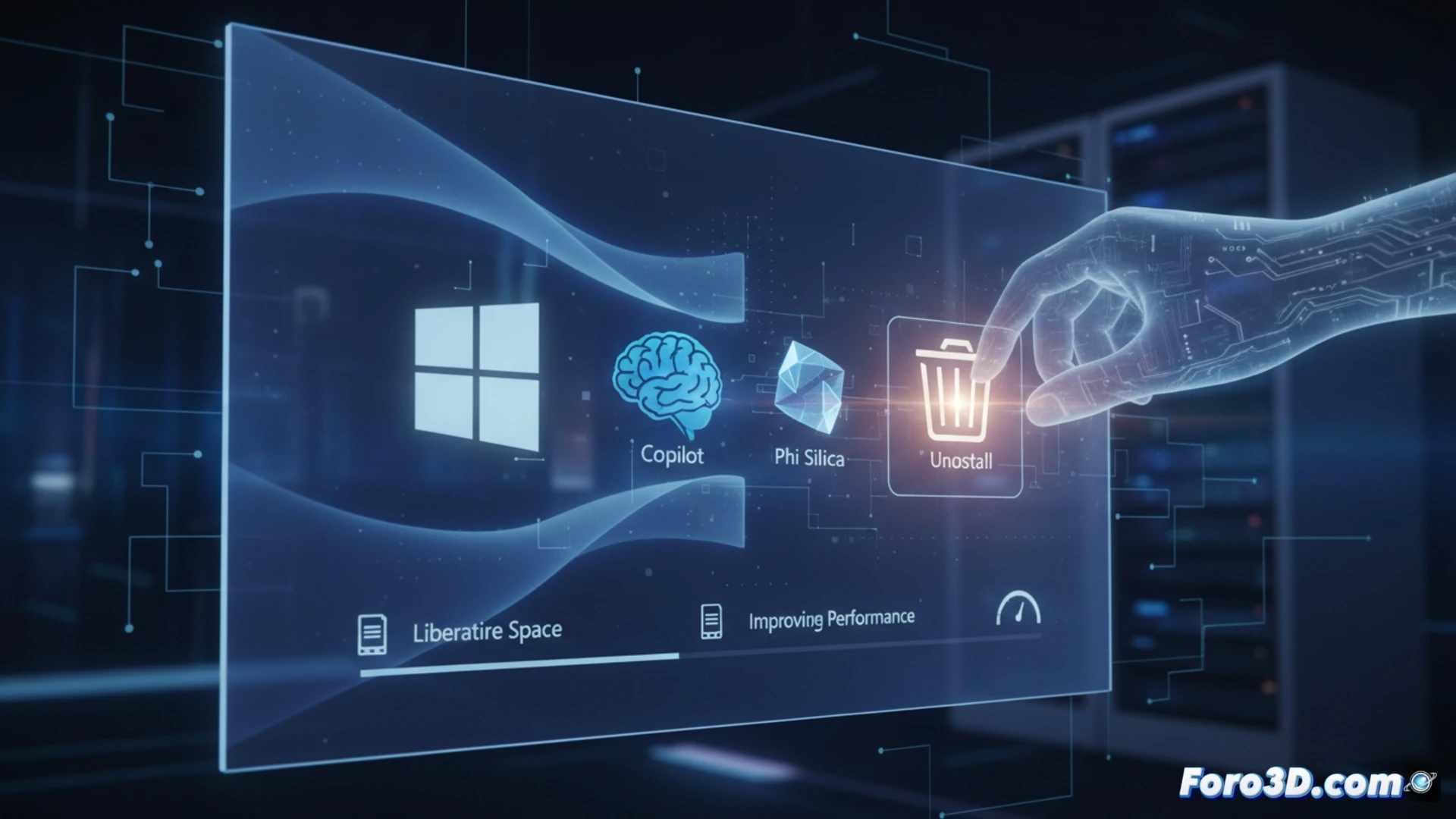
Microsoft has included in a test version of Windows 11 the option to uninstall artificial intelligence features such as Copilot or Phi Silica. This measure responds to user complaints about the lack of control over these components and excessive system resource consumption. The new feature will allow freeing up disk space and improving overall system performance, returning to users the decision on which AI tools to keep active.
How AI Component Removal Works in Windows 11 🛠️
In the test build, AI models appear as conventional applications in the Settings section. The user can select and remove them without needing advanced commands or scripts. Microsoft has confirmed that Phi Silica, a lightweight language model integrated into the system, is also uninstallable. This represents a change from previous versions where Copilot was anchored to the operating system. The company seeks to balance AI integration with user autonomy, although it has not yet confirmed whether this feature will reach the stable version.
AI Goes on Forced Vacation (and No One Will Miss It) 😂
It turns out that having a virtual assistant you didn't ask for, that consumes RAM like a video game, and that also recommends using Edge, wasn't such a good idea. Now Microsoft lets you delete Copilot as if it were a Candy Crush app. The next thing will be allowing the uninstallation of the Start button. Don't worry, the AI won't cry: it's surely already learning to cook data in the cloud while you recover those 3 GB of space.