When setting up a 3D workstation, every degree counts. Render sessions can last for hours, pushing the GPU and CPU to their limits. Fan configuration not only defines temperature but also the longevity of your investment. Positive, negative, or neutral pressure directly impacts dust accumulation and the formation of hot spots, two silent enemies of professional hardware.
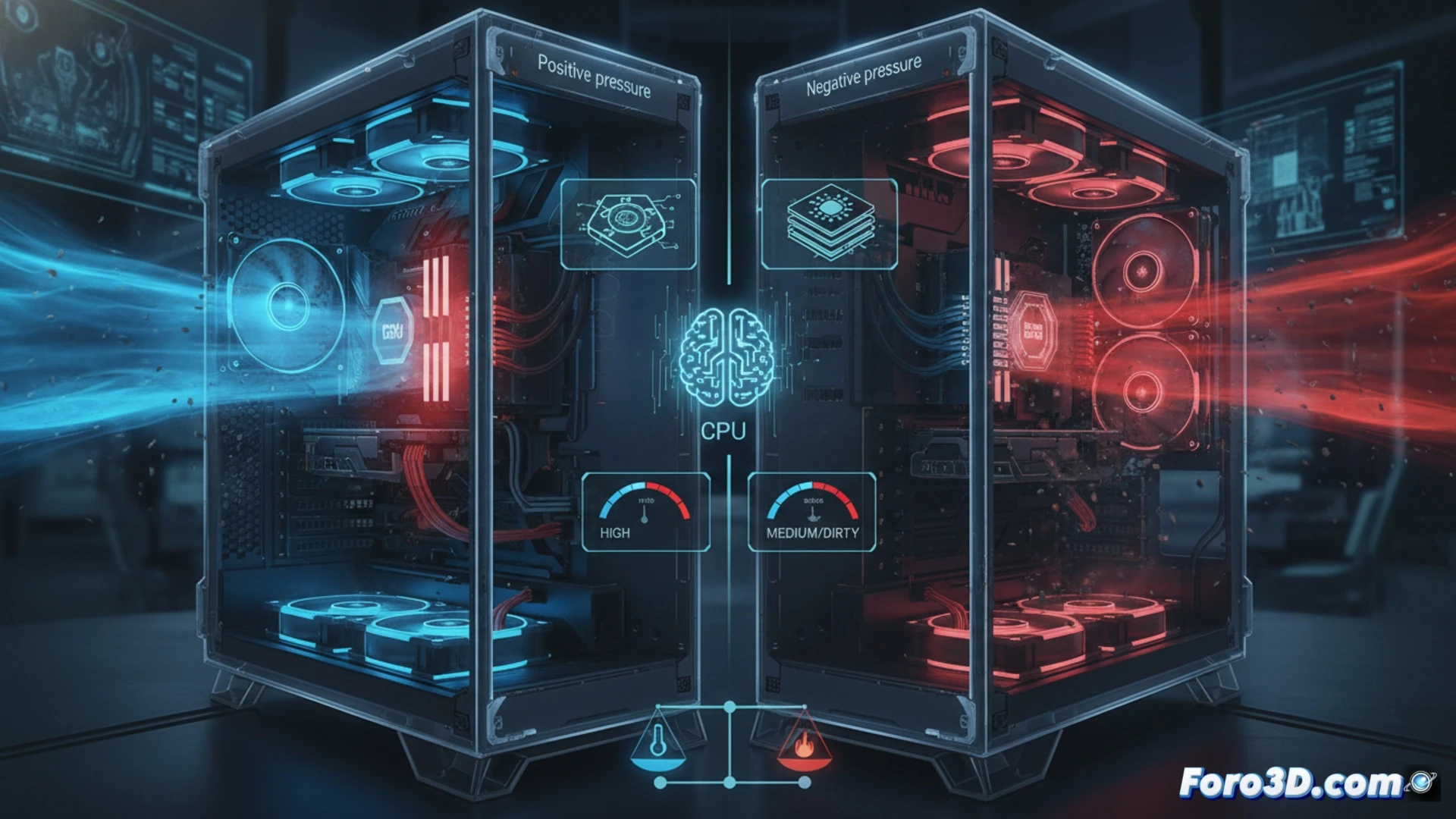
Technical analysis: airflow and critical components 🔥
In a positive pressure system, with more intake fans than exhaust fans, air filters through the grilles, keeping the interior clean. This is ideal for dusty environments, but it can create pockets of stagnant air near the CPU heatsink or GPU backplate, raising the temperature during prolonged rendering. Negative pressure, with more exhaust than intake, aggressively extracts heat, reducing thermal spikes in the VRAM, but it sucks dust through any crevice, depositing it on critical components. For a 3D workflow, neutral pressure, with an equal number of intake and exhaust fans, offers the best balance: it prevents localized overheating and minimizes dirt ingress, protecting the delicate voltage regulators of the GPU.
Balance as an investment strategy ⚖️
There is no magic configuration, but the 3D world community must prioritize consistency. A well-calibrated neutral pressure, with filters on the intakes and a fan curve that responds to GPU temperature, ensures your workstation maintains sustained performance without sacrificing internal cleanliness. In the end, the balance between cooling and dust protection is the smartest decision to maximize the lifespan of your professional hardware.
In a 3D workstation with multiple GPUs and active overclocking during prolonged renders, is it more critical to optimize chassis airflow or invest in liquid cooling for the CPU and GPU to avoid thermal throttling?
(PS: remember that a powerful GPU won't make you a better modeler, but at least you'll render your mistakes faster)