When a 3D scanner fails to digitize a living piece, such as livestock, the error is usually due to physical factors rather than hardware malfunction. The animal's involuntary movement, changing environmental lighting, and inadequate calibration generate point clouds with artifacts, gaps, or geometric deviations. We analyze the technical causes and the workflow to salvage or repeat the capture. 🐄
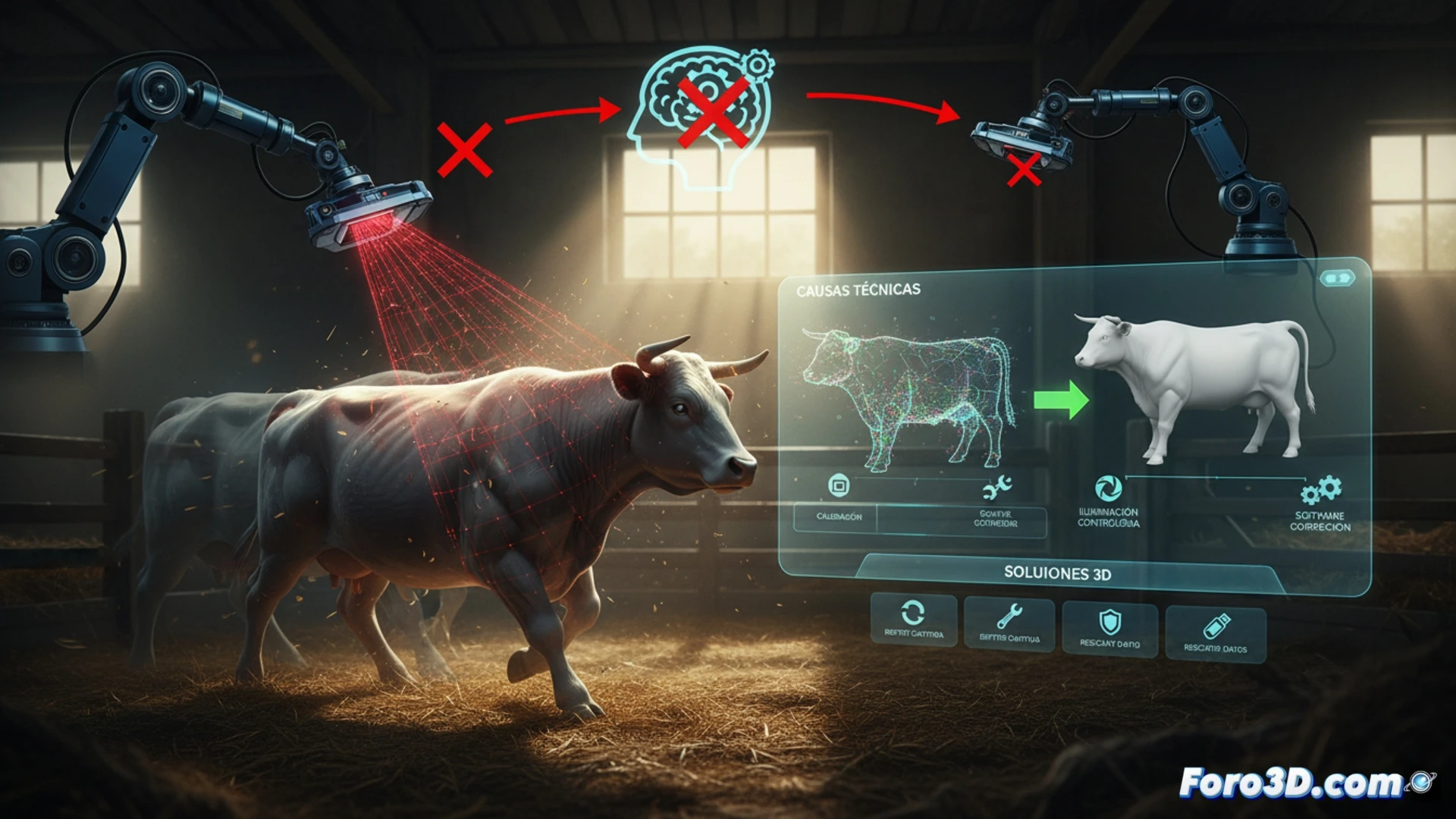
Technical workflow for capture and correction 🔧
The process begins with stabilizing the subject: in structured light scanners, movement causes displacements between frames that break alignment. If the error has already occurred, the solution is to clean the point cloud with statistical filters to remove outliers, followed by Poisson resampling to fill gaps. Then, a manual point-to-point alignment is applied in the modeling software, using fixed anatomical references (such as horns or hooves) to anchor the geometry. Finally, the surface is remodeled with smoothing tools based on splines, avoiding loss of detail in critical areas like the head or joints.
Lessons to optimize scanning of living beings 💡
To minimize future errors, adjust the scanner's capture frequency to high values (above 30 fps) and use a calibration cage with high-contrast patterns. Lighting should be diffuse and constant, without harsh shadows. Additionally, schedule short scanning sessions (less than 5 seconds) to reduce animal stress and movement. Good preprocessing avoids hours of subsequent cleaning and ensures a digital model faithful to the original piece.
What is the role of the animal's involuntary movement in generating artifacts during scanning and how can it be mitigated through 3D post-processing techniques?
(PS: Scan, remodel, print. And if it doesn't fit, you can always say it's a unique piece.)