Dell has launched its new XPS 13 with a promotional price of $599 for students, aiming to compete directly with the MacBook Neo. It is presented as the brand's thinnest and lightest laptop, equipped with an anti-glare touchscreen and long-lasting battery. However, for 3D professionals, the initial excitement meets a harsh reality: only 8GB of RAM and two USB-C ports, with no audio jack. Is this machine a viable option for modeling or light rendering, or is it simply an economic trap for clueless students?
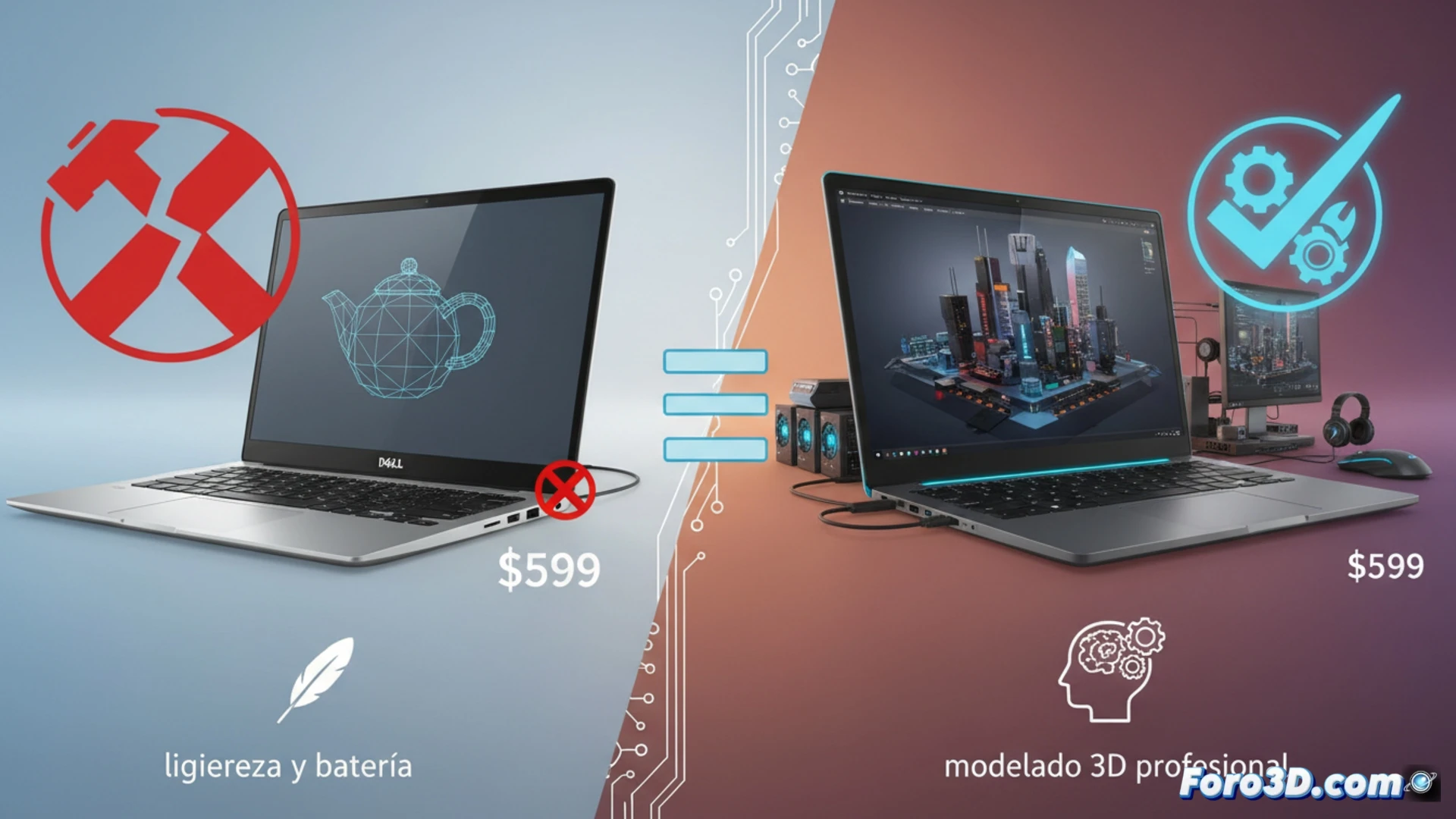
Technical analysis: 8GB of RAM and limited connectivity 🔧
From a 3D hardware perspective, the Dell XPS 13 presents two critical barriers. The first is RAM: 8GB is insufficient for handling complex scenes in Blender or dense meshes in ZBrush. A medium polygonal modeling project can easily consume 6GB just in geometry, leaving barely any space for the operating system and textures. The second limitation is connectivity. With only two USB-C ports, the user will have to rely on a hub to connect a graphics tablet, an external hard drive, and a secondary monitor, which are almost mandatory elements in a professional workflow. Additionally, the absence of an audio jack complicates reviewing animation videos or tutorials with wired headphones. Without a dedicated GPU, CPU rendering will be slow and painful.
A good deal or false savings? 💸
For the student who only needs to take notes and browse the web, $599 is a steal. But for the aspiring 3D artist, this equipment represents false savings. The memory and connectivity limitations will force a premature upgrade or the purchase of expensive accessories. If your goal is to learn Blender or sculpt in ZBrush, look for a laptop with at least 16GB of RAM, a USB-A port, and most importantly, a dedicated GPU. The XPS 13 is a cheap alternative, but the sacrifices in 3D performance are too great to ignore.
Can the Dell XPS 13 with its $599 student price offer stable performance in 3D modeling against the MacBook Neo, or is its hardware more geared towards basic tasks than professional workloads?
(PS: remember that a powerful GPU won't make you a better modeler, but at least you'll render your mistakes faster)