AMD has released version 0.20 of its GAIA framework, and it brings a change that many were clamoring for: you can now decide whether your AI agent runs on the CPU, GPU, or NPU. Until now, the system made the decision for you, prioritizing the GPU if it was present. With this update, control is in your hands, both on Windows and Linux.
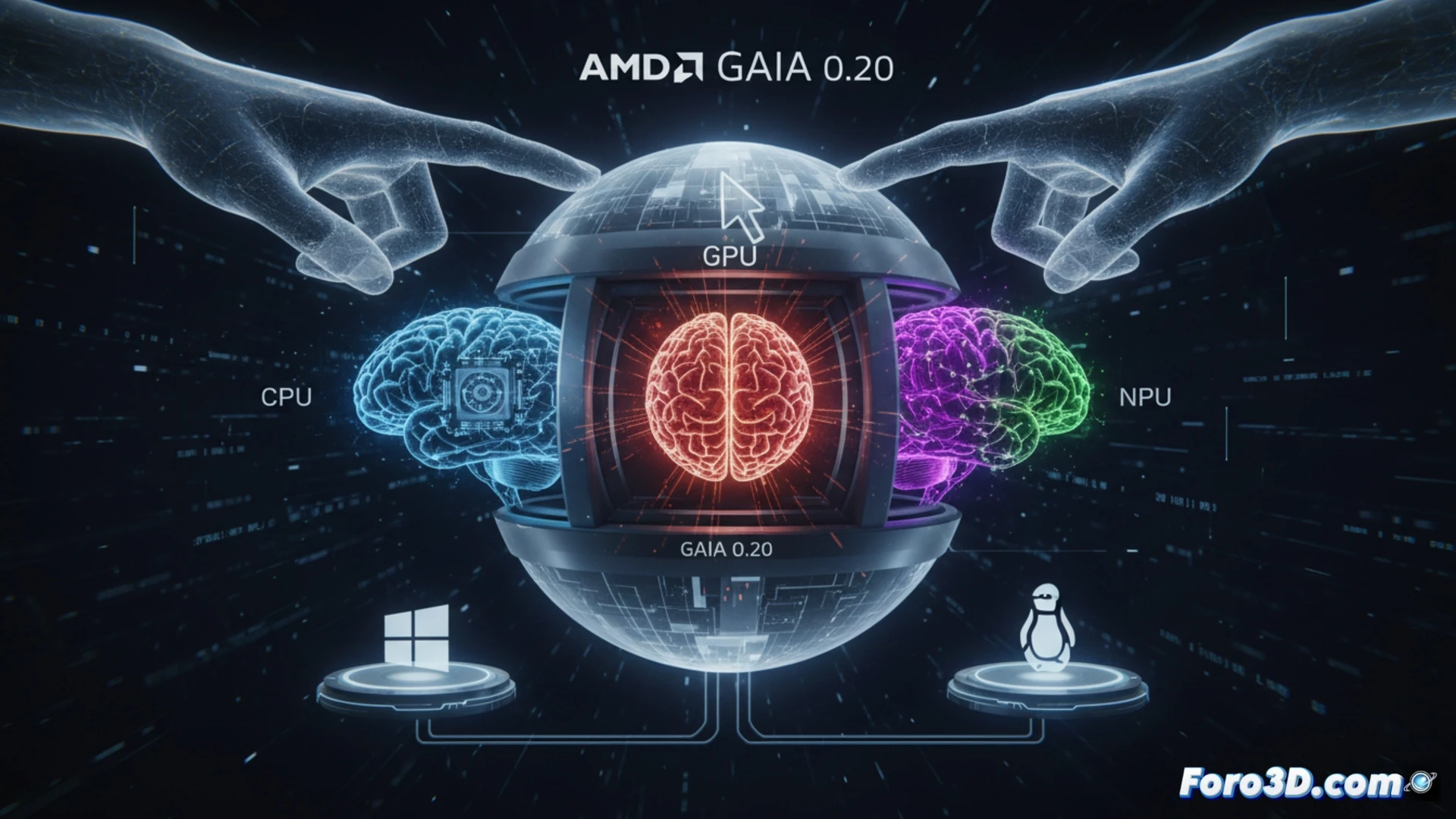
How hardware selection works in GAIA 0.20 🧠
The novelty lies in a parameter called hardware_mode, which allows you to force execution on a specific component. It's not magic: if you choose NPU, the model will load onto the neural processing unit integrated into Ryzen 7040 or higher. If you opt for GPU, you'll use the dedicated or integrated graphics. And if your PC is more modest, the CPU remains a solid option. This allows you to adjust performance and power consumption according to the task.
Finally, we can tell the AI where to go ⚙️
Until now, GAIA acted like that friend who decides the restaurant for you and takes you to an expensive place. With version 0.20, you're the one in charge. Do you want the AI agent to run on the NPU while you play? Done. Or do you prefer it to use the CPU so as not to overheat the graphics card while watching videos? That too. AMD gives us the power to choose, although I'm sure more than one person will end up trying all three options just to see which one melts the equipment first.