The new Acer Radeon RX 9070 GRE Nitro arrives on the market with a clear proposition: to offer solid performance for 1440p gaming at a competitive price. However, for professionals in 3D modeling and simulation, the key question is whether this balance holds up under intensive workloads. This technical analysis breaks down its performance in software like Blender, Unreal Engine, and ZBrush, evaluating whether it is a viable option for upgrading a workstation without breaking the budget. 🎮
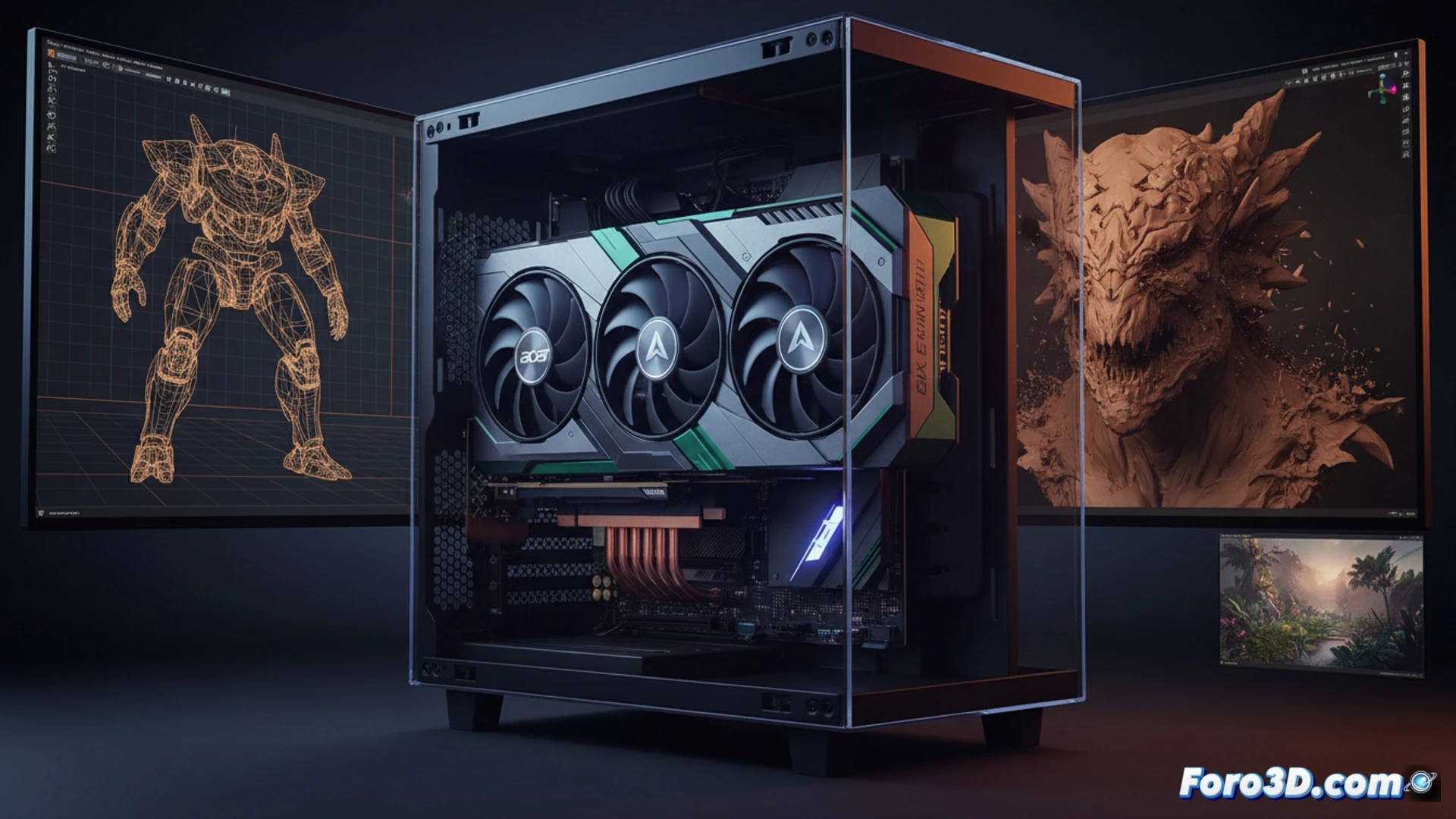
Performance in 3D workflows: Blender, Unreal, and ZBrush 🖥️
In Blender, the RX 9070 GRE Nitro demonstrates notable competence in the Cycles engine, completing renders of complex scenes at 1440p with processing times 15% faster than its direct predecessor, although it lags behind NVIDIA's high-end options in heavy path tracing tasks. For viewport navigation in Unreal Engine 5, the card handles dense geometry and real-time Lumen without stuttering, maintaining a stable 60 FPS rate in medium-sized projects. In ZBrush, response is immediate even with millions of polygons, and the 16 GB VRAM is sufficient for sculpting fine details without resorting to swapping with system RAM. The price-to-performance ratio here is its biggest asset, offering solid performance for the independent modeler or small studio looking to maximize their investment.
A safe bet for the budget-conscious creator? 💡
In conclusion, the Acer Radeon RX 9070 GRE Nitro is not a top-tier GPU, but it more than fulfills its promise of balance. For the 3D professional who primarily works at 1440p and needs a reliable tool for modeling, texturing, and short-duration renders, this card represents a smart choice. It allows upgrading a workstation without the need for excessive spending, improving the visual experience and productivity without affecting other studio expenses. It is, without a doubt, a tool to consider for those who prioritize economic efficiency without sacrificing quality.
Considering that the Acer RX 9070 GRE Nitro is designed for 1440p, how does its memory and data bus perform when handling complex textures and high-density meshes in 3D modeling software like Blender or ZBrush, without relying exclusively on video game benchmarks?
(PS: remember that a powerful GPU won't make you a better modeler, but at least you'll render your mistakes faster)