The Turbo button was a common feature on PCs in the 80s and 90s, located next to the power and reset buttons. Contrary to what its name suggests, its real function was to reduce the processor speed, not increase it. This allowed older programs and games, designed for slower CPUs, to run smoothly without stuttering.
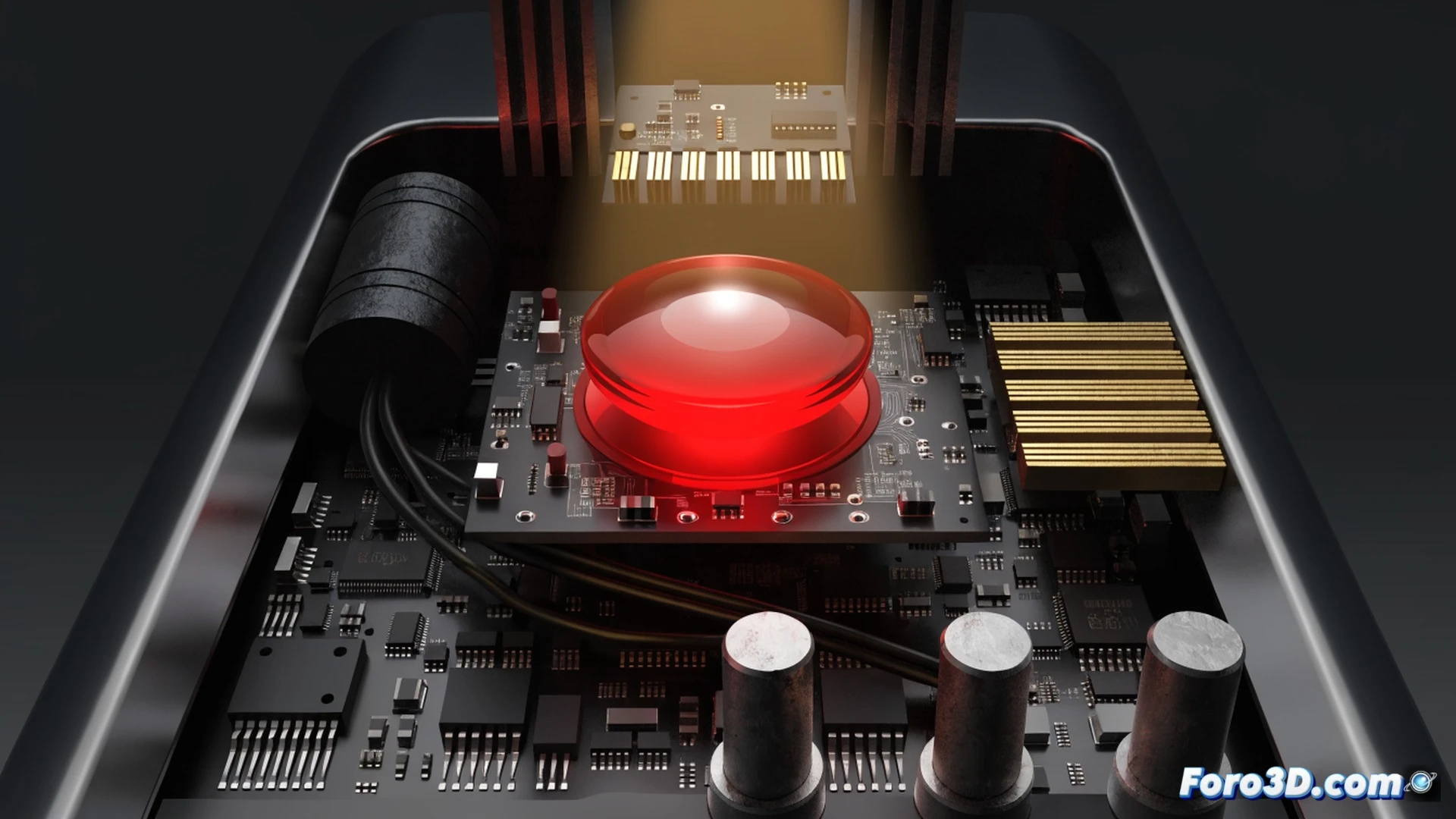
Technical compatibility in the MHz era 🖥️
Processors back then, like the Intel 8088 or 80286, lacked dynamic frequency management. When Turbo was activated, the system reduced the CPU clock speed, sometimes by half, to emulate the pace of earlier machines. Without this mechanism, titles like King's Quest or Space Invaders became unplayable due to excessive speed. It was a simple solution for a backward compatibility problem.
The button that took you back in time ⏪
So, if you grew up in the 90s, you probably pressed the Turbo button thinking you were activating a speed mode. The reality is that you turned it off so your PC wouldn't go crazy with Civilization. A technological irony: having a button to make your computer slower. Today we would call it compatibility mode, but it sounded less epic.