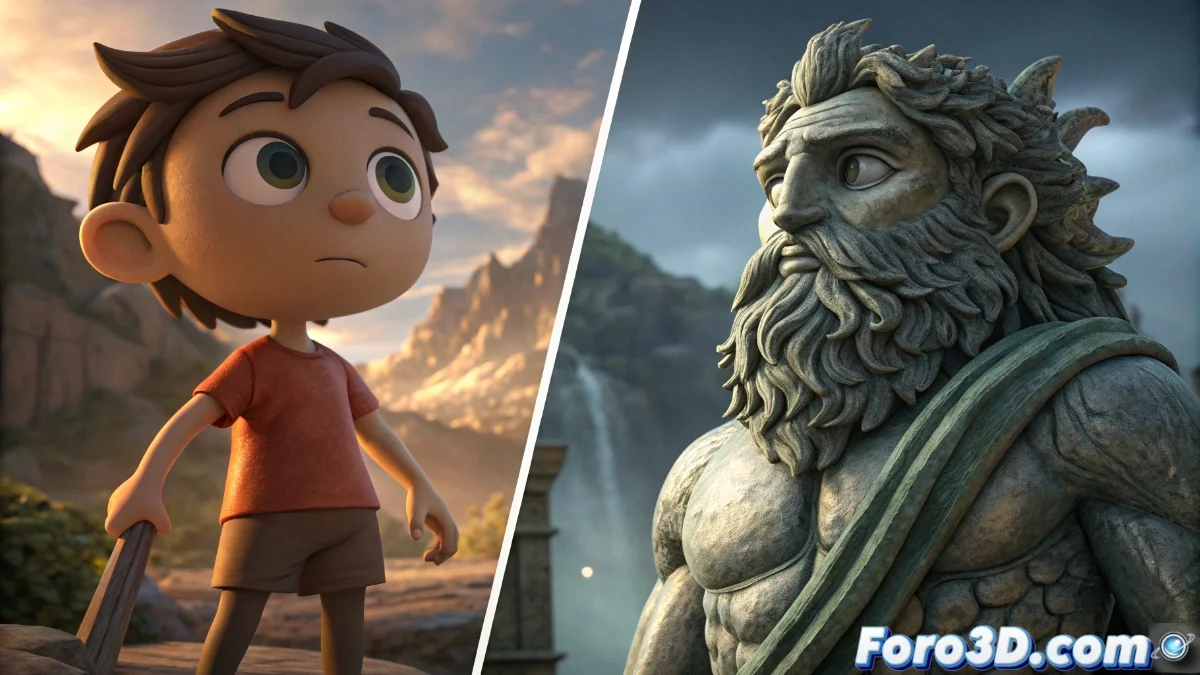
ZBrushCoreMini vs ZBrush: key differences for 3D artists
The world of digital sculpting presents two very distinct faces depending on whether you choose the free version ZBrushCoreMini or the complete professional ZBrush. While the former offers a friendly approach to 3D modeling, the latter provides a complete ecosystem for advanced creation. 🎨
Workflow limitations with ZBrushCoreMini
Artists using ZBrushCoreMini soon discover important operational restrictions that directly affect their productivity. The absence of essential tools like ZRemesher for automatic retopology represents only the beginning of the limitations.
Main shortcomings of ZBrushCoreMini:- Lack of advanced automatic retopology tools for optimizing meshes
- Limited polypaint and direct texturing capabilities on models
- Reduced handling of complex geometries with millions of polygons
ZBrushCoreMini makes you feel like an artist with tied hands, while ZBrush provides a complete studio where every gesture translates into millimeter precision
Professional advantages of ZBrush in production
The complete ZBrush stands out in professional production environments thanks to its ability to handle extremely dense geometries without compromising performance. Its advanced tools enable an integrated and efficient workflow.
Key features of professional ZBrush:- Complete tools for detailed sculpting and high-precision manipulation
- Robust automatic retopology system with professional-quality results
- Seamless integration into production pipelines for AAA projects
Choice based on creative needs
The decision between both platforms depends entirely on the level of demand of the project. While ZBrushCoreMini is ideal for learning and simple projects, ZBrush becomes essential for professional productions where every detail counts. 🏆