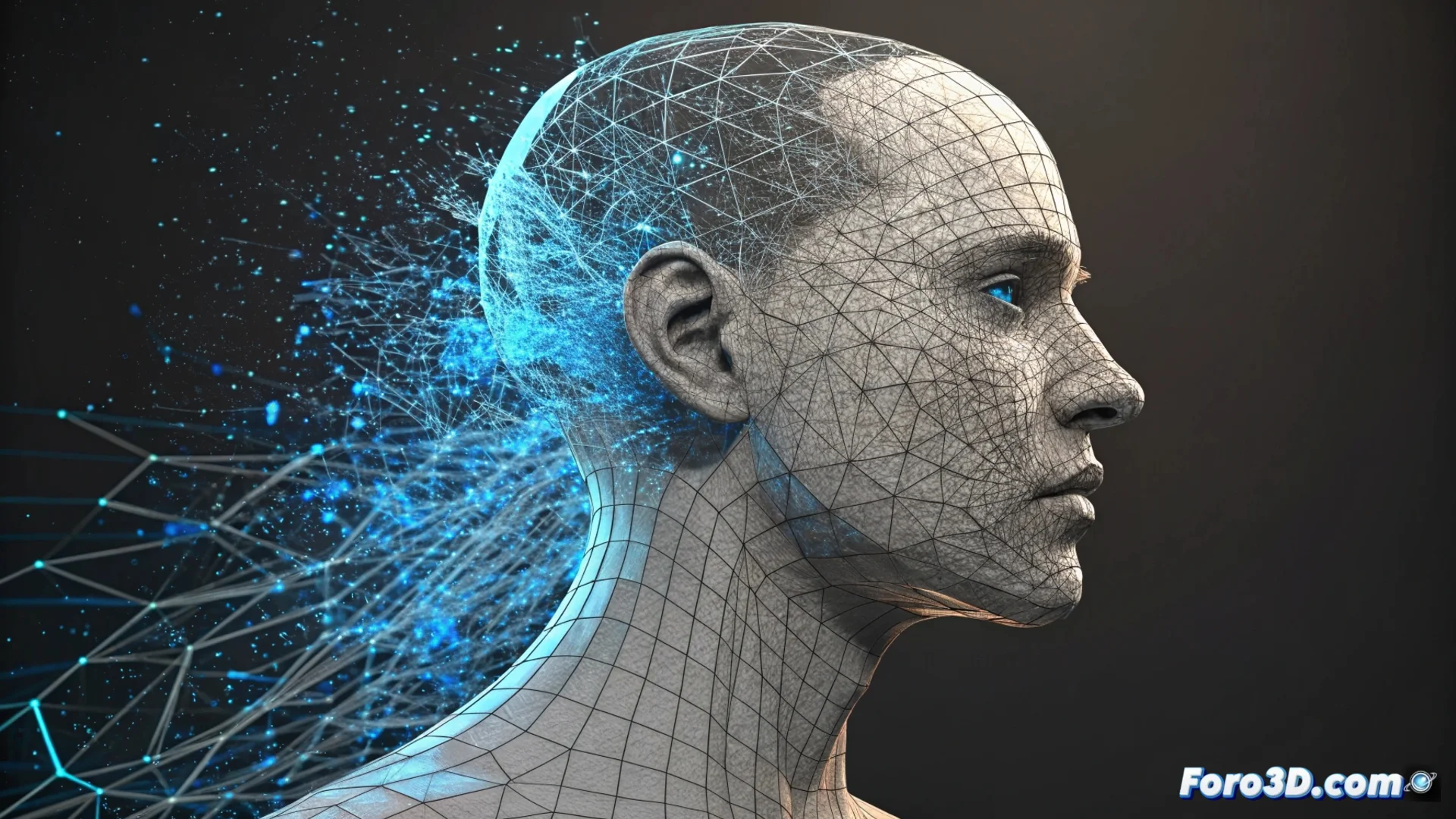
ZBrushCoreMini Includes ZRemesher to Recalculate Topology
The digital sculpting suite offers a free entry point: ZBrushCoreMini. This simplified version brings a key professional feature within everyone's reach: ZRemesher. This tool is essential for reorganizing a 3D model's geometry intelligently. 🛠️
How Does ZRemesher Work?
The process focuses on automation. The artist defines a target polygon density and the algorithm handles the rest. It analyzes the sculpture's shapes and generates a new mesh with a logical edge flow that follows them. It's not a total black box; it allows using poly-painting guides to direct the flow in specific areas, offering control without exhaustive manual work.
Main features of the process:- Automatic process: Interprets shapes and creates loop rings autonomously.
- Control via guides: The user can paint lines to influence polygon direction.
- Definable density: Allows setting the total number of polygons for the final result.
Transforms a high-resolution sculpture, which may look like "tangled spaghetti", into a lightweight and ready-to-use mesh.
Advantages of the Resulting Mesh
The new topology generated by ZRemesher is predominantly quad and uniform. This feature is crucial for later stages in a 3D production pipeline. An orderly mesh avoids artifacts when subdividing and serves as the base for efficient animation or texturing in other software.
Key benefits of the optimized mesh:- Ready for subdivision: Prevents polygons from pinching or deforming when applying subdivisions.
- Ready for animation: Provides a clean deformation structure for proper rigging.
- Efficient exchange: Facilitates exporting the model to other programs for texturing or rendering.
An Essential Step in the Workflow
Integrating ZRemesher into ZBrushCoreMini democratizes a vital technical step. It allows artists to transform high-resolution organic sculptures into lightweight and functional meshes. This process not only organizes chaos but lays the foundation for the entire subsequent model development, making digital art more accessible and efficient. 🎨