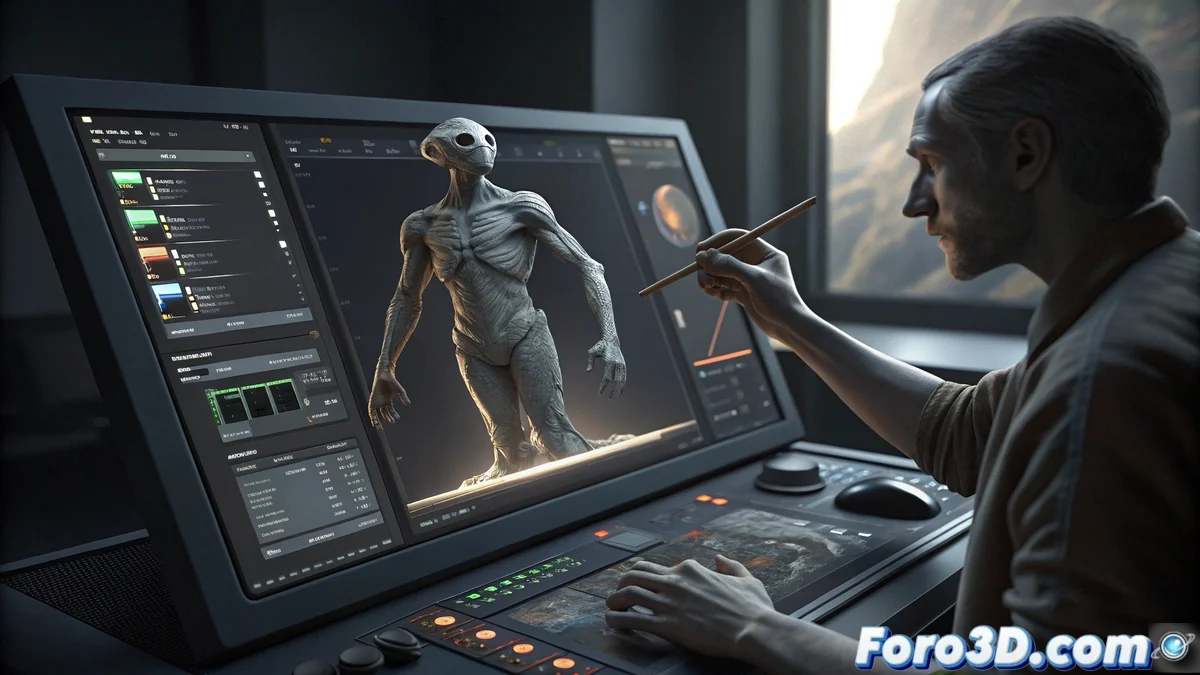
ZBrush Desktop Adopts Interface Overhaul Inspired by Its iPad Version
The desktop edition of the popular digital sculpting software is undergoing a significant transformation in its user interface, adopting the design principles established by its successful iPad version. This evolution represents a fundamental shift in the interaction philosophy with the tool, prioritizing intuitiveness and creative workflow efficiency 🎨.
Unified Brush and Tool System
The core of this update lies in the implementation of a unified brush system that allows switching between different types of tools directly from a cohesive interface. Artists no longer need to navigate multiple menus to access fundamental functions, experiencing a seamless transition between sculpting and painting modes that maintains the software's essence while dramatically optimizing productivity.
Main features of the new system:- Unified interface for quick switching between sculpting and painting brushes
- Significant reduction in clicks needed to access essential tools
- Smooth transitions that maintain the current work context
"The philosophy is simple: the interface should mold around the artist, not force the artist to adapt to the interface"
Total Flexibility in Workspace Organization
The new interface introduces fully detachable menus that can be repositioned in any area of the workspace according to individual preferences. Functions now appear as independent floating panels that can be docked or kept free, offering an unprecedented level of customization in the software's history.
Advanced customization options:- Detachable menus that adapt to any screen configuration
- Full support for complex multi-monitor setups
- Ability to create and save multiple custom layouts
Adaptability to Individual Work Methodologies
Users can now reorganize interface elements with unprecedented freedom, creating configurations that perfectly align with their specific workflows. Customization extends beyond simple layout, including color adjustments, icon sizes, and tool organization that allow each artist to design an environment that reflects their unique creative methodology.
Balance Between Customization and Productivity
While this extreme flexibility offers significant advantages, the natural question arises about whether so much customization could lead artists to spend more time organizing the interface than creating art. After all, the main goal remains sculpting and modeling, not interface design. The key lies in finding the perfect balance that allows artists to work more efficiently without falling into the trap of over-customization ⚖️.