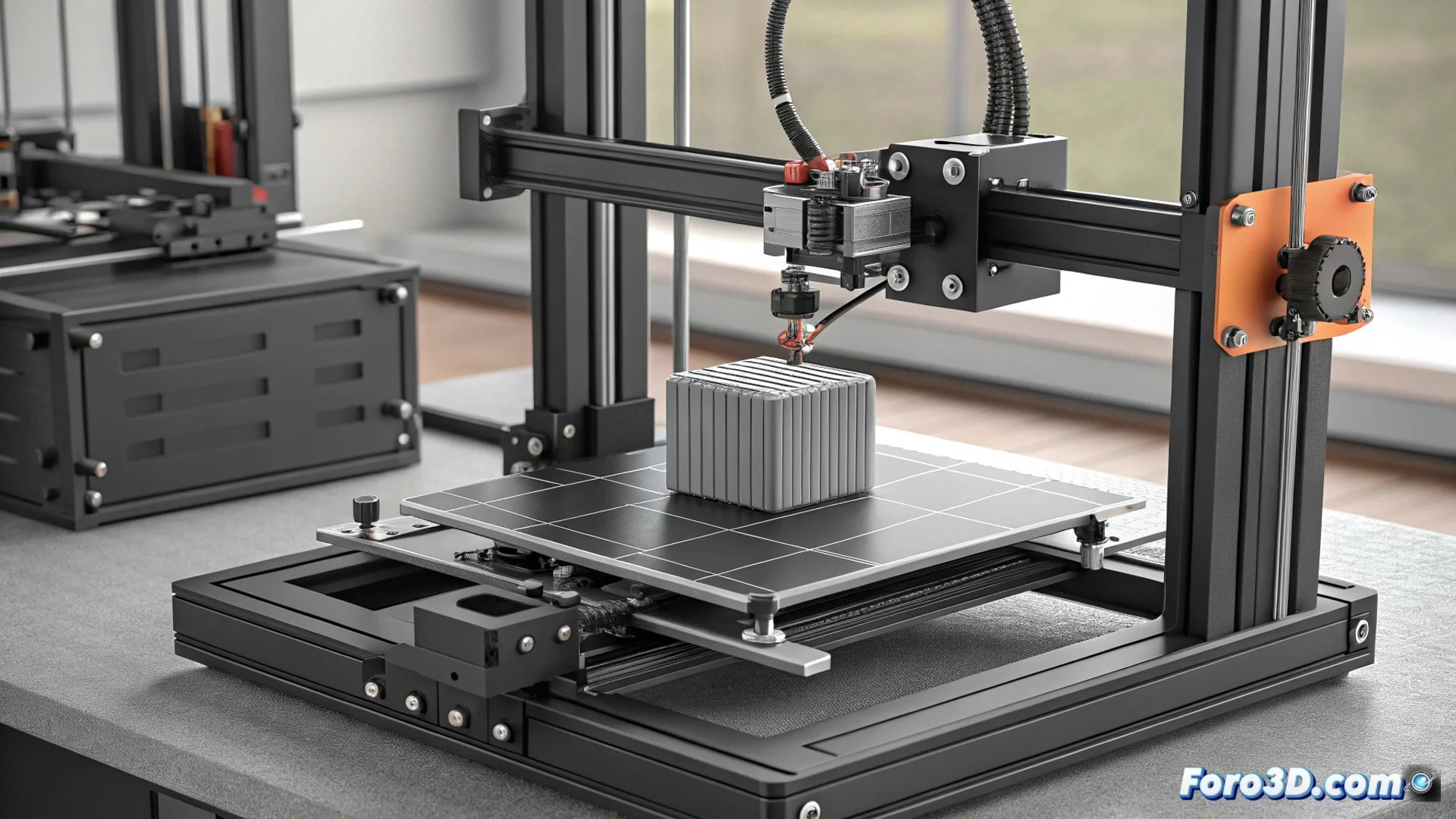
Z-wobble on the Halot-Mage: how to fix horizontal lines
A pattern of thin horizontal bands appears on parts from the Halot-Mage printer, a phenomenon known as Z-wobble. This visual and tactile defect is due to the Z-axis not moving perfectly straight during the printing process. 🌀
The root of the problem: a single support point
The mechanical design that uses a single lead screw to control vertical movement is the main cause. Unlike systems with two linear guides, this configuration is more sensitive to any imperfection. A minimal deviation in the straightness of the screw, play in the coupling, or a slight misalignment when mounting it results in the platform oscillating slightly as it rises, printing that unwanted pattern on each layer.
Factors that amplify Z-wobble:- Non-straight lead screw: Any curvature or lack of linearity in the threaded rod.
- Mechanical play: Slack in the coupling between the stepper motor and the lead screw, or in the bearings.
- Irregular friction: Poor or uneven lubrication along the screw.
The classic dilemma: mechanical simplicity versus perfect finish. The printer saves a lead screw, the user decides whether to sand.
Practical steps to reduce the bands
Mitigating the effect of horizontal lines is possible with adjustments and maintenance. The goal is to achieve a more stable and smooth Z-axis movement.
Adjustment and maintenance strategies:- Check and tighten belts: Ensure the Z-axis belts have no excessive slack.
- Tighten connections: Check and adjust the screws that secure the lead screw and its coupling to the motor.
- Lubricate properly: Apply specific grease for lead screws to achieve uniform friction.
- Adjust lift speed: Set a slower and more constant lift speed in the slicer.
- Inspect the lead screw: Look for evident curvatures with the naked eye. Replacing it is complex but sometimes necessary.
- Verify alignment: Check that the entire Z-axis assembly is mounted straight and without twists.
Conclusion: precision versus design
Z-wobble on the Halot-Mage is a direct consequence of its simplified mechanical architecture. Although it affects the surface finish, knowing its origin allows for practical solutions. With periodic maintenance and fine adjustments, this line pattern can be significantly minimized, improving the final quality of parts without excessive post-processing. 🔧