When working on a video project, whether it's a series of clips or a longer montage, it's common for content like photos and videos to be modified as the process progresses. Sometimes, it's necessary to update an image or video multiple times. However, the real challenge lies in replacing each file manually, one by one, within the project. This can be extremely tedious.
The Automatic Solution for Replacing Files
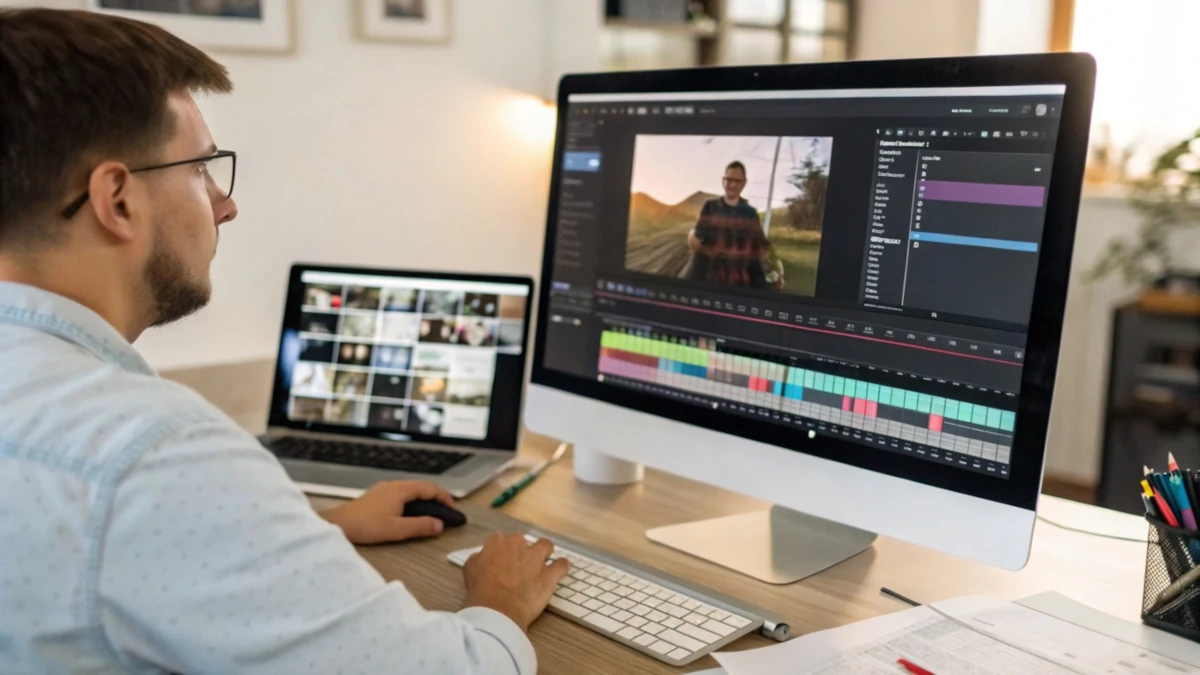
The good news is that there are video editing programs, both free and paid, that make this process easier. Instead of having to replace each file individually, you just need to replace the file in the corresponding folder, ensuring the file name is the same. The software takes care of updating the file automatically in the project without you having to do anything else. This can save you a lot of time, especially when working on large projects with frequent modifications.
No Need for Databases or Complicated Tools
The best part is that there's no need to resort to databases or complex tools. You just need to update the file with the same name, and the program handles the rest. This allows you to continue with your work without interruptions, without wasting time searching for and replacing files manually.
Tools for Mass Video Creation
Additionally, there are tools that allow you to create multiple videos in bulk, even using an Excel file. Although they are usually useful for adding photos, the integration of videos in these systems can be somewhat more limited. Despite that, the ability to automatically update images and videos within an editor greatly facilitates the work, allowing you to focus on what's important and preventing tedious details from interfering with your workflow.
Benefits of Automatic Updates
This solution makes the editing process much faster and more efficient, especially in large projects that include many images or video clips.