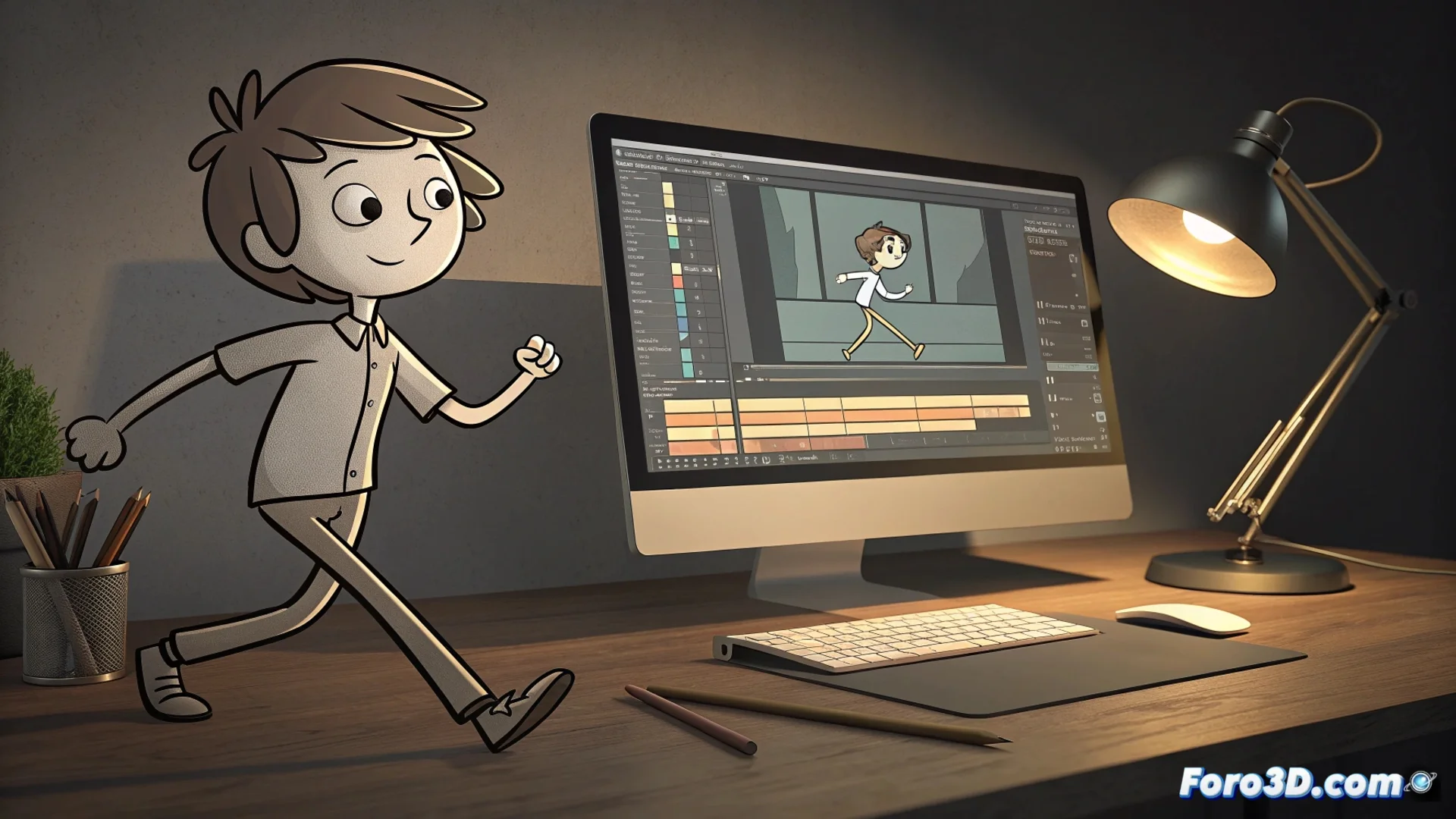
Wick Editor Combines Traditional Animation and Interpolation
In the landscape of creative tools for the web, a new option emerges that operates directly from your browser. Wick Editor is a program that merges two animation philosophies into a single accessible environment. Its purpose is to allow anyone to bring their ideas to life and publish them online without complications. 🎬
A Dual Approach to Animating
The power of Wick Editor lies in integrating two fundamental methods. On one hand, you can draw manually each frame, emulating the artisanal process of classic animation. On the other, the software can automatically generate the intermediate frames between two states of a symbol, a process known as tweening. This drastically speeds up tasks like moving, rotating, or scaling objects, freeing the creator to focus on the most artistic details.
Main Features of the Workflow:- Browser-based Environment: No installation required; it runs and saves projects locally on your computer.
- Vector Drawing Tools: Allow creating and modifying graphics directly within the application.
- Native HTML5 Export: Projects are converted into standalone files that work in any modern browser.
You can draw each wing of the hummingbird twenty-four times per second to feel the essence of the traditional animator, but then you'll thank the computer for moving the background sun for you.
The Timeline as the Command Center
The interface is organized around a familiar timeline, with layers and frames. For frame-by-frame animation, you draw in individual cells. To use interpolations, you convert a drawing into a symbol and place instances in key frames; Wick Editor handles the rest. Additionally, it includes options to add basic interactivity through JavaScript code, opening the door to creating buttons or simple mini-games.
Advantages of Its Educational Design:- Clear Pedagogical Objective: Serves as an introductory bridge before jumping into more complex animation software.
- Active Community: Users share asset libraries and tutorials that expand the tool's possibilities.
- Speed for Prototyping: The combination of methods allows for immediate experimentation and results.
A Tool to Start Creating
Wick Editor prioritizes accessibility and education over having an exhaustive set of drawing tools. Although its illustration capabilities are basic compared to dedicated software, they are more than sufficient for bringing simple concepts to life and learning the principles of digital animation. Its greatest achievement is demonstrating that creating animated and interactive web content can be a straightforward and encouraging process. ✨