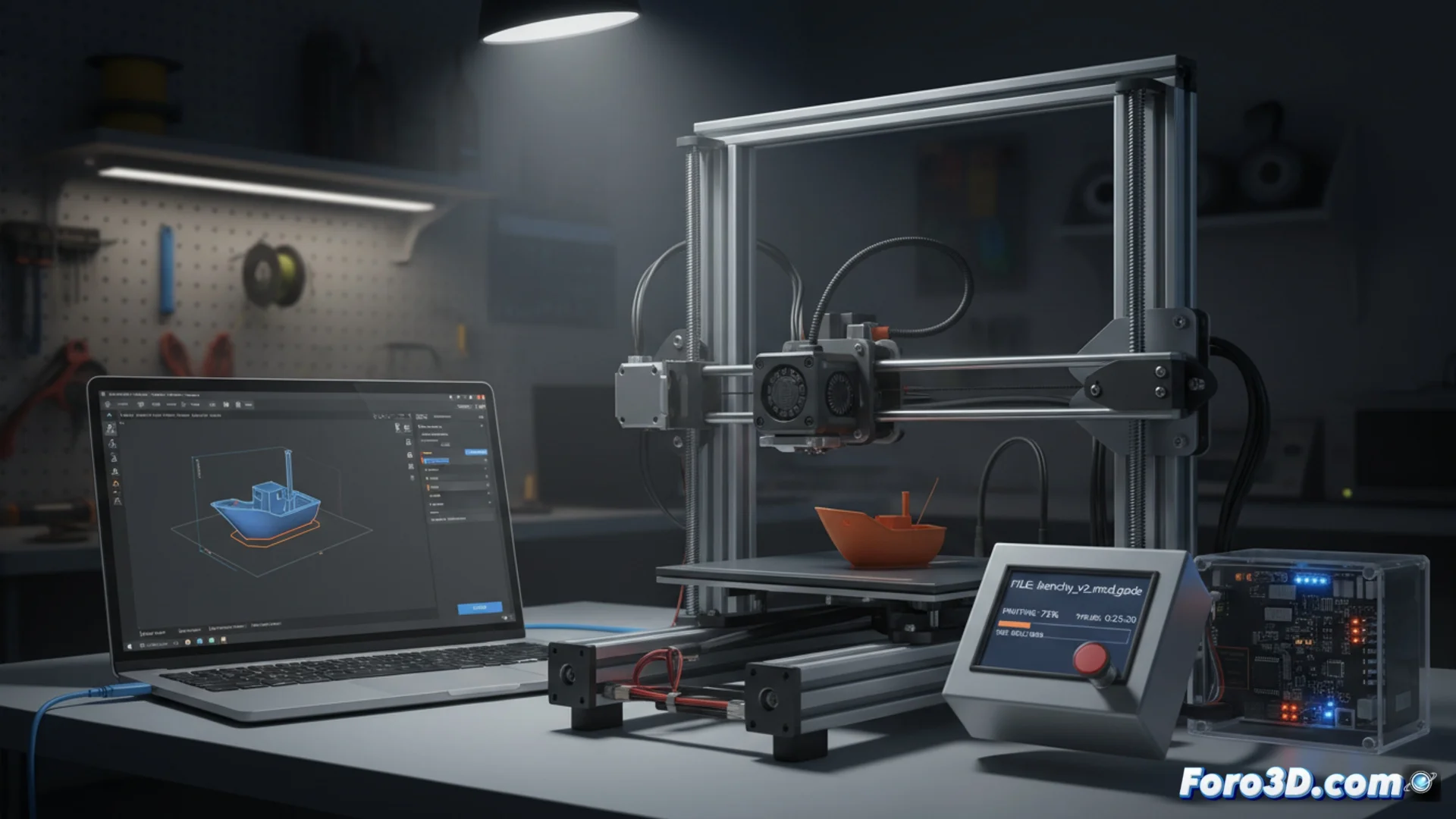
Why do some 3D printers seem to prefer Cura's G-code?
It is common to hear that certain 3D printers work optimally or exclusively with the G-code files produced by Cura. However, this is not due to an insurmountable technical barrier. The G-code language is a standard that any compatible machine can interpret. The idea that a device only accepts files from a specific program arises from the way that software prepares commands for a specific printer model. 🧩
The root of the issue lies in the firmware
The main reason is usually a locked or customized firmware configuration by the machine's manufacturer. Some manufacturers alter the firmware of their devices to expect commands in a very specific order or that include special parameters. Cura, with its official preconfigured profiles for those brands, generates code that perfectly adapts to what the firmware anticipates, avoiding failures or erroneous movements.
Key factors in this situation:- Firmware modified by the manufacturer with very specific command expectations.
- Official profiles in Cura that precisely match those expectations.
- The G-code itself is valid, but the sequence may not be what the machine expects.
It's not that the G-code is incorrect, but that it does not follow the exact sequence programmed into the printer.
Manually adjusting other slicers is possible
When using another slicer program, such as PrusaSlicer or Simplify3D, the available printer profile may not match 100% with what the firmware requires. This can cause the machine to reject the file, stop, or execute incorrect paths. The solution involves manually adjusting the configuration in these alternative applications, a process that usually resolves the problem and allows using the software you prefer. 🔧
Options when facing this scenario:- Use the software suggested by the manufacturer, the quickest but least flexible route.
- Dedicate time to manually calibrate parameters in an alternative slicer.
- Search for or create a community printer profile that already fixes these mismatches.
Finding the balance between ease and control
Although resorting to the recommended program is the most immediate solution, it may limit exploring other options that could optimize your prints better. Understanding that compatibility is a matter of configuration, and not of the technical capacity of the G-code standard, empowers the user to seek alternatives and adjust their workflow to their real needs. 🚀