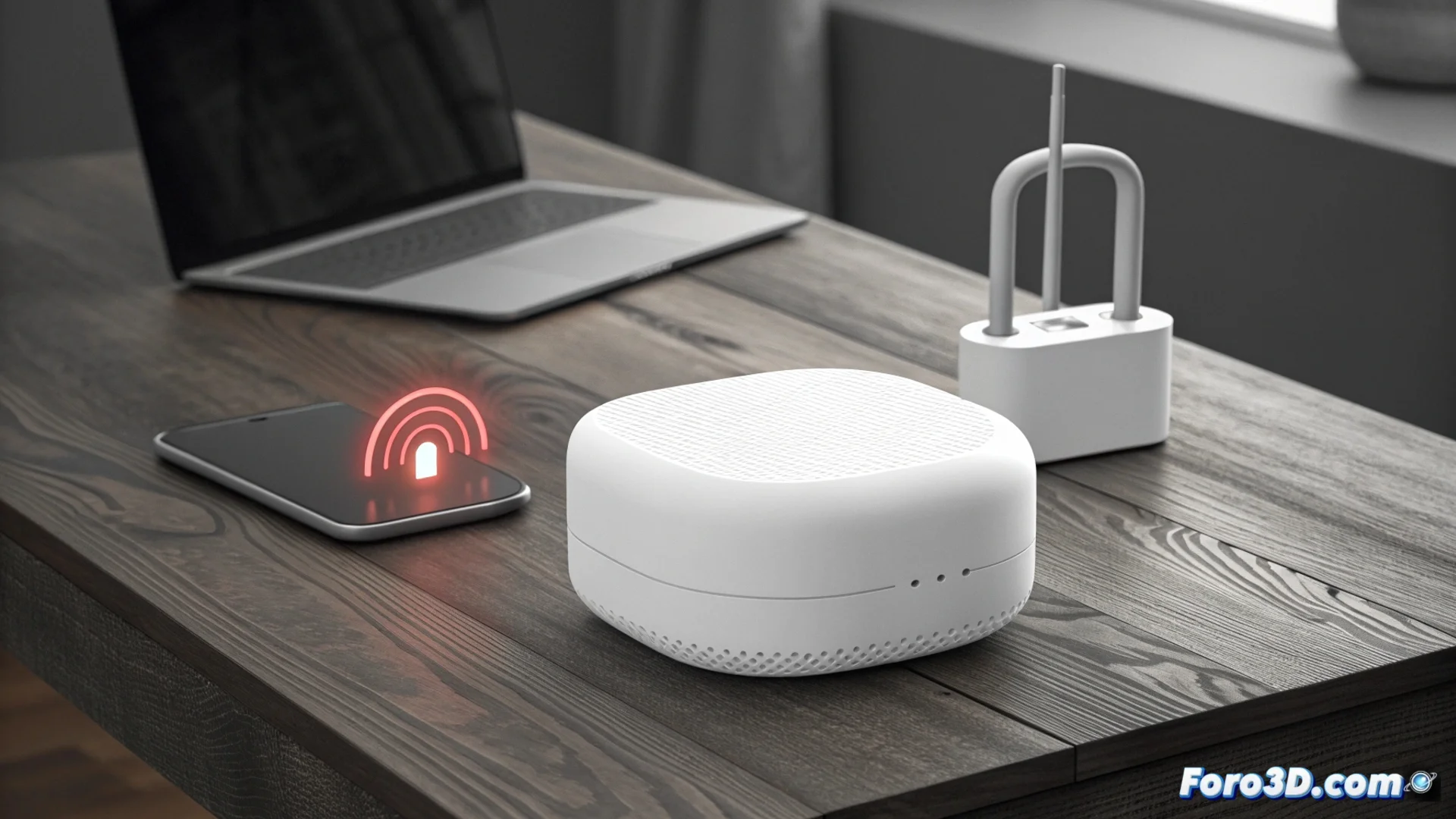
Why Combining Brands in Your Mesh Network Can Block Your Devices
Many users seek to expand their Wi-Fi coverage economically by incorporating repeaters or nodes from other brands into their main mesh system. This practice, although tempting, hides a significant risk that can leave part of your network inoperative without prior notice. The cause is usually a simple software update. 🚨
The Hidden Risk of Automatic Updates
Manufacturers of mesh systems like Google Nest Wifi, TP-Link Deco, or Netgear Orbi periodically update the firmware of their main devices. These updates can modify internal communication protocols or strengthen authentication mechanisms to improve security. The problem arises when a third-party device, which previously communicated without issues, no longer "speaks the same language" as the main router after the update. The result is that the system stops recognizing it or refuses to route data through it, creating blind spots in your network.
Consequences of mixing ecosystems:- Fragmented network: Some devices become isolated, breaking the continuous mesh.
- Loss of investment: The economical repeater becomes a useless device overnight.
- Lack of support: The main mesh system manufacturer does not offer warranty or help for non-certified devices.
The convenience of a single ecosystem usually compensates for its higher initial cost, avoiding unpleasant surprises.
Why Manufacturers Prioritize Their Own Ecosystems
Closed mesh systems are designed to operate as a cohesive and optimized unit. Engineers tune performance, spectrum management, and security with interactions between their own products in mind. By introducing external hardware, you operate in an unofficial and untested territory. There are no interoperability agreements between brands for these proprietary technologies, so any software change from the original manufacturer will prioritize the integrity of its native system, even if that means invalidating connections with non-homologated equipment.
Strategies to reduce the risk of blocking:- Maintain homogeneity: Using only devices from the same brand and line is the safest option.
- Look for compatibility modes: Investigate if the main mesh system has a bridge mode or compatibility mode that disables proprietary features.
- Create a separate network: Connect the third-party repeater to the main router via Ethernet cable to operate as an independent Wi-Fi network.
Proactive Management of Your Network
Disabling automatic firmware updates can postpone the incompatibility problem, but this action exposes your network to known security vulnerabilities that patches fix. The decision involves weighing the risk of your hardware stopping working against the risk of suffering a cyberattack. Ultimately, understanding that a mesh ecosystem is an integrated set, and not a collection of interchangeable parts, is key to making an informed decision and avoiding your economical solution turning into a technical problem. 🔧