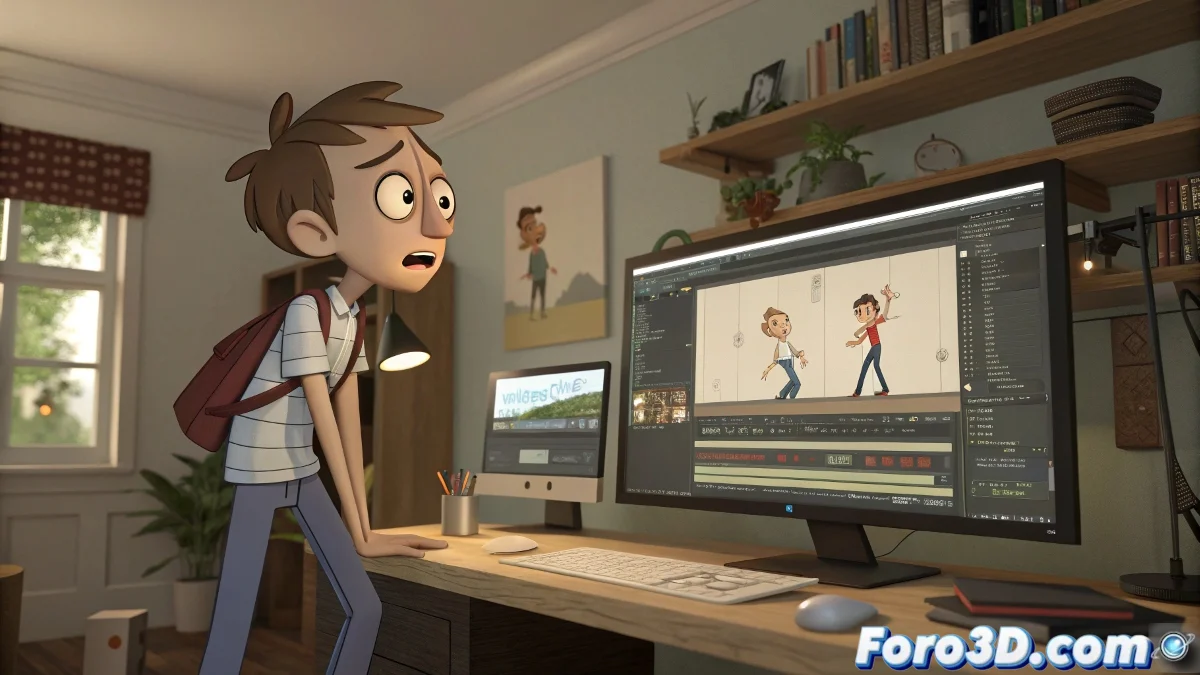
When Keys Rebel in 3ds Max
Every animator has felt that pang of terror when opening their scene in 3ds Max and discovering that the keys have decided to have a life of their own. No, it's not alien sabotage or a conspiracy by mischievous plugins 👾. It's more likely a combination of technical factors that, while seemingly mysterious, have a solution.
Why Do Keys Act Like Rebellious Teenagers?
Keys are the bosses of movement: they tell the program what to do and when. But when those instructions change without warning, there are several usual suspects:
- Corrupted data when opening the file (an unpleasant surprise!)
- Modifiers or controllers that apply changes automatically
- Animation tracks that step on each other as if competing in a choreography
- Linked files or proxies that alter behavior without asking for permission
This is how a carefully crafted animation can end up looking like a disorganized party... but without the cake 🎂.
Survival Guide: How to Tame Errant Keys
Before panicking or yelling at the screen (again), there are a series of steps that can help restore order to your scene:
- Check the Track View or Curve Editor to detect and delete duplicate curves
- Identify modifiers or controllers that are acting on their own
- Verify conflicts between animation tracks, especially if there are layers or animation blending
- Inspect linked files or references that might be rewriting your precious keys
All of this with the same patience used to defuse a bomb... but with less drama and more coffee ☕.
"In animation, nothing moves by itself. Unless you forgot to deactivate a hidden controller. Then yes, it runs." — An animator with dark circles
Tips to Keep Keys in Check
As with everything in life, prevention is more comfortable than repair. Here are some healthy habits for your scenes:
- Save frequent versions (yes, even when you think everything is going well)
- Use previews to detect errors early
- Avoid using too many modifiers simultaneously
- Explore forums like Foro3D to discover tricks not in the manual
Adopting these practices can save you more than one session of internal screaming and promises of "I'm never animating this character again" 😅.
The Funny Side of Animated Chaos
Who hasn't suspected that 3ds Max has a soul of its own when a key appears where it shouldn't? Maybe your animation just wants your attention, like a cat knocking things off the table to feel important 🐱.
Remember: if something moves by itself in your scene, it's not witchcraft... it's probably you from the past forgetting to turn on Auto Key. And if not, you can always blame the studio's invisible intern 😜.