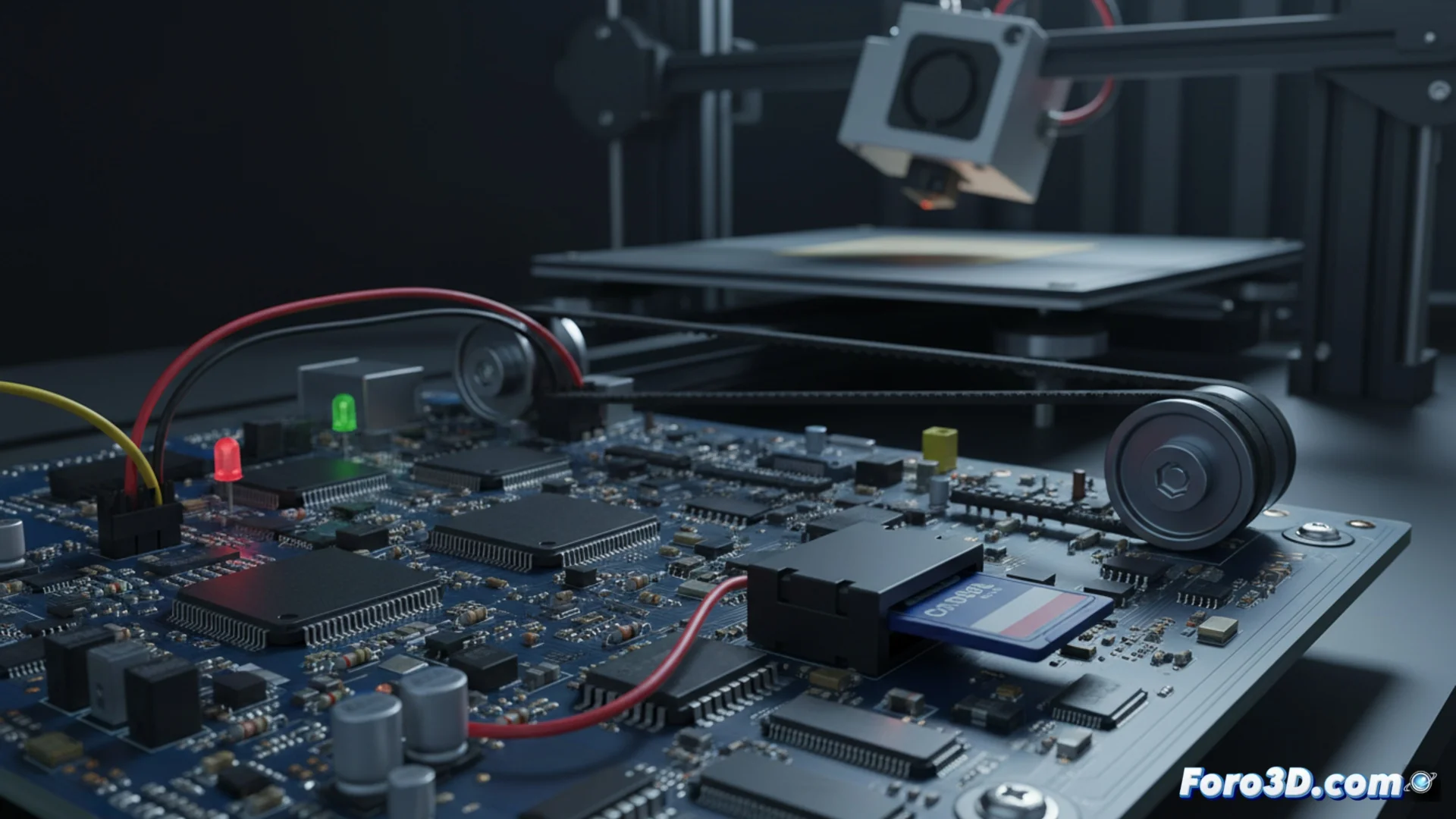
When the 3D printer executes anomalous movements
If your 3D printer starts to move unexpectedly or at speeds that don't make sense, the root of the problem is almost always in the instructions it receives. The G-Code, the language interpreted by the electronics, may include commands with impossible values or that exceed the mechanical capacity of the equipment. This forces the motors to act unpredictably when trying to obey directives that the hardware cannot execute or that the firmware handles poorly. 🔧
Analyze the movement commands in your G-Code
The key commands to move the extruder are G0 (rapid movement) and G1 (printing movement). Each line of these commands must precisely define the X, Y, Z coordinates and the feed rate F. If any of these parameters is incorrect—such as a Z coordinate that is too high or an excessive F speed—the machine will react with chaotic behavior. It is vital to examine the code to locate these faults, paying special attention to the areas where the problem manifests. 🧐
Steps to inspect the G-Code:- Open the .gcode file with a text editor or specialized viewer and search for lines with G0 and G1.
- Verify each value of coordinates (X, Y, Z) and speed (F) to ensure they are logical and within an acceptable range.
- Check the transitions between layers or long movements, as they are common points where programming errors can sneak in.
An error in a single line of G-Code can trigger a sequence of completely erroneous and potentially damaging movements for the printer.
Check the hardware and firmware configuration
In addition to reviewing the code, it is crucial to confirm that the programmed displacements do not exceed the limits established in your printer's firmware. A common error is that the slicing software or slicer is configured for a printer model with a larger build area, which generates unreachable coordinates for your hardware. Ensure that the maximum size parameters on the X, Y, and Z axes in your slicer accurately reflect the real dimensions of your equipment. 📏
List of configuration checks:- Compare the travel limits defined in your printer's firmware with the settings in your slicing software.
- Update the printer profile in the slicer if you have made hardware modifications or if you are using an incorrect generic profile.
- Perform a homing test and limits to verify that the endstops work correctly and the firmware knows the real edges of the machine.
Don't rule out physical connection problems
Sometimes, the source of the failure is not in the code you write, but in how the machine reads it. A poor electrical connection, such as a loose motor cable or an oxidized connector, can cause the signal to move an axis to be misinterpreted, causing, for example, an X-axis displacement to turn into an unwanted Y-axis movement. This type of hardware communication failure can simulate a software problem, so a physical review of the wiring and connectors is always a recommended step. ⚡