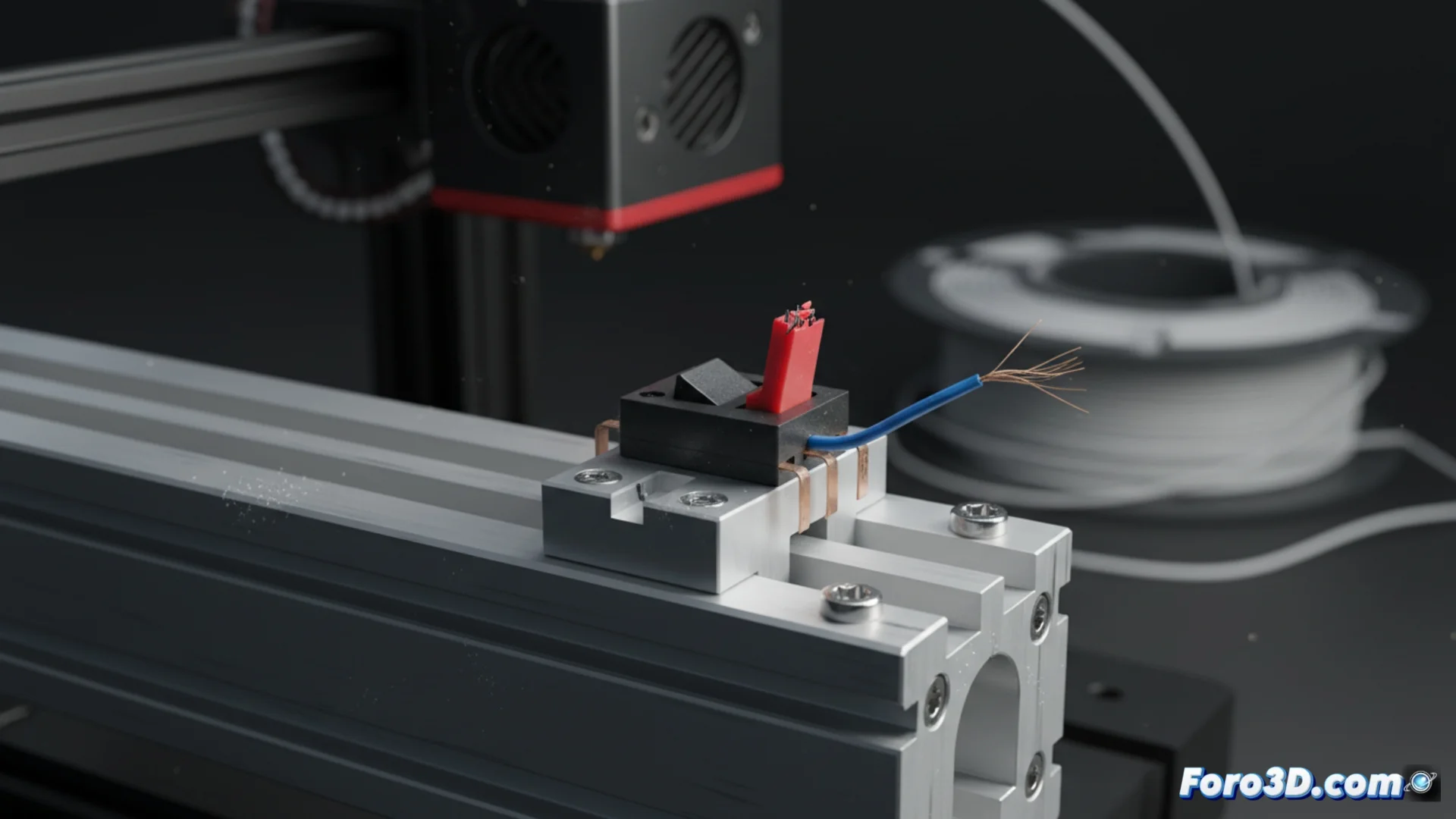
When an Endstop Fails on Your 3D Printer
A malfunctioning endstop is one of the most problematic failures you can encounter. This small device is responsible for signaling to the firmware the exact point where the end of each axis is located. If it fails, the machine completely loses its origin reference, triggering chaotic movements, serious inaccuracies, or collisions of the head against the structure. 🚨
Identifying Symptoms of a Damaged Sensor
Problems arising from a defective endstop are quite clear. The most common is that the printer repeatedly fails during homing, unable to find the zero of the axes. Another frequent symptom is prints that appear displaced on the bed, as if the initial layer had been printed in the wrong place. In the worst cases, the head may hit the machine's stops because it doesn't detect that it has reached the limit.
Steps to diagnose the problem:- Physical inspection: Check the sensor for accumulated dirt, if the lever is bent, or if the mechanical button is stuck. Any obstruction prevents it from activating.
- Electrical test: Manually activate the sensor (press the lever) while checking its state in the firmware. You can use the printer's screen or an interface like OctoPrint to see if the state changes from "open" to "triggered".
- Check wiring: If the state doesn't change in the software, the problem is likely in loose, broken cables or a poorly inserted connector on the motherboard.
Nothing like seeing your printer decide that the origin is two centimeters beyond the frame to start the day with adrenaline.
How to Repair and Recalibrate the System
If the sensor responds to manual activation, the failure may not be in the component itself, but in its calibration or adjustment. An incorrect positioning will cause the carriage to stop too early or, on the contrary, try to move beyond its physical limits.
Actions to fix the failure:- Adjust the position: Loosen the screws holding the endstop and move it until it activates just when the carriage reaches the end of the axis. Then tighten it again.
- Secure connections: Disconnect and firmly reconnect the cable to the controller board to rule out false contacts.
- Replace the component: If after the previous tests the sensor still doesn't work, you will need to replace it with a new one. It is also recommended to check that the port on the motherboard is not damaged.
Maintain the Precision of Your Machine
Endstops in perfect condition are fundamental for your 3D printer to operate safely and accurately. Diagnosing and fixing these failures in time prevents major damage to the structure and ensures that every print starts from the correct point. Performing periodic maintenance that includes cleaning these sensors and checking their adjustment will save you many problems. 🔧