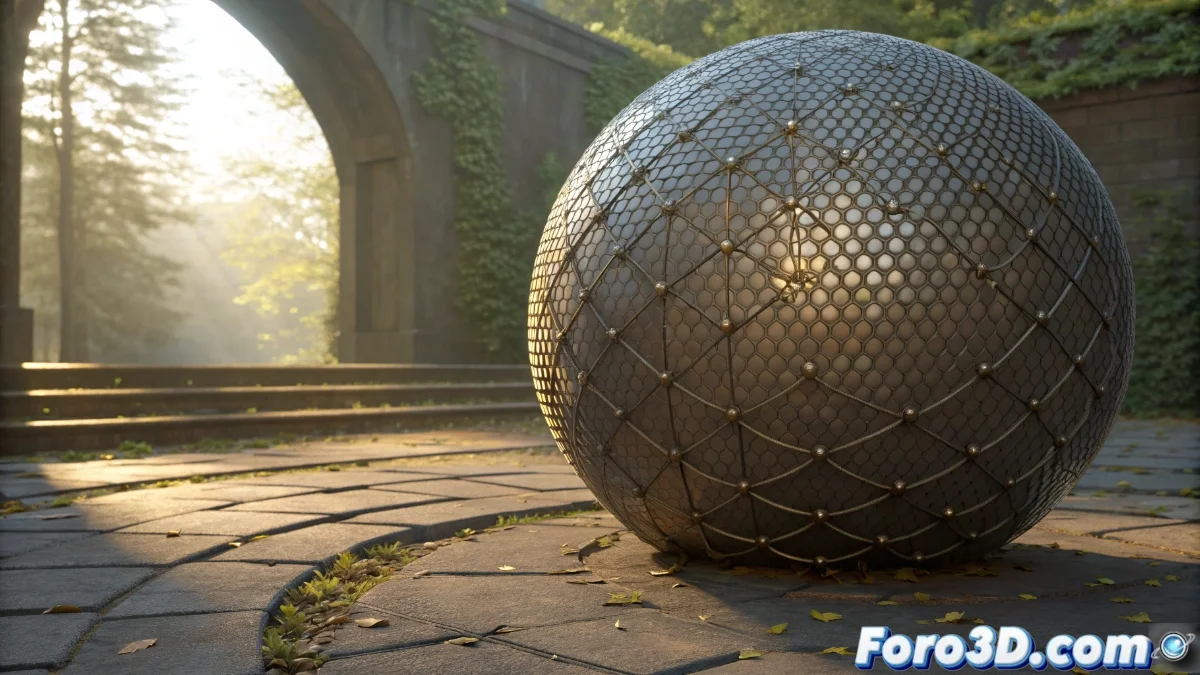
Weighted Normal in Blender 5: Advanced Normal Calculation
The Weighted Normal feature in Blender 5 represents a qualitative leap in normal calculation, automatically prioritizing faces based on their area and geometric influence. This system analyzes the mesh in real-time during smoothing, assigning differential weights to achieve more organic transitions between adjacent surfaces. Artists observe how marked edges are smoothed without compromising structural definition, especially in models with variable topology 🌀.
Configuration and Influence Parameters
Within the Normals | Modifiers panel, the Weighted Normal controls allow modifying the weight factor based on the face area and edge angle. Default values are usually optimal for common cases, but in complex meshes, it is possible to increase the strength up to 2.0 to emphasize dominant faces. The Keep Sharp option activates a hybrid mode that preserves defined sharp edges while applying weighted smoothing to the rest, balancing automatic and manual control for projects that demand topological precision.
Key Adjustments in Weighted Normal:- Area Weight Factor: Determines how the size of each face influences the normal calculation
- Edge Angle: Controls the transition between surfaces based on inclination
- Keep Sharp Mode: Preserves manually marked edges while smoothing the rest of the mesh
The implementation works consistently both in the viewport and in the final render, ensuring visual coherence across different visualization modes
Practical Applications in Organic Modeling
Artists find particular utility in characters and natural elements where surface transitions must appear continuous without losing volume. When modeling human faces, Weighted Normal eliminates the faceting effect in areas like cheeks and forehead that occurred with traditional methods. For scene elements like rocks or trees, the system automatically calculates the normal flow between irregular subdivisions. Results are visible immediately in the viewport, accelerating the workflow by reducing subsequent manual adjustments in the shader.
Advantages in Specific Projects:- Organic Characters: Smooth transitions in complex anatomical areas
- Natural Environments: Automatic calculation on irregular surfaces like foliage or rock formations
- Time Optimization: Significant reduction of manual touch-ups in the shading process
Reflections on Automation in the Workflow
It is interesting how we can now delegate to the software decisions that previously required hours of manual adjustment, although occasionally it makes us question whether we truly understand the calculations behind the scenes. Weighted Normal not only improves visual quality but also transforms the artist's approach to topology, allowing focus on creative aspects while the engine handles technical details 🎨.