Vertex Animation Texturing or VAT optimizes complex animations
In the field of computer graphics, optimizing performance is a constant goal. Vertex Animation Texturing (VAT) emerges as an ingenious solution to simulate complex movements without overloading the system. This technique processes or bakes the information of a complete animation into a simple 2D texture, which a shader then interprets. It is perfect for adding dynamism to scenes with many elements. 🎮
The core of the process: baking movement into pixels
The method does not start from scratch, but transforms an already existing animation. First, a high-complexity animated sequence is needed, typically generated in software like Blender or Maya. The system analyzes this animation and captures the precise position of each vertex in each keyframe. Subsequently, it encodes this vector data into the color channels (RGB) of an image. Each pixel in this texture corresponds to a specific vertex, and its color value represents its transformed coordinates for a specific moment in time. The final result is a texture map that functions as a powerful lookup table for the animation.
Key advantages of using VAT:- Low CPU/GPU cost: The heavy computational load is shifted to the prior baking process. At runtime, only sampling a texture is required.
- Lightweight static meshes: Low-polygon models are used, reducing memory and vertex bandwidth.
- Wide compatibility: The technique can be implemented in most game engines and real-time rendering pipelines.
Vertex Animation Texturing transforms complex vertex data into pixel information, allowing a texture to tell a story of movement.
The shader: the interpreter that brings the texture to life
During execution in an engine like Unity or Unreal Engine, the magic happens in the shader. The object in the scene uses a simplified static mesh. A custom vertex shader, which receives as inputs the model's UV coordinates and the elapsed time, is responsible for reconstructing the animation. It queries the baked texture using these coordinates and the current frame calculated. Based on the RGB values read, the shader displaces each vertex of the static mesh to its new position. This process recreates the original complex movement without relying on skeletal (rigging) systems or blendshapes, freeing up valuable resources.
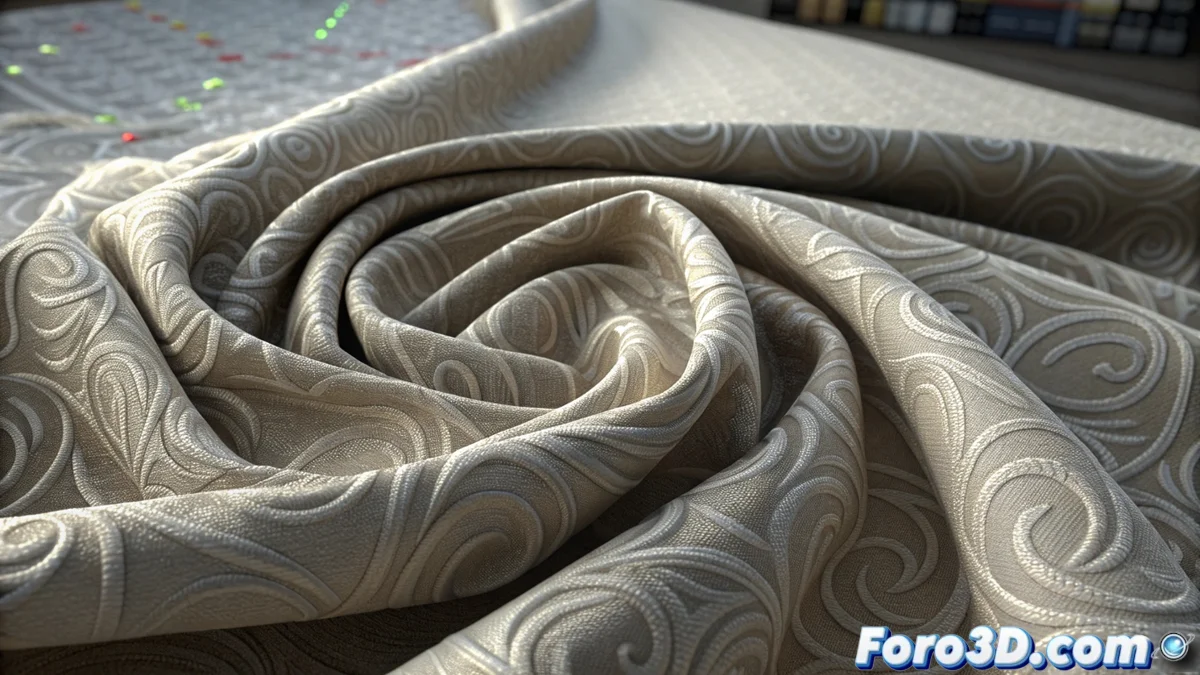
Ideal use cases for VAT:- Simulate flag flapping or fabrics with many folds in a strategy game.
- Create effects for an explosion or flying debris fragments.
- Efficiently animate the movement of surface liquids or foliage with thousands of leaves.
Final considerations on the technique
It is crucial to understand that, visually, the result can be very convincing and detailed. However, the base model remains inert when the shader is not running, similar to a mannequin waiting to be activated. The choice to use VAT versus other techniques depends on the balance between visual fidelity, performance, and memory (the size of the baked texture). For developers seeking to optimize massive scenes or repetitive effects, mastering Vertex Animation Texturing becomes an indispensable tool in their graphics arsenal. 💡