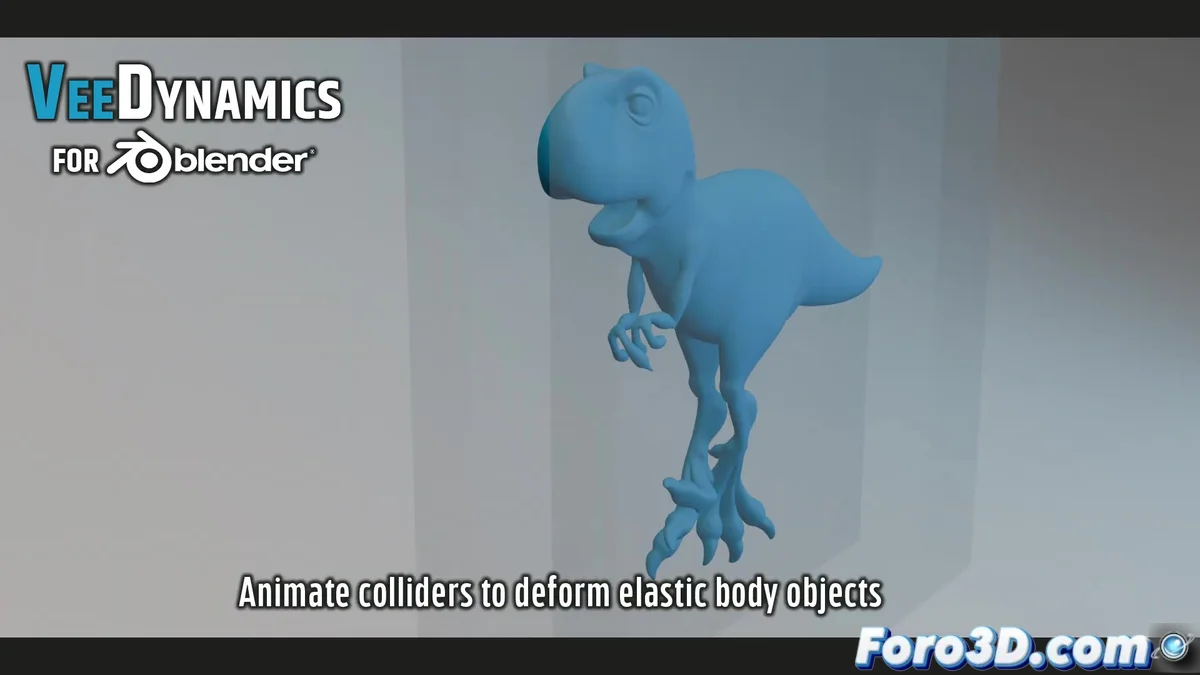
VeeDynamics Makes Physics in Blender Look Like Cheap Magic
In the Blender universe, where a simple cloth simulation could make even the most robust computer cry, VeeDynamics appears like that friend who shows up with pizza just when you're about to give up. This plugin not only speeds up elastic object simulations, but does so with a style that leaves traditional physics wondering where it went wrong.
"If your computer doesn't smoke while simulating a thousand bouncing balls, are you really doing 3D?"
— Nobody, after trying VeeDynamics
The Trick Up the Sleeve: Vertex Block Descent
While other plugins use methods that make Blender seem like an agonizing Tamagotchi, VeeDynamics employs VBD, a technique that:
- Multiplies speed by 10 for elastic simulations
- Maintains stability even when you throw a thousand rubber balls at a fan
- Doesn't require a PhD in quantum physics to set up
It's like having an assistant that does your work while you grab coffee, but without the passive-aggressive comments.
Requirements: Your Graphics Card Is Going to Sweat
To enjoy this technological magic, you'll need:
- An NVIDIA GPU with CUDA (laptop integrated ones don't count)
- Blender 4.3+ (sorry, Stone Age version users)
- Windows 10 or higher (Linux and Mac users: time to cry silently)
But hey, if your computer meets these requirements, you can simulate anything from a rubber band jump to a jelly earthquake before you finish saying "rendering."
Workflow: Easier Than Assembling an IKEA Furniture
Setting up a simulation with VeeDynamics is as simple as:
- Select the elastic objects
- Adjust basic parameters (elasticity, friction...)
- Press play and watch the chaos unfold
And the best part: you can export the result to Alembic or USD, because in the real world, sometimes you have to share our crazy experiments with other programs.
So there you have it, if you've always wanted to see what an army of rubber balls invading a scene would look like without your computer declaring nuclear war, VeeDynamics is your new best friend. Just don't tell your graphics card we recommended it to you 😅