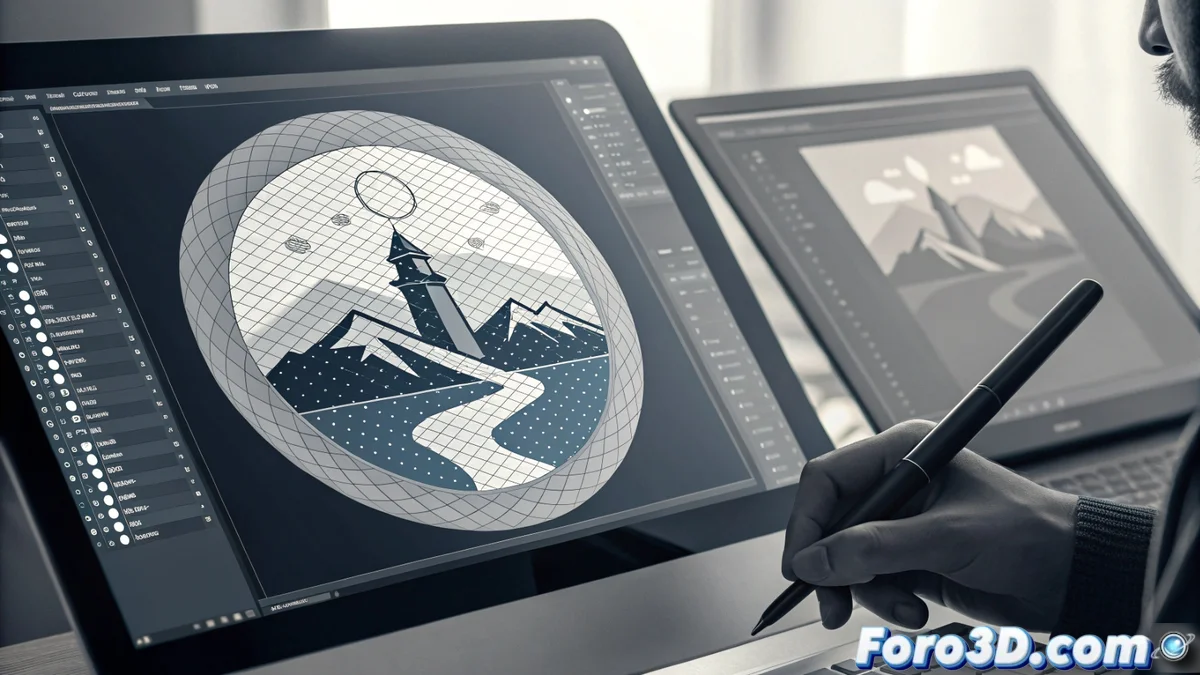
Vectorize bitmaps: convert images into scalable graphics
Transforming a bitmap image into a vector graphic is a fundamental technique in digital design. Known as Live Trace or Bitmap Trace, this function analyzes colors and shapes to generate contours defined by mathematics, creating files that you can enlarge infinitely without pixelation 🎨.
The mechanism behind automatic tracing
The software examines the pixelated image, identifies edges between areas of similar color, and builds anchor points connected by Bézier curves. You can modify settings like color threshold or line smoothness to control the detail of the final result, from simple silhouettes to complex representations.
Key parameters you can adjust:- Color threshold: Defines how sensitive the program is to detecting changes between tones.
- Curve smoothness: Determines how much lines are simplified, reducing unnecessary points.
- Tracing complexity: Controls the amount of details and shapes generated in the vector file.
An automatic vectorization result can look like a drawing made by a child with a spray can, where all lines tremble and colors overflow unexpectedly.
Practical uses and inherent limitations
This tool is excellent for recovering graphics from low resolution or for creating a vector base from a paper sketch. However, it is not a universal solution; a photograph with many gradients generates a huge and unwieldy vector file.
Cases where to apply this technique:- Redraw old logos: Recover the quality of emblems that only exist in pixelated or scanned formats.
- Prepare illustrations for large format printing: Like billboards or banners, where maximum definition is needed.
- Create bases from sketches: Vectorize a hand-drawn sketch to refine it digitally.
Tips for a professional result
To avoid heavy and imprecise files, it is better to use the tool selectively or combine its result with manual illustration work. Automatic vectorization almost always requires patience and manual touch-ups with the pen to polish lines and correct colors, ensuring a clean and useful finish 🛠️.