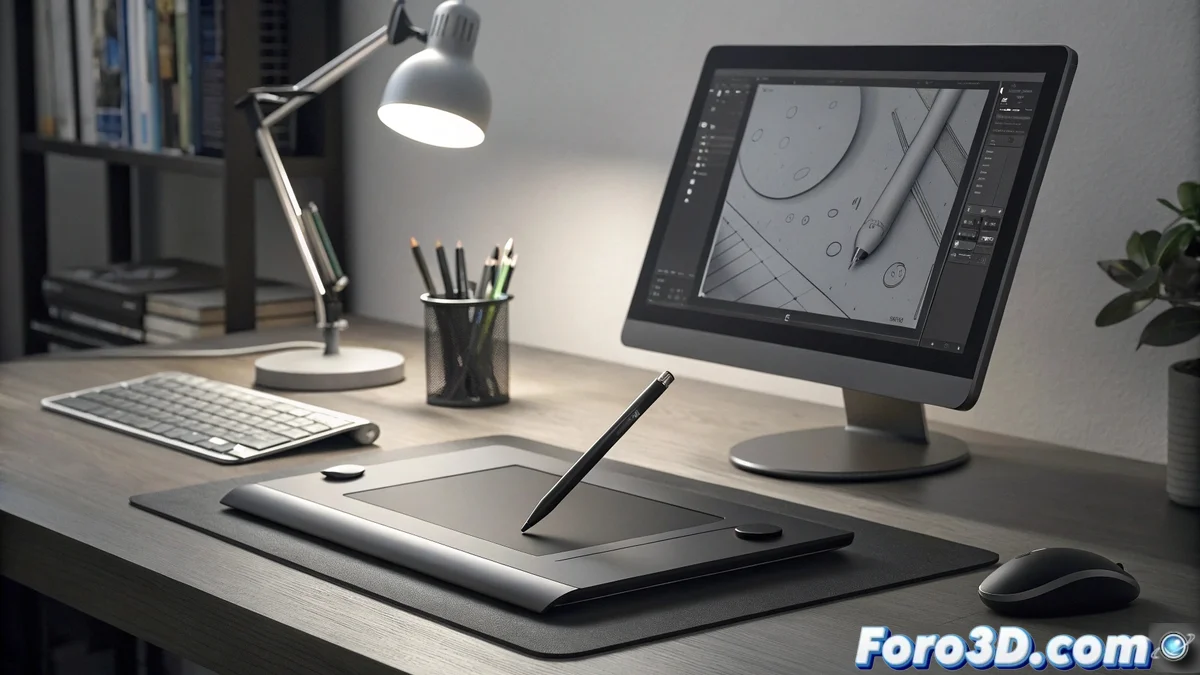
Vector Illustration: Where Every Point Counts and Every Curve Matters
While digital painting celebrates free expression, vector illustration demands millimeter precision and absolute control over every anchor point and Bezier curve. In this world of perfect paths and infinite scalability, the Wacom Intuos Pro becomes the natural extension of the designer's hand, offering the perfect balance between artistic sensitivity and technical accuracy that vector work requires. 📐
Precision That Rivals the Mouse but with an Artist's Soul
The great paradox of vector illustration is that it requires the precision of a mouse but the expressiveness of a pencil. The Intuos Pro solves this dilemma with its high-resolution active surface and the Pro Pen 2, which detects 8192 levels of pressure and up to 60 degrees of tilt. The result is control over paths that makes drawing complex curves as natural as using a rotring, but with the undo capability we all love. ✏️
Specific Advantages for Vector Work:- subpixel precision for anchor point manipulation
- variable pressure for dynamic stroke thickness
- multi-touch gestures for smooth navigation and zoom
- ergonomics that prevent fatigue in long sessions
Optimized Workflow for Adobe Illustrator
Where the Intuos Pro truly shines is in its native integration with professional vector software. Customizable shortcuts on the tablet allow access to frequent tools without taking hands off the work, while the touch wheel facilitates the zoom and scrolling that are everyday in vector design. For illustrators who spend hours placing points and curving, these optimizations translate to projects completed faster and with higher quality.
In vector work, the tablet is not a luxury, it's an ergonomic necessity
The Tablet That Grows with You
One of the most underrated virtues of the Intuos Pro is its scalability. The same device serves both the student taking their first steps in Illustrator and the art director who needs to produce complex vector graphics for corporate identity. The durability of the drawing surface ensures it will continue to respond perfectly after thousands of hours of use, making this tablet a long-term investment in any designer's career.
Applications Where It Excels:- logo design and visual identity
- technical and architectural illustration
- typography and lettering design
- vector graphics for animation
The Perfect Companion for the Modern Designer
In a world where vector projects can range from a simple icon to complex illustrations with thousands of paths, having a tool that adapts to all scales of work is not a whim, it's a professional necessity. The Wacom Intuos Pro proves that sometimes the most valuable equipment is not the one with the most features, but the one that completely disappears allowing you to focus on what really matters: creating perfect graphics that look impeccable at any size.
In the end, the Wacom Intuos Pro is like that project partner who always has the right answer, never complains about overtime, and makes working with Bezier curves almost as satisfying as seeing the final result scaled to the size of a building without losing a bit of quality. 🏢