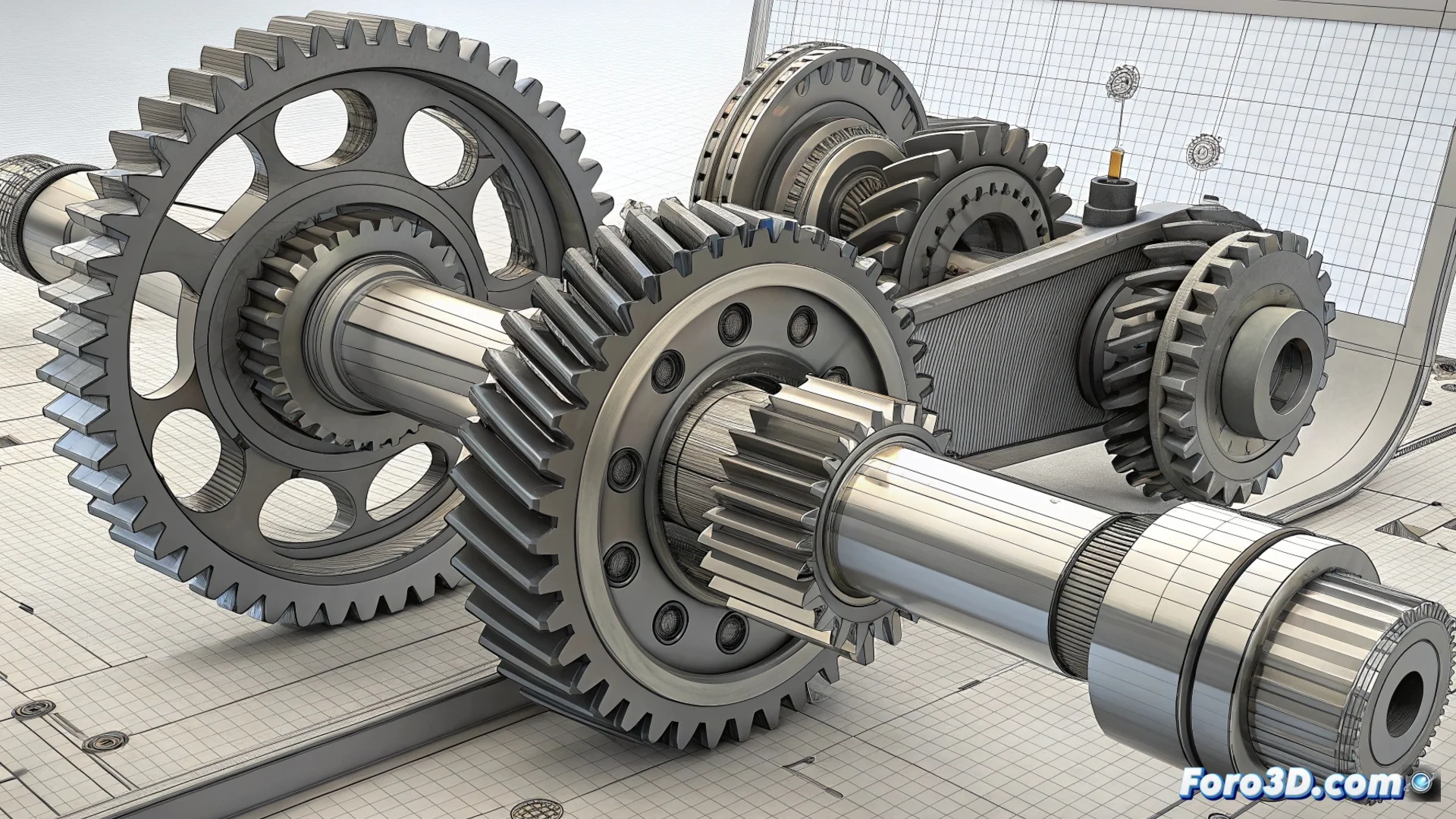
VariCAD allows switching between 3D and 2D views to optimize workflow
The mechanical design software VariCAD incorporates a key function that allows instant switching between the 3D modeling environment and 2D drawing views. This capability transforms how users interact with their projects, eliminating barriers between the concept and technical documentation. 🚀
Instant transition and automatic generation
The tool not only facilitates jumping from one view to another, but also automatically generates all necessary projections. From the three-dimensional model, the program deduces and draws the plans, elevations, and sections, establishing a bidirectional link between both workspaces.
Advantages of the associative link:- Modifying the 3D model instantly updates the 2D views, and any adjustment in the plane is transferred to the volume.
- Avoids manually updating drawings after each revision, saving time and preventing errors.
- Synchronizes geometry with annotations, ensuring all project information is consistent.
The greatest efficiency lies in not having to think about which view you're in, but in being able to go directly to the other one.
Optimize review and verify the design
Quickly switching between perspectives helps verify dimensions, detect interferences between parts, and evaluate the overall assembly layout. This agility is crucial for preparing detailed technical documentation as well as presenting the design from multiple angles clearly.
How it streamlines the design process:- Integrates modeling and documentation into a single unified environment, without duplicated data.
- Accelerates review and correction phases by providing immediate visual context.
- Allows the designer to focus on creating, without managing two independent file sets.
A unified environment for designing
The view switching function in VariCAD consolidates the workflow, making the process of designing, documenting, and reviewing smoother and less prone to inconsistencies. The user perceives 3D modeling and 2D drawing as two sides of the same coin, boosting productivity and precision in mechanical engineering projects. 🔧