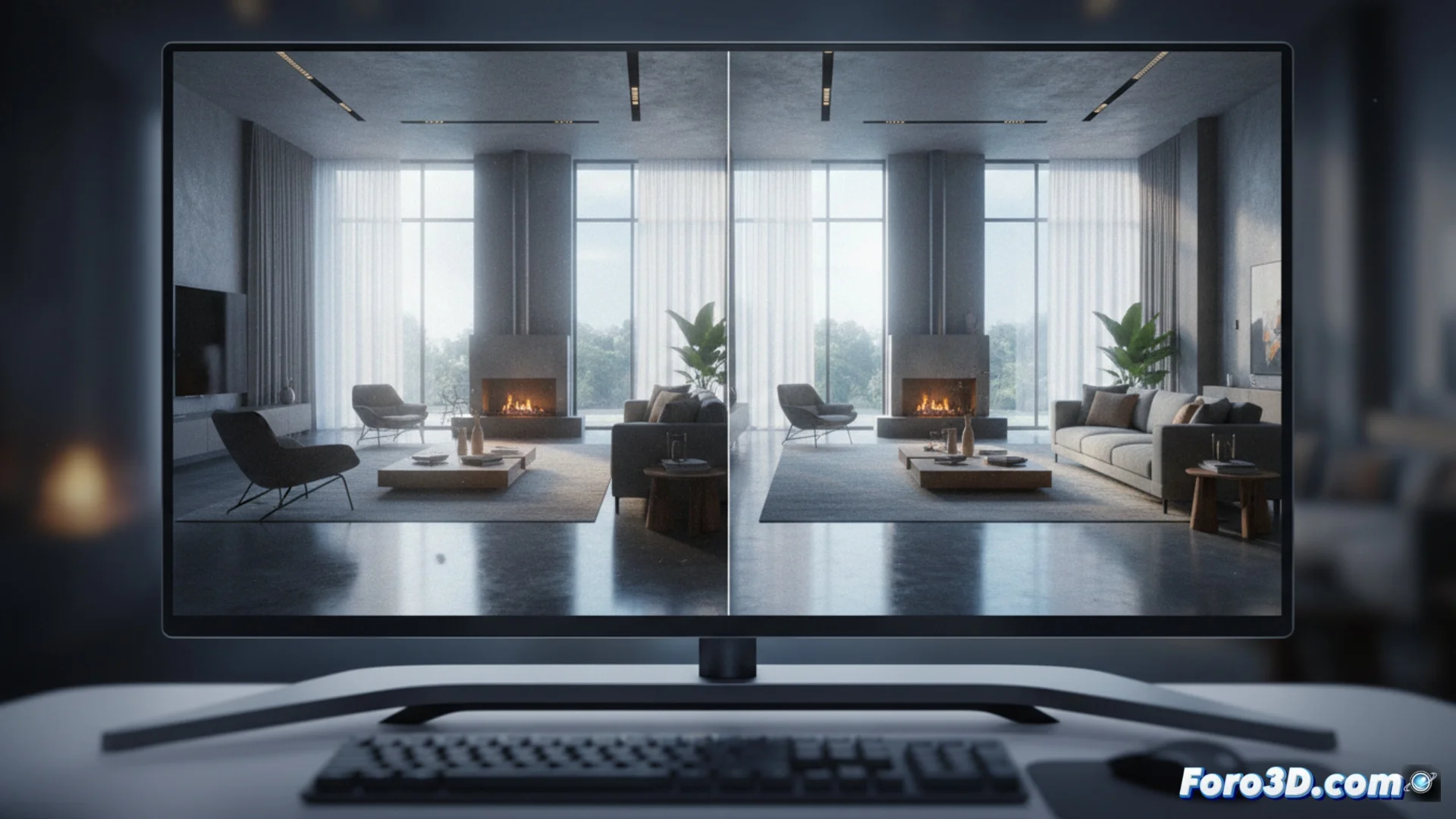
V-Ray AI Denoiser: remove noise during rendering
The V-Ray AI Denoiser is a tool integrated into the rendering engine that acts while the image is being generated. Its main function is to examine the scene information and suppress the grain or noise that arises inherently, especially when using few samples. This enables shortening rendering times without compromising the visual quality of the final result. 🚀
How does this AI-powered denoiser work?
To perform its task, this system employs artificial intelligence algorithms that have learned to distinguish between digital noise and genuine details of texture and geometry. It operates in an integrated manner, so no external software is needed.
Key features of the process:- Processes data while the render progresses, not afterward.
- AI algorithms are trained to recognize and preserve fine details.
- Allows using fewer samples per pixel, speeding up the entire workflow.
AI denoising technology is changing how we balance speed and quality in visual production.
Two AI engines to choose from
This component offers the versatility to select between two base technologies. The user can choose based on their equipment and specific requirements.
Available options:- NVIDIA OptiX Engine: Uses NVIDIA's AI acceleration and requires a graphics card from this brand to function.
- Chaos's own engine: Developed internally, this engine does not depend on hardware from a specific manufacturer and can run directly on the system's CPU.
Integration and practical considerations
Activating the V-Ray AI Denoiser is straightforward from the V-Ray settings. The process happens natively during the final rendering phase, delivering a clean image that maintains complex details like hair or subtle textures, which other methods might blur. This helps artists iterate and review their scenes more quickly. However, it is recommended to supervise the result to verify that it has not suppressed tiny but crucial elements, such as a very thin wire or a specific seam on a model. 🔍