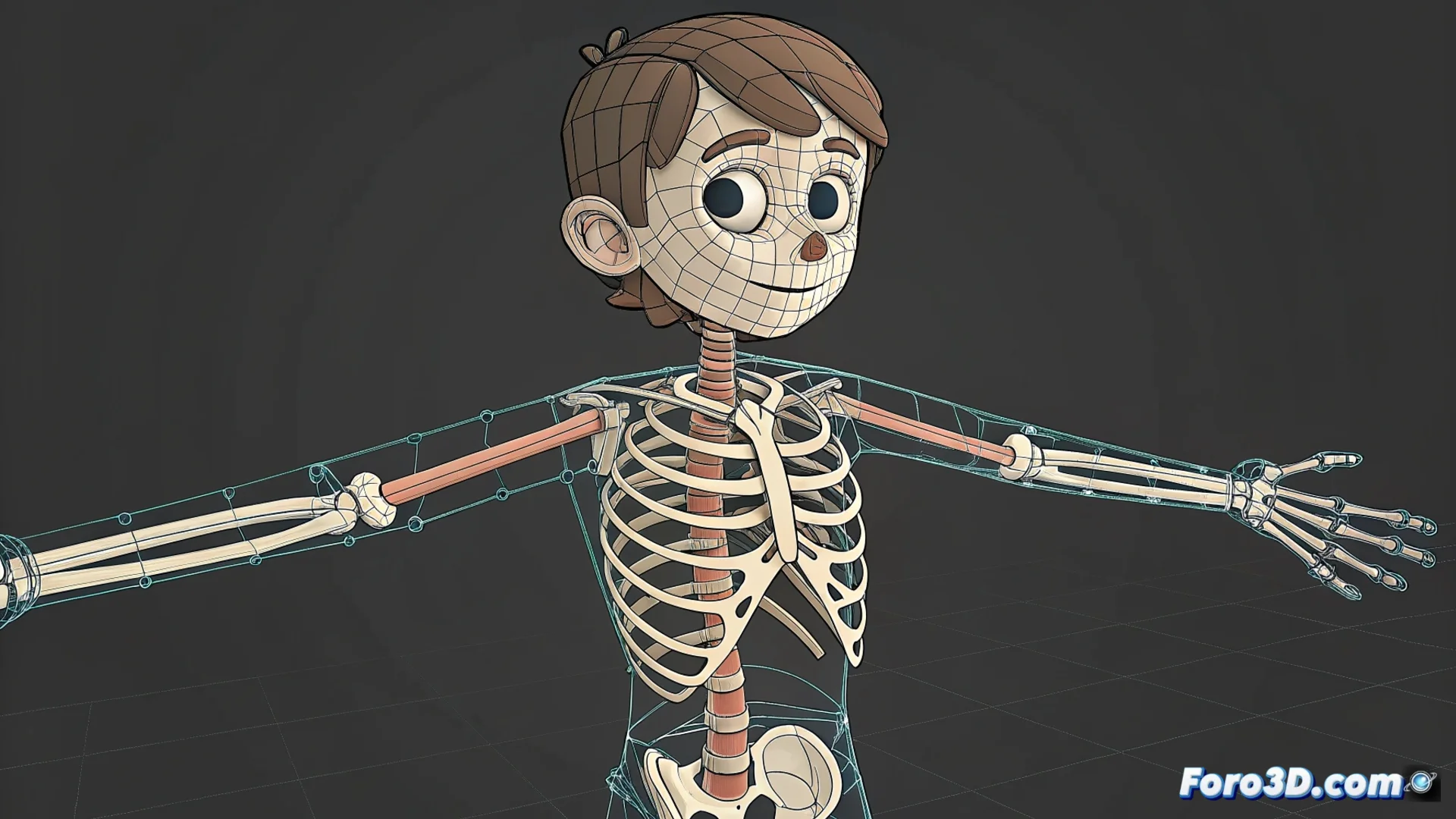
Using the Bone Tool in Adobe Animate for Vector Rigging
In the 2D animation workflow, Adobe Animate's Bone tool is fundamental. It allows implementing inverse kinematics (IK) directly on vector illustrations, transforming a static drawing into a digital puppet ready to animate 🎭.
Setting Up the Inverse Kinematics Structure
To get started, prepare the vector character. Its parts, like arms or legs, must be separated into symbols or editable shapes. Then, select the Bone tool. The process begins by clicking and dragging to draw the first bone, usually from a central point like the torso. Continue adding bones to form complete chains that define the limbs. Animate automatically generates an armature that links these elements. Subsequently, you can adjust the constraints of each joint to control how they rotate and move, establishing realistic physical limits.
Key steps to create the rig:- Prepare the vector art by separating its components.
- Draw the bone chain from a main anchor point toward the limbs.
- Adjust the properties of each joint to limit its range of motion.
The tool transforms a static drawing into a digital puppet, although sometimes the bones seem to have a mind of their own.
Advantages of Animating with IK on Vector Graphics
This method is highly efficient. It greatly speeds up the process of animating natural and complex movements, such as walk cycles or repetitive gestures. By saving key poses, the software interpolates the intermediate frames. It also simplifies making corrections: modifying a parent bone updates the entire connected limb. It's ideal for producing interactive content and web animations, as vector graphics maintain quality when scaled. However, it requires careful planning of the bone structure from the start to avoid unexpected twisting during animation.
Main benefits:- Speeds up creating animation cycles and organic movements.
- Facilitates editing and correcting poses globally.
- Generates scalable assets perfect for the web and interactive applications.
Final Considerations for a Successful Rig
Mastering the Bone tool allows animating 2D characters similarly to manipulating a marionette, where moving an end bone makes the rest of the chain react. This inverse kinematics approach is powerful for fluid movements, but its success depends on careful initial setup. A well-designed armature provides total control, while a careless structure can make the puppet "decide how to dance" on its own. It's a core technique for any animator looking to optimize their workflow in Adobe Animate 🤖.