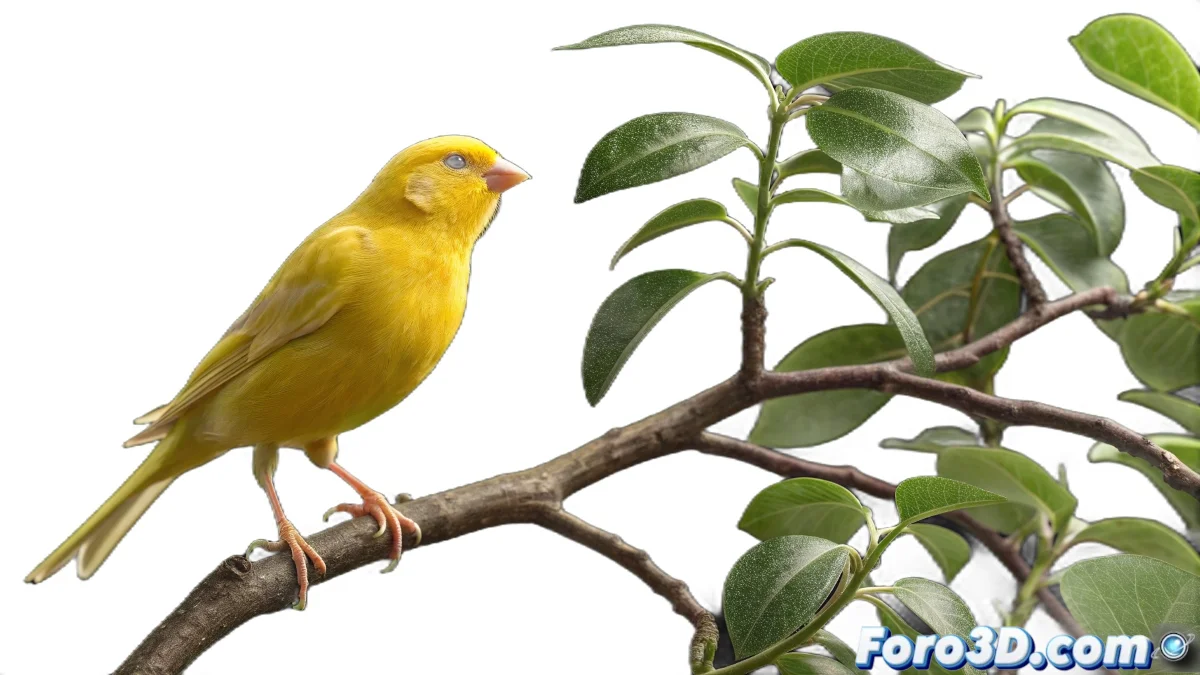
The Art of Extracting Transparency from Videos
When you have a video of a canary filmed against a black background and want to integrate it over a tree image in Blender, you're facing a classic post-production and compositing challenge. The technique you're looking for is called keying or chroma key and is essential for integrating separately filmed elements into composite scenes. Although we normally associate this technique with green or blue backgrounds, a well-lit black background can work excellently for creating transparencies, especially with light subjects like a canary where the contrast is evident. Blender offers powerful tools both in the Video Editor and the Compositor to achieve this effect professionally.
Methods to Create Transparency from Black Background
There are several approaches in Blender to convert that black background into transparency, each with its advantages depending on your video quality and the result you're seeking.
- Luminance keying in the Video Sequence Editor
- Nodes in the Compositor for advanced control
- Difference filters for non-uniform backgrounds
- Transparency adjustments by alpha channel
Setup in Video Sequence Editor
For a quick and effective solution, the Video Sequence Editor (VSE) offers built-in keying tools that can solve your specific case with few adjustments.
Doing keying with a black background is like extracting a diamond from a coal mine: the natural contrast makes the separation cleaner
- Add the video as a strip in the VSE
- Apply the Luma Key or Difference Key effect
- Adjust the threshold to remove only the black
- Overlay on the tree image
Advanced Technique with Nodes in the Compositor
For greater control over the process, especially if the black background is not perfectly uniform, Blender's Compositor gives you absolute precision over every aspect of the extraction.
Mastering keying techniques in Blender opens up a world of creative possibilities for your video and animation projects 🎬. Every time you successfully integrate separately filmed elements, you're expanding your capabilities as a digital artist and creating compositions that challenge the perception between the real and the virtual.