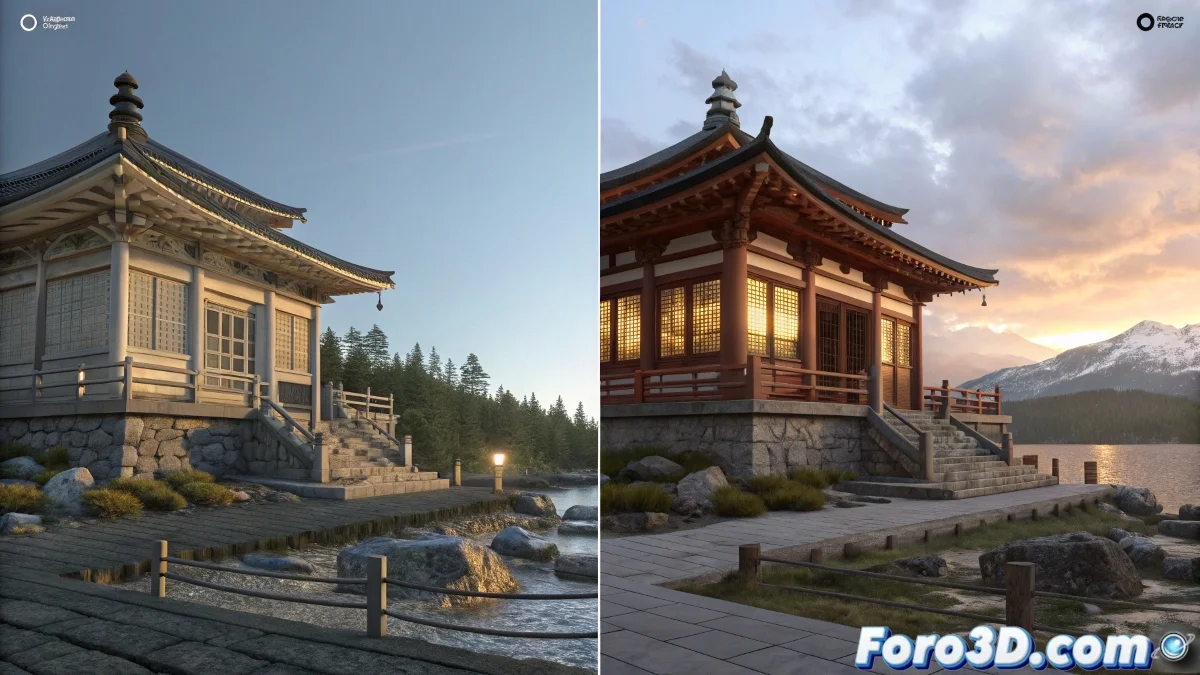
Updating Old 3ds Max Scenes Without Losing Your Sanity
Have you found a .max file from the era when rendering with raytrace was the cutting edge? 🦖 Fear not, opening it in a current version of 3ds Max is possible, though it might feel like deciphering an Egyptian papyrus. Be prepared, however, for some incompatibility warnings that will make the software seem like a grumpy grandpa. 👴💻
What Survives (and What Doesn't) in the Update
3ds Max is surprisingly resilient with old files, but some details might get lost in the time travel:
- Raytrace materials: They will work, but like that old piece of furniture that no longer matches anything.
- Third-party plugins: If they don't exist in the new version, they will vanish like tears in rain. ☔
- Environment effects: Old Lens Effects and volumetrics might need manual resurrection.
Tricks for a Less Traumatic Migration
If you want to avoid your scene turning into abstract art when updating:
- Save a copy immediately with a new name (just in case).
- Check the Render Setup to confirm it's still using Scanline.
- If you switch to Arnold or V-Ray, be prepared to redo materials as if it were a new project.
In the 3D world, nothing ages faster than a render that was once considered "photorealistic".
Is It Worth Updating?
It depends. If it's to recover a classic animation or useful assets, yes. If it's for use in current production, it might be better to rebuild certain elements. In the end, as the veterans say: "What worked in 2003, in 2023 might just be rendered nostalgia". 🕰️
So next time you find a .max file from the digital prehistory, remember: with patience and a bit of luck, even 3D hieroglyphics can come back to life... even if only as an archaeological curiosity. 😄